Read the wireless tab on your laptop.
The score and the network name ride on the heartbeat, so they show while the laptop is off. The timeline is read from the machine.
Open the laptop
Open Reception PC. The workspaces are health, network, work, and history. Health is open. The strip's wi-fi number is 82, and the name under it is Example-Staff. That comes from the last heartbeat. This shot does not open the recorder.
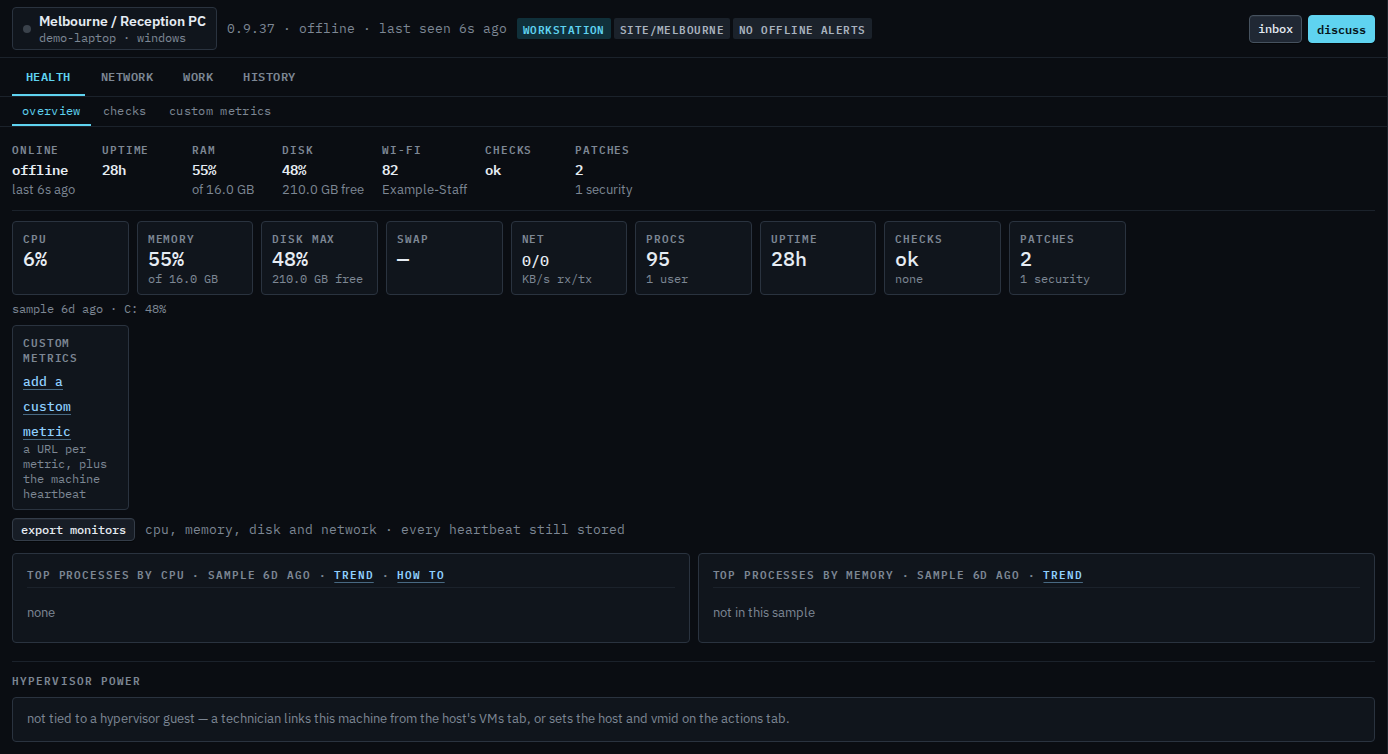
Open the wireless tab
Press network, then wi-fi. The page says the machine is offline and the recorder is read from the machine itself. There is no timeline, no roam, and no drop until the laptop is connected. The score on the previous page is still the last heartbeat. This shot does not ask the machine.

The rest of this machine is Open one of your machines. What your provider sees on the same laptop, including the network tab, is Read a Wi-Fi machine. A check that the signal is too weak is theirs to push: Alert when the signal is weak.