Only check during working hours.
Health › checks, then raw JSON. The menu cannot express a window. The document can: when the clock is inside the window, evaluate the check.
Open raw JSON and write the window
Open the machine, then health › checks, and open raw JSON. A window is a when: if is a time_window (days, from, to), then is the check that should run inside it. Here the print spooler is only judged on weekdays from 08:00 to 18:00. Hours are the machine's local clock. Check that a service is running is the same service with no window.
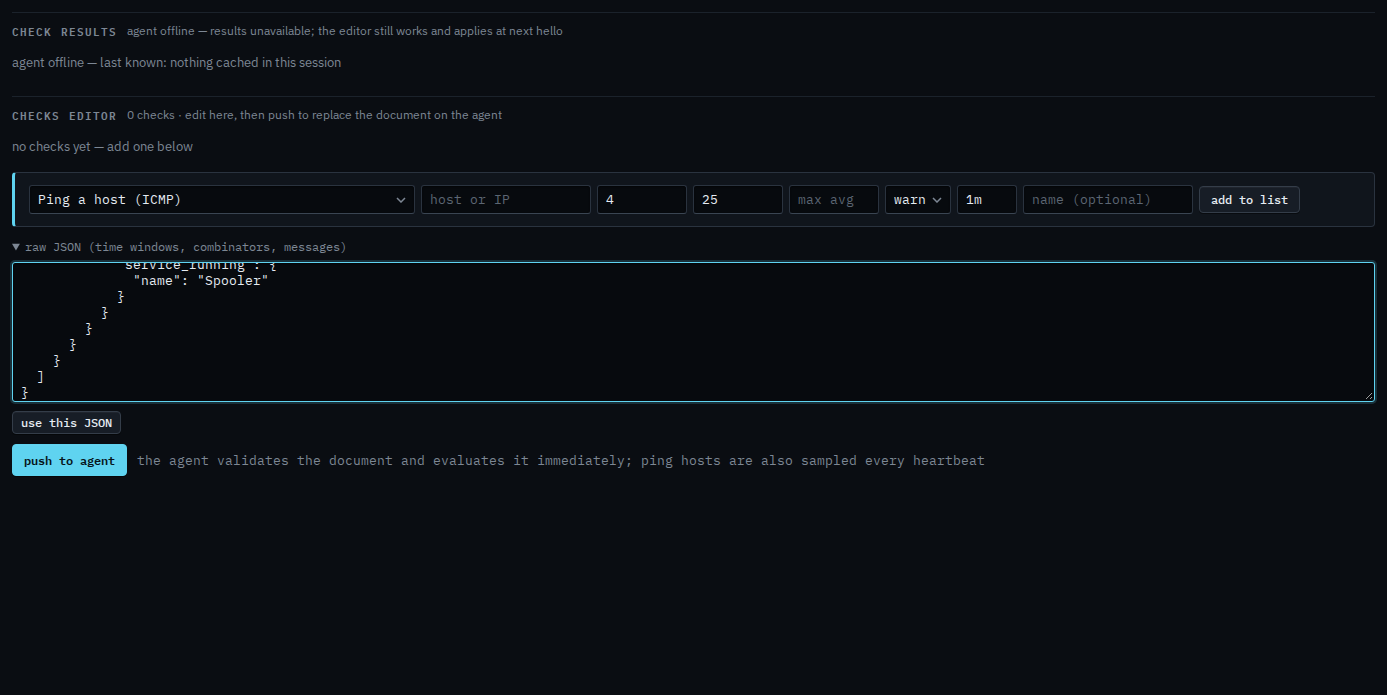
Use this JSON, then push
Press use this JSON. The check appears in the list as a when. Push to agent is the next click, and it asks you to confirm. Push replaces the whole document. This shot stops before that, so nothing has been sent. Outside those hours the check does not fail and does not alert. Inside them, a stopped spooler is a check failure.
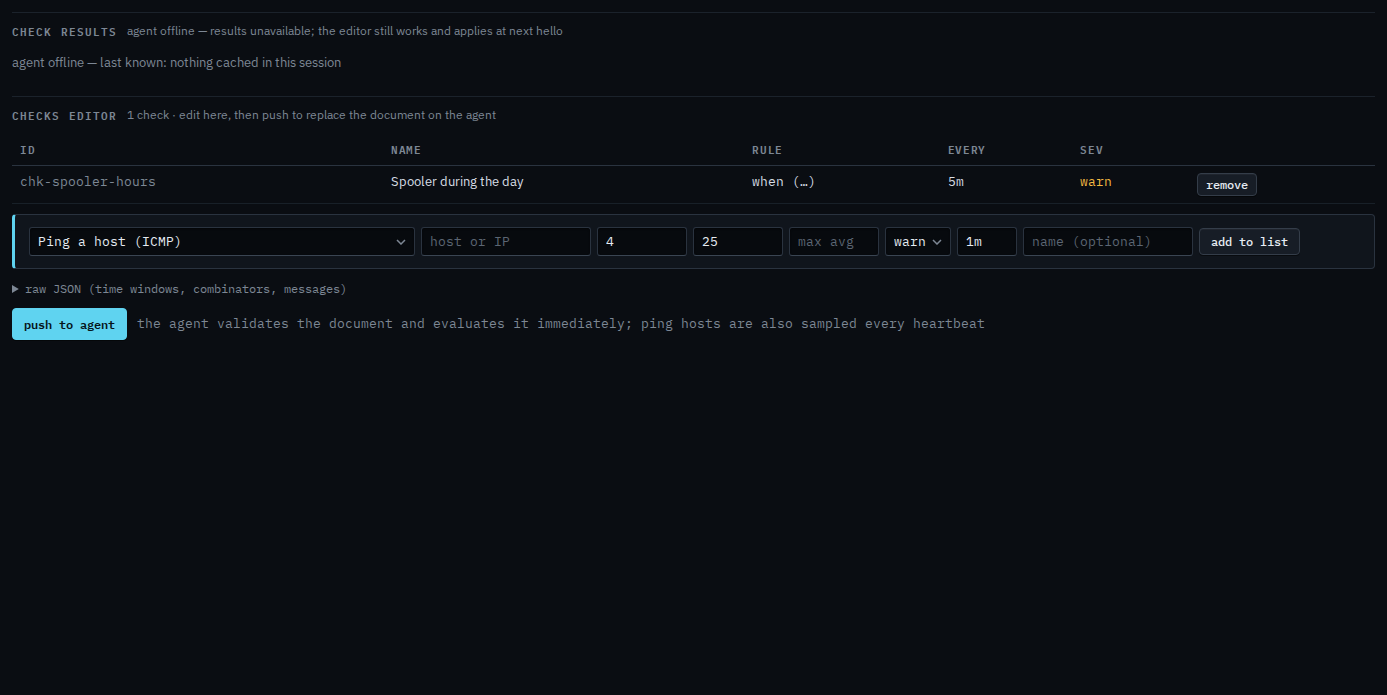
Push is a two-step button. The agent must be online to evaluate. You can still edit the document while it is offline and it applies at the next hello. The service on its own, with no window, is Check that a service is running. A check that needs every part, or any one part, is Require every part of a check.