Stop a script that is still running.
A script keeps running after you close the page. Stop is how you end it. The run then reads stopped.
Open Scripts › runs
The runs tab is the default. A row that is still going shows running and a stop button. Who is signed in has been going on Accounts server since 03:50. Closing this page leaves it running. The note above the table says so, and links here.
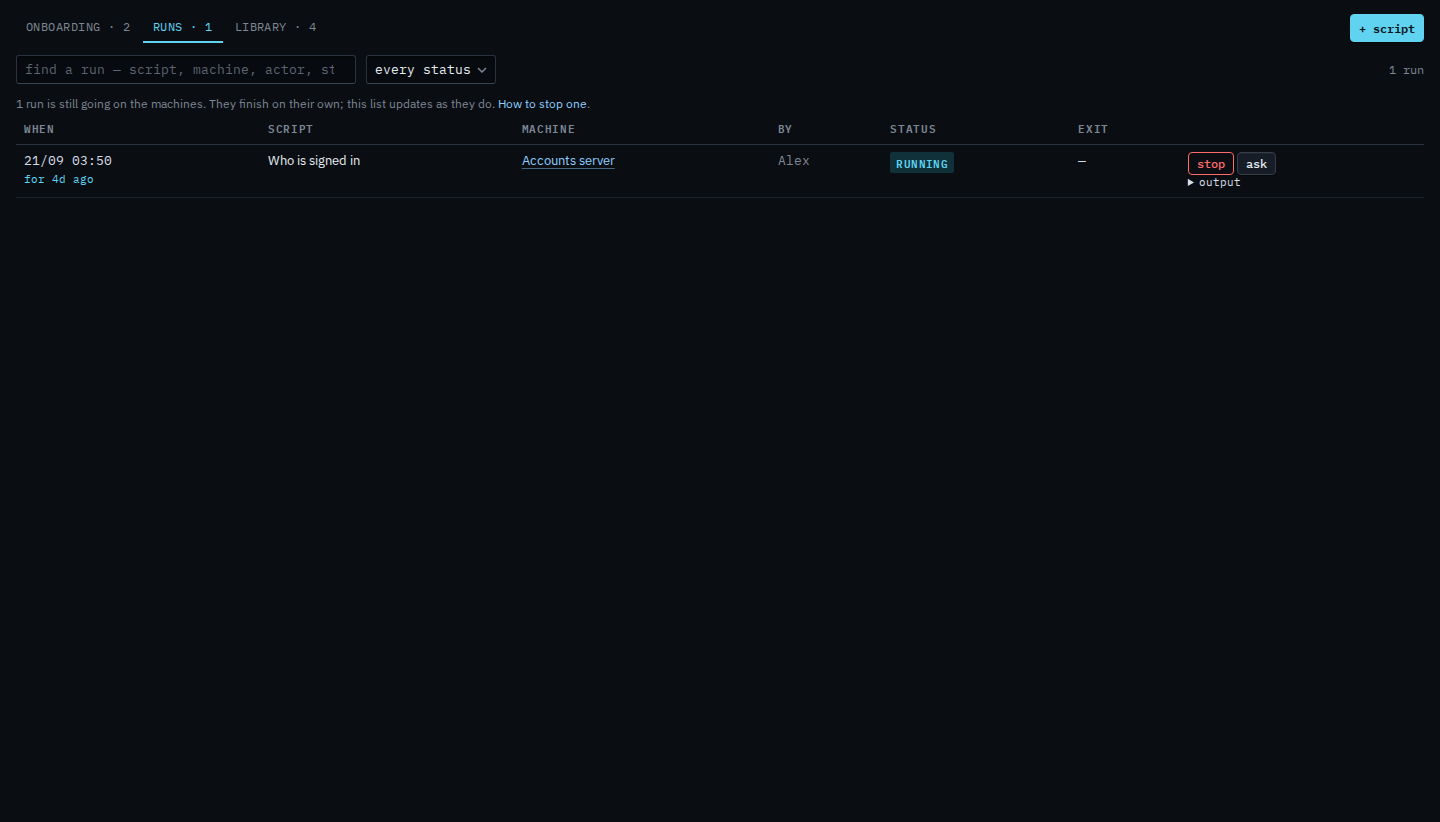
Press stop, then confirm
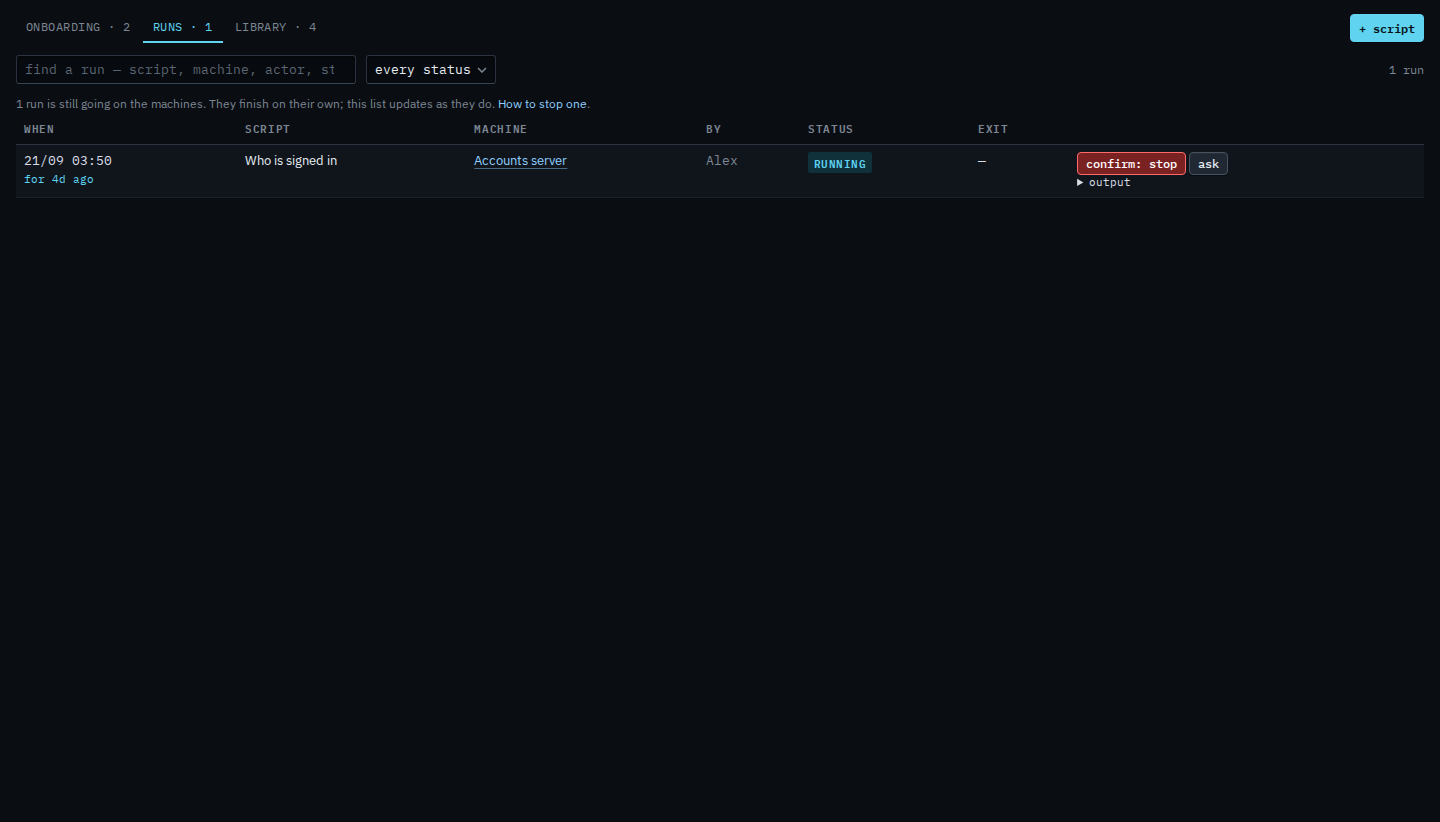
Press stop. The label turns into a confirm. Press it again to stop the script on the machine. This shot stops on the confirm, so the run is still going. After the second press the row reads stopped. A run that finished on its own reads done or failed, and the stop button is gone.
Starting one is Run a saved script. Keeping only finished rows is Show script runs that have finished. A script that starts itself is Run a script on a schedule. Asking what a finished run did is Ask what a script run did. Taking the script out of the library is Remove a script from the library.