Accept a known condition.
Accept is not a mute. For disk you must give a way back: a higher percent, a free-GB floor, or an end date. When it gets worse than that, it re-opens.
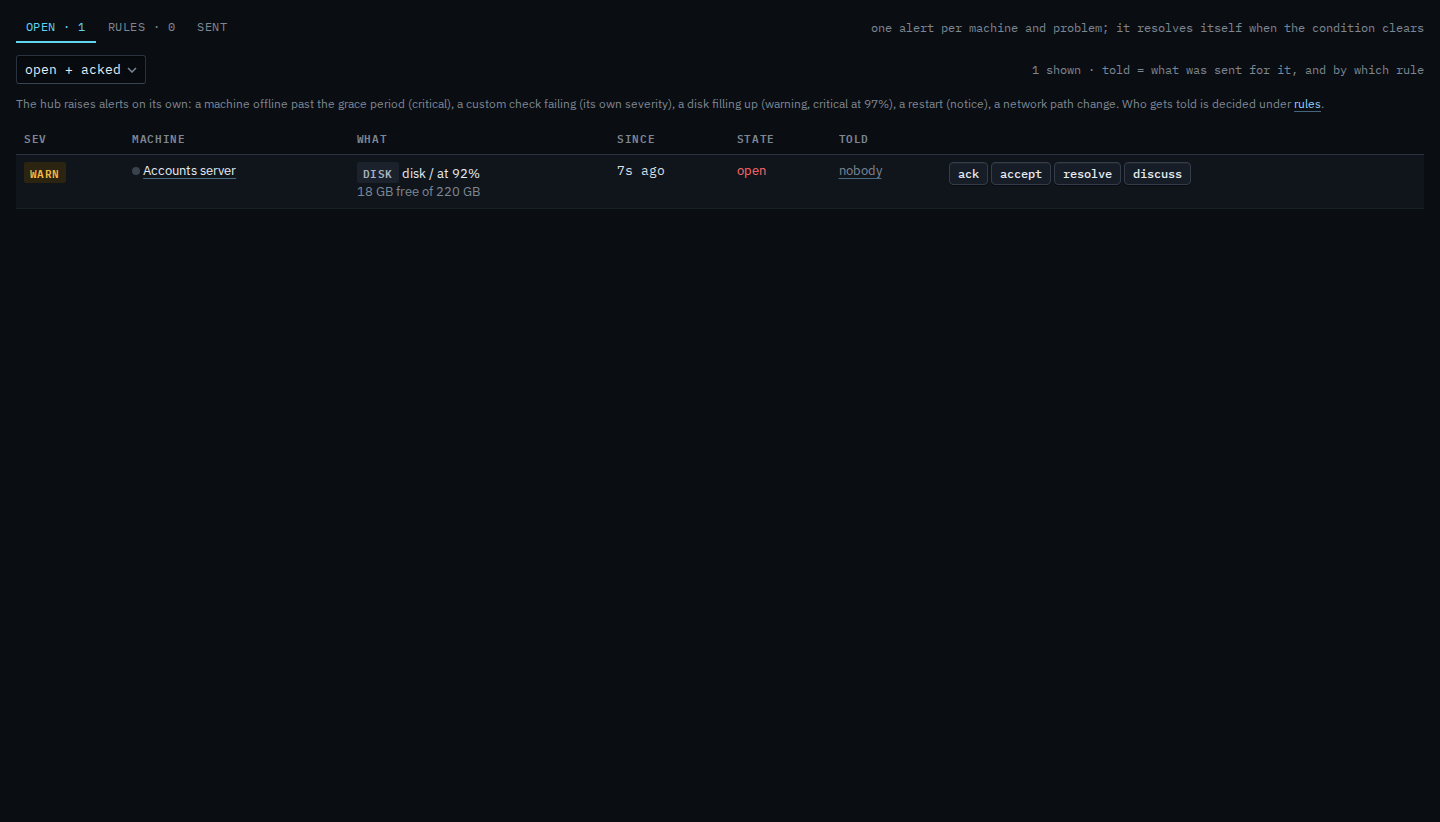
Press accept on the alert
On Alerts › open, or on the machine overview, press accept on a disk, check, network or container alert.
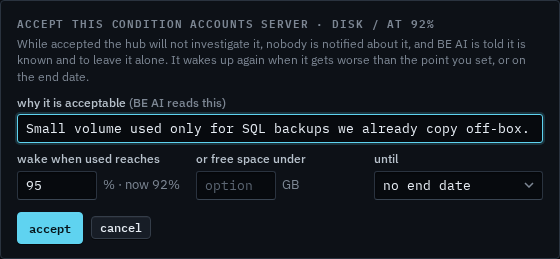
Say why, and where it should re-arm
Write the reason in plain language — BE AI reads it and will refuse to keep proposing. For disk, set a re-arm percent above where it is now (the form suggests current + 3%), or a free-GB floor, or an end date.
Ack is “I saw this.” Accept is “this is known, no action.” Use accept for the music-library disk and the check that fails by design. An end date on the same form is Accept a condition until a date. A free-space floor is Accept a disk until free space falls. Taking it back, so investigations resume, is Release an accepted condition.