Resolve an alert by hand.
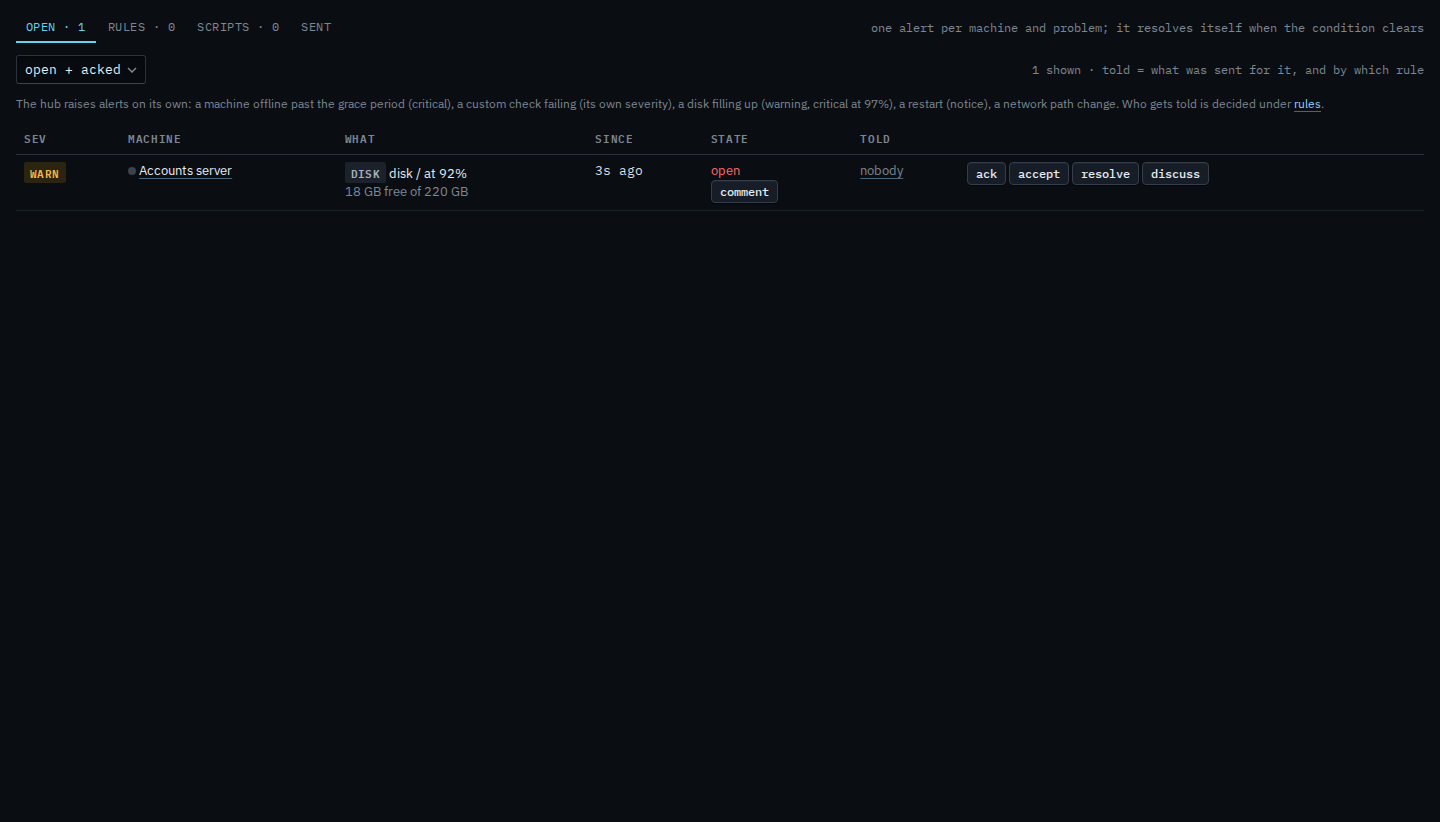
Alerts › open. Resolve is on the row. The hub also closes an alert on its own when the condition clears. Use this when you already fixed it and the row is still open.
Open Alerts
On Alerts › open, resolve is on the row, after accept. Accounts server has a disk warning the hub still considers open. Press resolve when you have already dealt with it. Ack only records that a person saw it.
Say why it can close
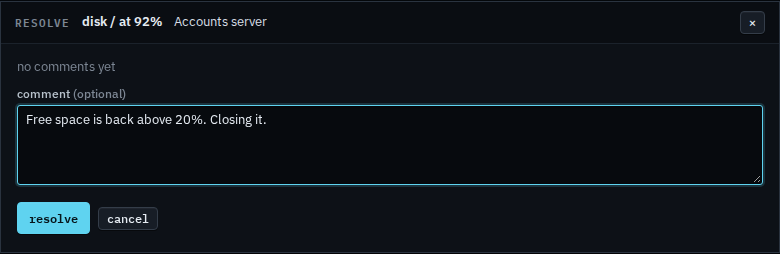
The box is titled resolve. The comment is optional. Leave it empty and resolve still closes the alert. A note you type stays on the thread after the row moves to resolved. This shot stops before that press, so the alert is still open. Cancel drops the box and leaves the row open.
A second message when the condition clears, sent by a rule, is Tell them when an alert clears. Acknowledging without closing is Acknowledge an alert. The thread is Leave a comment on an alert. The same button for a sub-company user, with no accept, is Resolve an alert on your machines.