Accept a condition until a date.
Alerts. Accept on a disk, check or network alert. The until menu is on the form. Accept is the button that saves it.
Open accept
On Alerts, press accept on the disk alert. Until says no end date. Wake when used reaches is already 95%, three points above the 92% it is at now. That percent is enough on its own. The date is a second way back. Accept a known condition is the note and the percent.
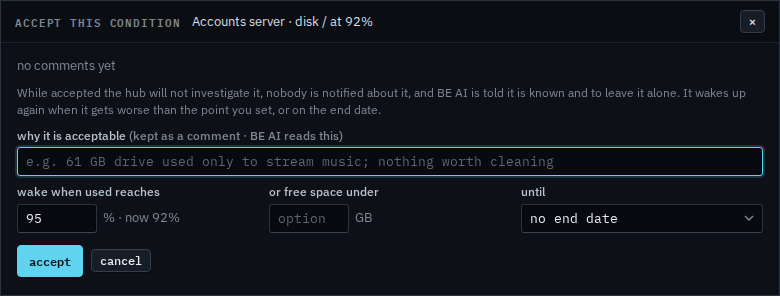
Set until to a year
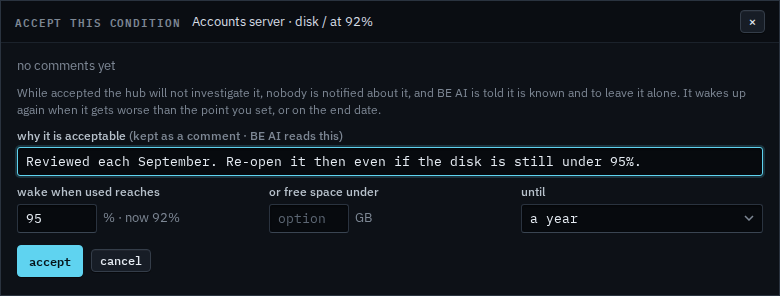
Set until to a year. 30 days, 90 days and 6 months are the other choices. The 95% line stays, so it also re-opens if the disk reaches that first. Clear the percent when the date should be the only way back. Write why. Accept saves it. This shot stops before that button, so the alert is still open and nobody has accepted it.
The rest of the form is Accept a known condition. A free-space floor on the same form is Accept a disk until free space falls. Taking an acceptance back by hand is Release an accepted condition. Ack is not this — Acknowledge an alert.