Read seats and this month's BE AI.
Usage is for a company admin. The month is UTC. Pick another month in the menu.
Open Usage
Open Usage. Seats in use is the named people: company admin, operator, owner, and a sub-company user. The tiles under BE AI investigations split the month into alert, nightly and questions. Example IT is invoiced by hand, so the pool says unlimited and seats are not metered yet. The one billable run is the disk investigation on Accounts server. See what BE AI already did is that same work, one investigation at a time. Invite a teammate is how a seat is added.
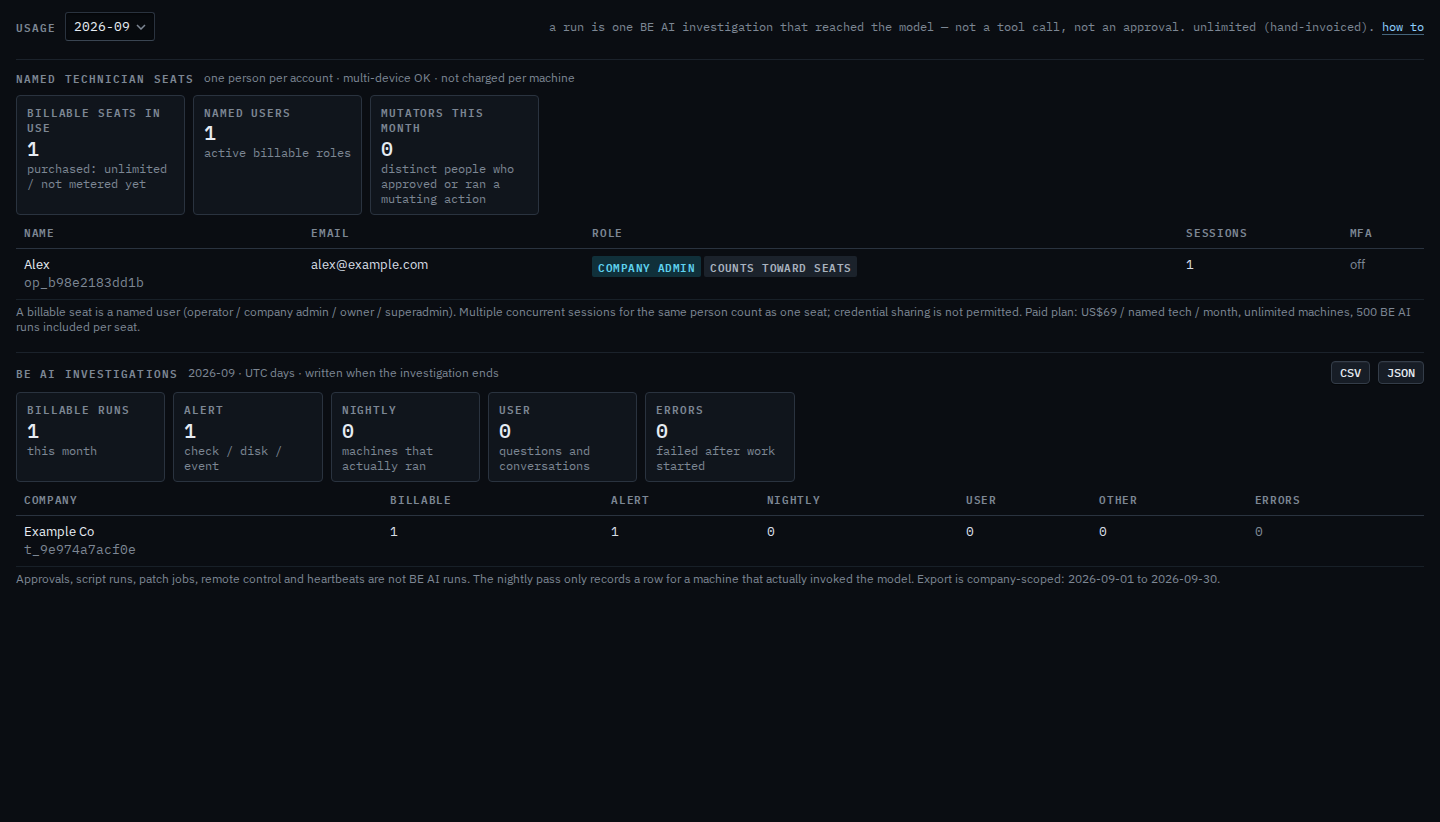
CSV and JSON are the same investigations, for the month on screen. A hand-invoiced organisation is not metered. A paid one shows how many runs remain of the included amount plus any packs. An earlier month is Read an earlier month.