Write an internal note.
Notes are for the next person, not for the model. The drawer is on the top bar. On a phone it is under More.
Open notes from the machine
Press notes on the top bar while a machine is open. The drawer remembers that you were on that machine. + note starts one. Here shows only notes for what is on screen.

Write it, then create
Title and the note. Private to me hides it from the rest of the company. Press create. The note stays on this machine, and it is listed on the overview. Share with BE AI appears after it is saved, and only then does the model see the text — it is appended to the machine's notes for technicians and for BE AI. That is a different field from this drawer. Name a machine and put it in a group is where those notes live.
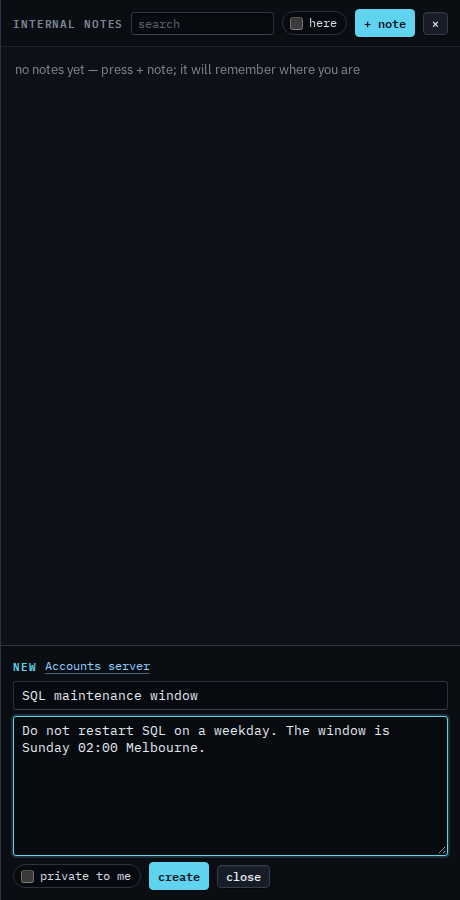
⌘⇧N (Ctrl+Shift+N) opens the drawer on a new note. A word in the box is Find an internal note. Here limits the list to the machine on screen — Show notes for this machine. Keeping one to yourself is Keep a note to yourself. Giving one note to the model is Share a note with BE AI.