Ask BE AI about one site.
Fleet. Each group row has discuss beside focus. The conversation is the machines under that row.
Discuss on the site row
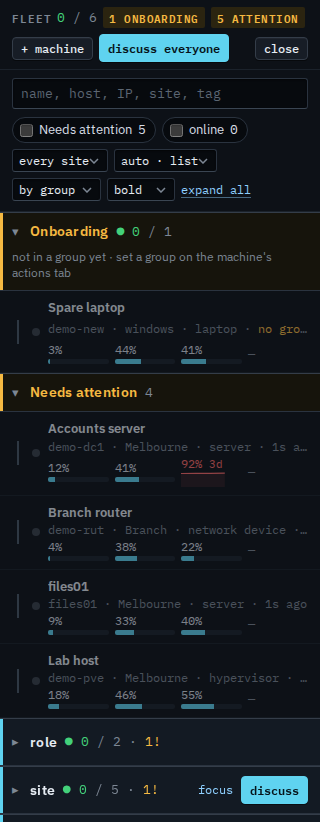
Open Fleet. The group rows are the dimensions on the machines: site, role, and the paths under them. Hold the pointer on site. Discuss appears beside focus. That conversation is the machines under site — Melbourne and Branch — and not the ones with no site. Discuss everyone on the header is the whole company.
Ask about that site, then send
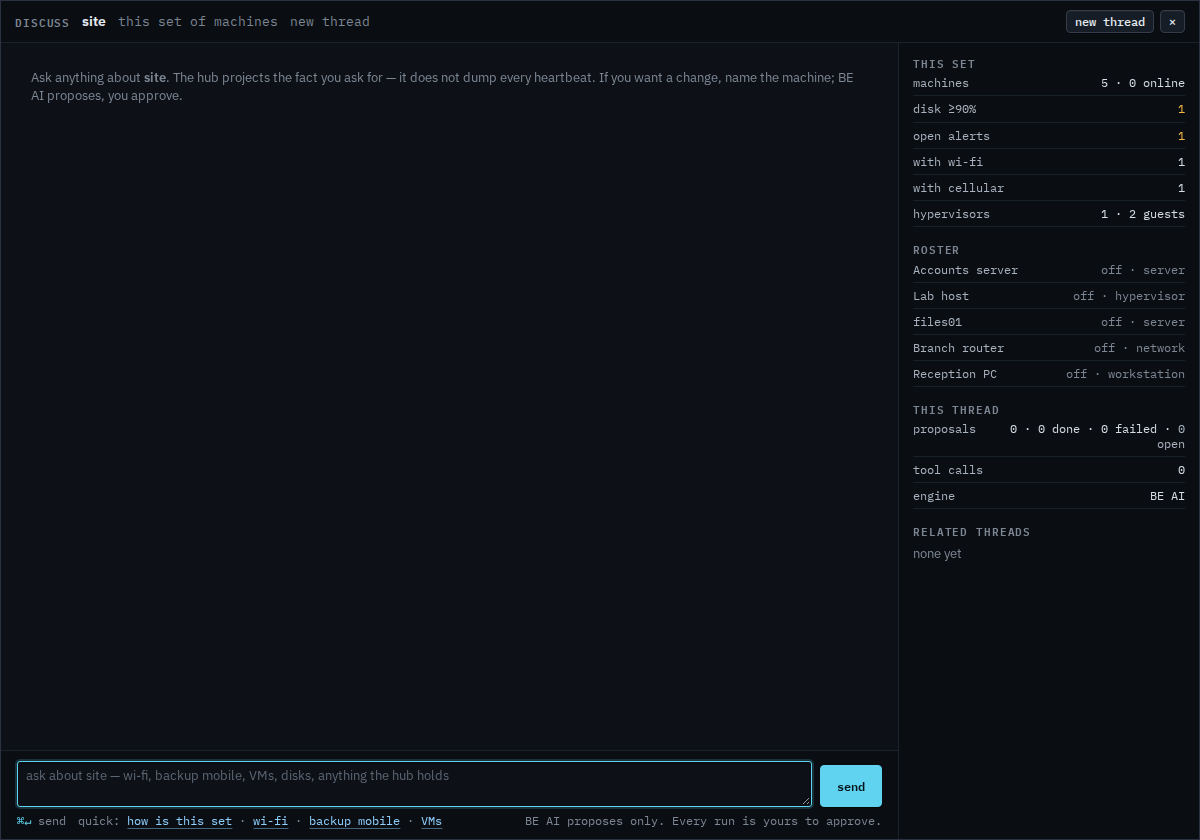
The title is site. Quick links fill the box. Write the question and press send. BE AI answers from heartbeats, alerts and the other facts the hub already stored for the machines in that group. A change on one machine is still a proposal you approve, and the proposal names that machine.
Everyone in the company is Ask BE AI about a group. One machine is Ask BE AI about a machine. A saved report's discuss button is Ask BE AI about the machines in a report.