Stop automatic investigations on one machine.
Work › actions › BE AI. Investigate alerts automatically is the middle tick. Clearing it saves at once.
Open BE AI on this machine
Open the machine, then work › actions, and open BE AI on this machine. The heading says included. Included in BE AI stays ticked. Investigate alerts automatically is on, so an alert can start a run. Scheduled daily pass is on as well. Skip the nightly pass on one machine is the tick under this one.
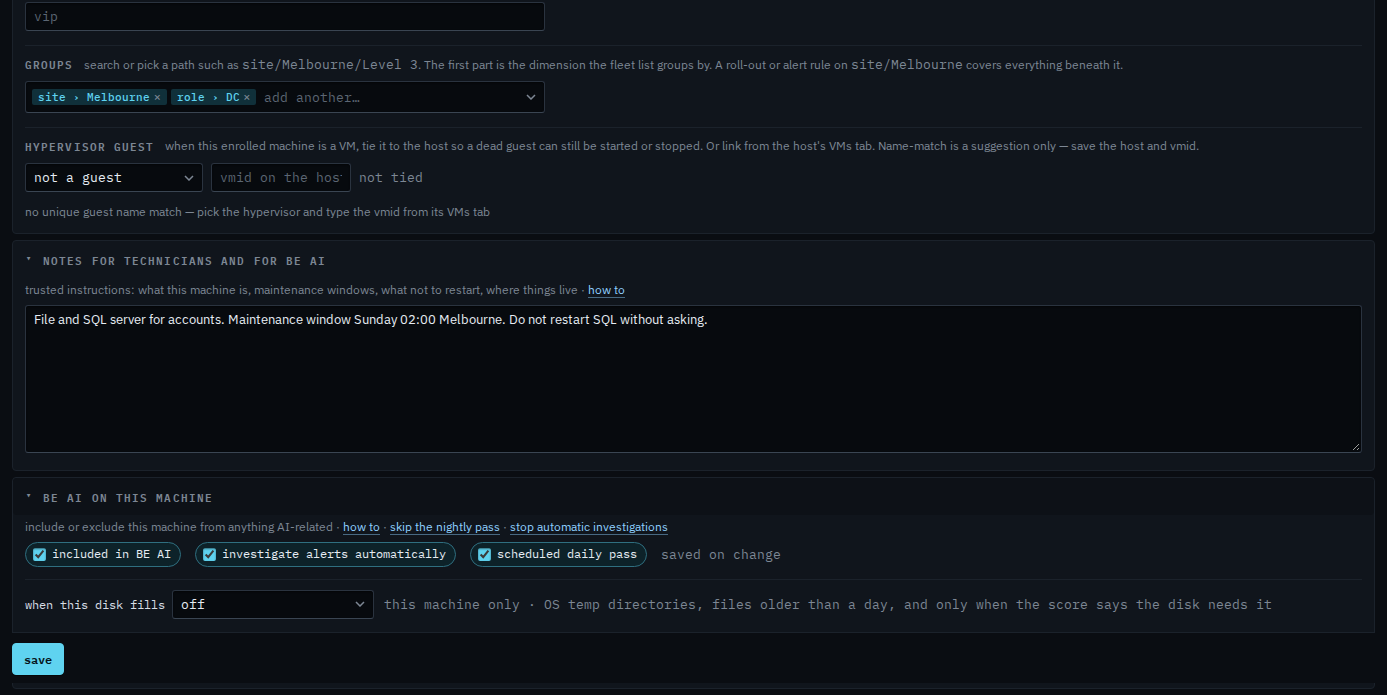
Clear investigate alerts automatically
Clear investigate alerts automatically. It saves immediately. The heading changes to limited. Discuss still works, and the nightly pass still looks at this machine. An open alert does not start a run on its own. Tick it again and automatic investigations come back. This guide's last step ticks it, so Accounts server is not left limited.
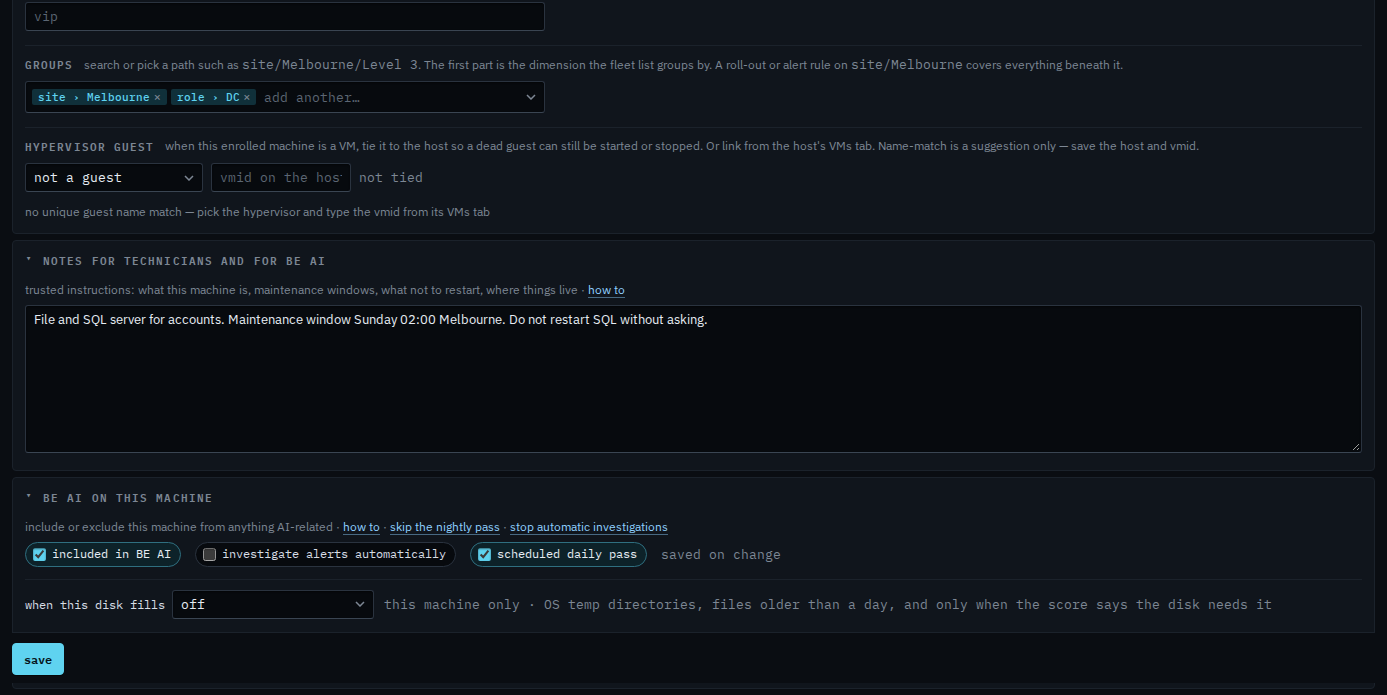
Clearing the nightly pass and leaving investigations on is Skip the nightly pass on one machine. Clearing included in BE AI turns discuss off as well — Leave a machine out of BE AI. A repeating alert that already has an open investigation is held until someone acks or resolves it, even while this tick stays on.