Remove a script that runs when an alert opens.
Alerts › scripts. Delete is the red button on the row. The saved script in the library stays. Only this trigger goes.
Open Alerts › scripts
A trigger has delete on the row, after edit. Example Co's trigger runs “Who is signed in” on Accounts server when Reception PC goes offline. Delete removes the trigger. The script itself stays in the library. The first press only asks you to confirm.
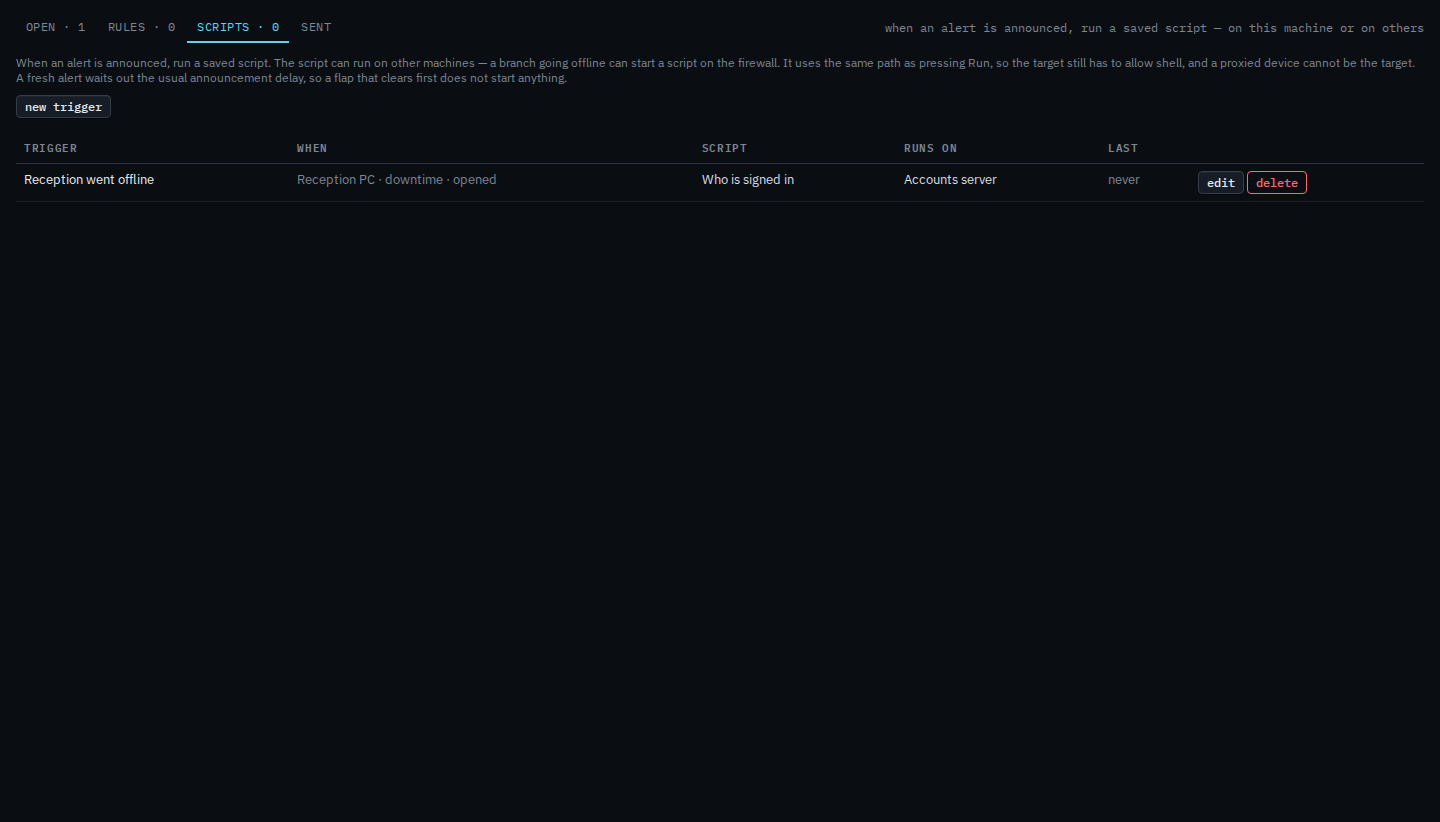
Press delete, then confirm
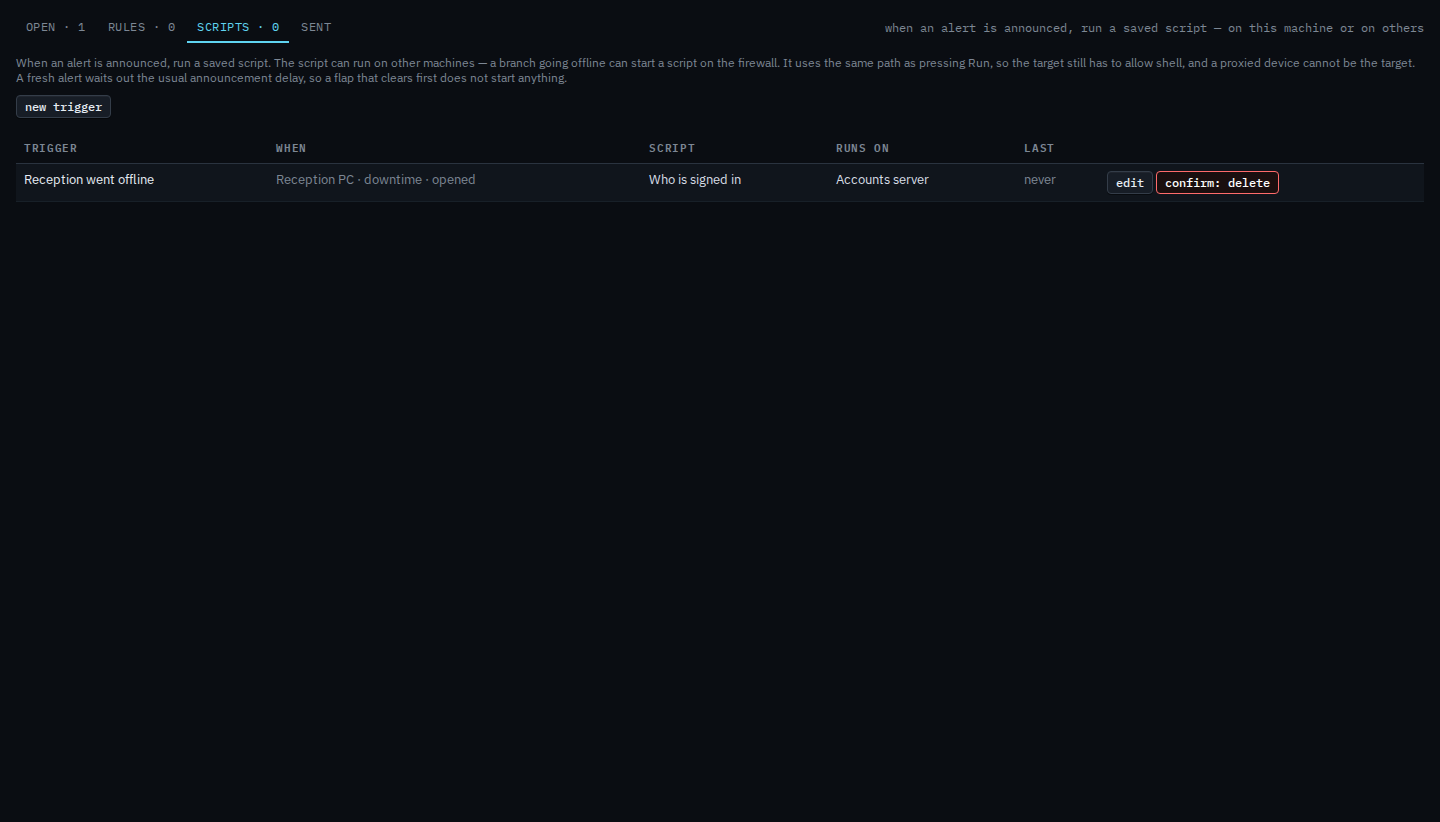
Press delete. The label turns into a confirm. Press it again to remove the trigger. This shot stops on the confirm, so the row is still there. After the second press the row is gone. Alerts that are already open stay open, and a script run that already started is left alone.
Creating one is Run a script when an alert opens. Changing it without removing it is Change a script that runs when an alert opens.