how-to · machine
Open this in the console
Leave a desktop out of offline alerts.
Work › actions › alerts. Included in alerts stays on. Clear only the offline line.
Disk, checks and anything you selected still alert. The machine still appears in the fleet.
01
Open alerts on the machine
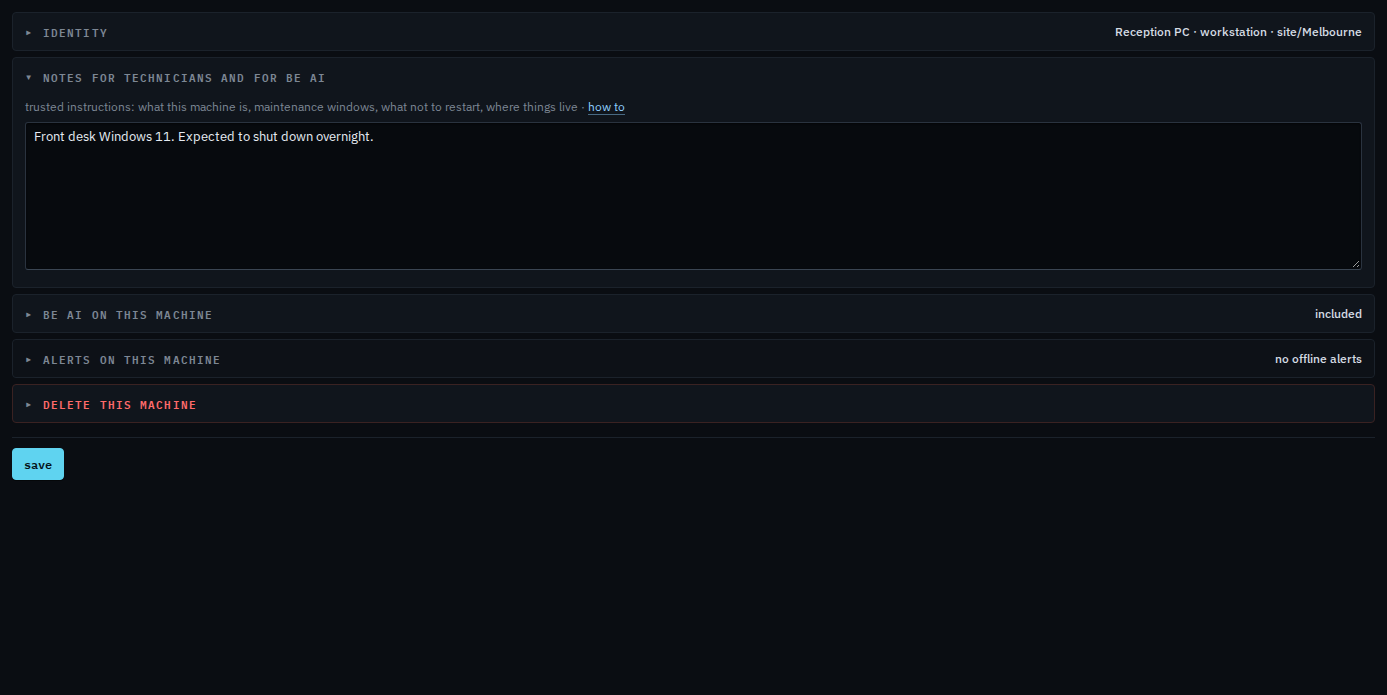
Open the machine, then work › actions, and open alerts. Leave included in alerts ticked. Clear alert when this machine goes offline. It saves as you change it. Reception PC is expected to shut down overnight, so that is the line to clear. Name a machine and put it in a group is the same tab for the display name and groups.
To take a machine out of every alert, clear included in alerts. That is Take a machine out of every alert. It then counts as unmonitored on the dashboard, not as offline. Docker apps and virtual machines stay quiet until you select them.