Tell BE AI about this machine.
Work › actions › notes. What the box is, the maintenance window, what not to restart. The model is told these are technician instructions.
Open notes for technicians and for BE AI
Open the machine, then work › actions, and open notes for technicians and for BE AI. Write what a person would tell the next technician: what this box is, when it may be restarted, what must not be touched. Accounts server already says it is the file and SQL server, the window is Sunday 02:00 Melbourne, and SQL is not to be restarted without asking. Press save. BE AI sees the text on its next run. Write an internal note is the drawer, which the model does not read until you share it into this field.
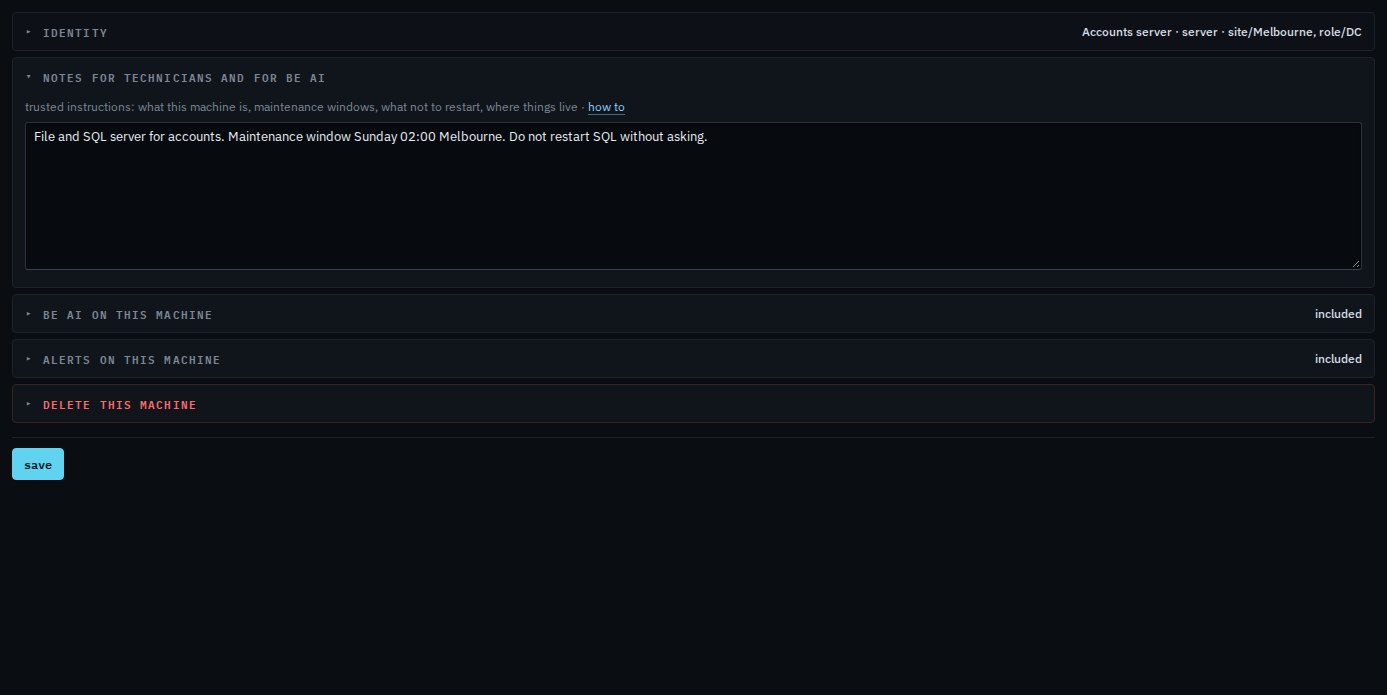
Save is at the bottom of the actions tab, and it saves the name, the type, the groups and these notes together. The drawer is Write an internal note. Naming and groups are Name a machine and put it in a group.