Run the nightly BE AI pass now.
My company, under scheduled pass. Company admin. Save schedule keeps the time. Run pass now asks you to confirm, then starts.
Open the scheduled pass
Open My company. Scheduled pass is on the company card. It is on, at 02:00 Australia/Melbourne, every day, until you change it and press save schedule. Run pass now does not wait for that time. Company notes, schedule and remote control is the rest of this card.
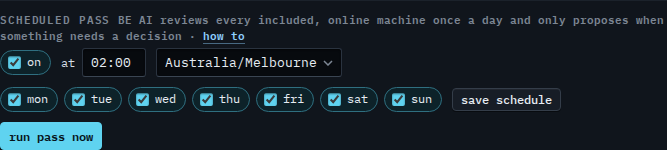
Press run pass now, then confirm
Press run pass now. The label turns into a confirm. Press it again to start. The pass walks included, online machines and only proposes when something needs a decision. An offline machine is skipped. This shot stops on the confirm, so nothing has started. Clear a day and press save schedule when the pass should skip that weekday.
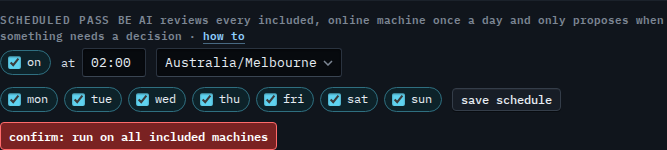
The clock and the days are Change when the nightly pass runs, and they are saved with save schedule. The timezone is Run the nightly pass in another timezone. Clearing On is Turn off the nightly pass. Leaving one machine off the pass is Skip the nightly pass on one machine. Reading what a pass concluded is Read a BE AI run.