Change how groups are drawn.
The style picker sits with the view picker, and only while the fleet is a list with groups. Bold is the start. The choice stays in this browser.
Bold is the start
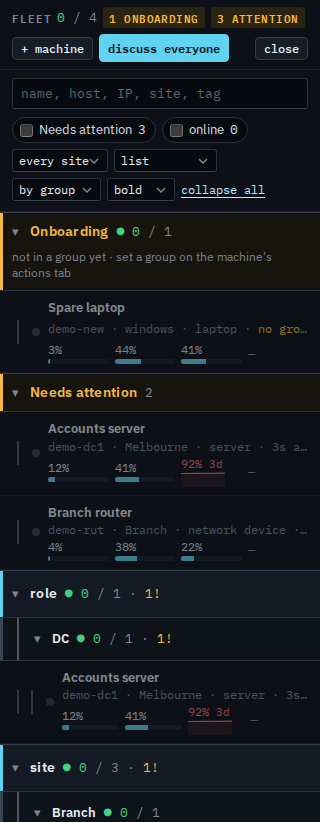
Open Fleet and keep the view on list, grouped by group. The style picker says bold. Each top heading has a cyan bar and a heavier band. A heading under it has a quieter bar. Expand all opens every heading so the bars are easy to see.
Light drops the bars
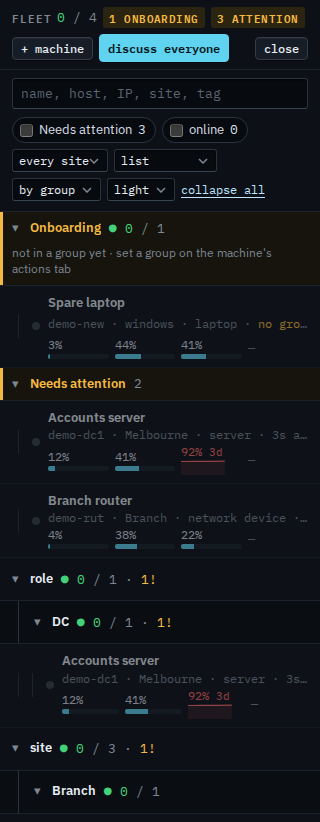
Set the picker to light. The same groups, without the cyan bar and the heavier band. Use it when the list is long and the bars are more ink than you want.
Blocks puts each group in a box
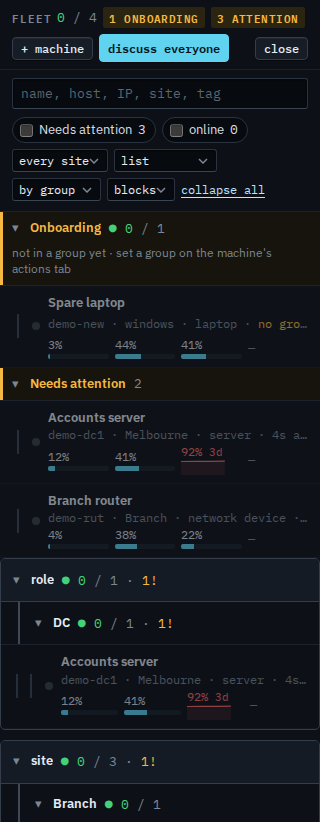
Set the picker to blocks. Each top group is its own box, with space between boxes. The machines inside are the same rows. Set it back to bold when you want the default again.
List, cards and exceptions are Choose how the fleet is drawn. A list with no sites is Show the fleet as one list. The paths under those headings are Name a machine and put it in a group.