See which machines have a shell.
Shell and proxy shell are switches in the agent's own file on the machine. This report lists what each machine last said. It does not turn one on.
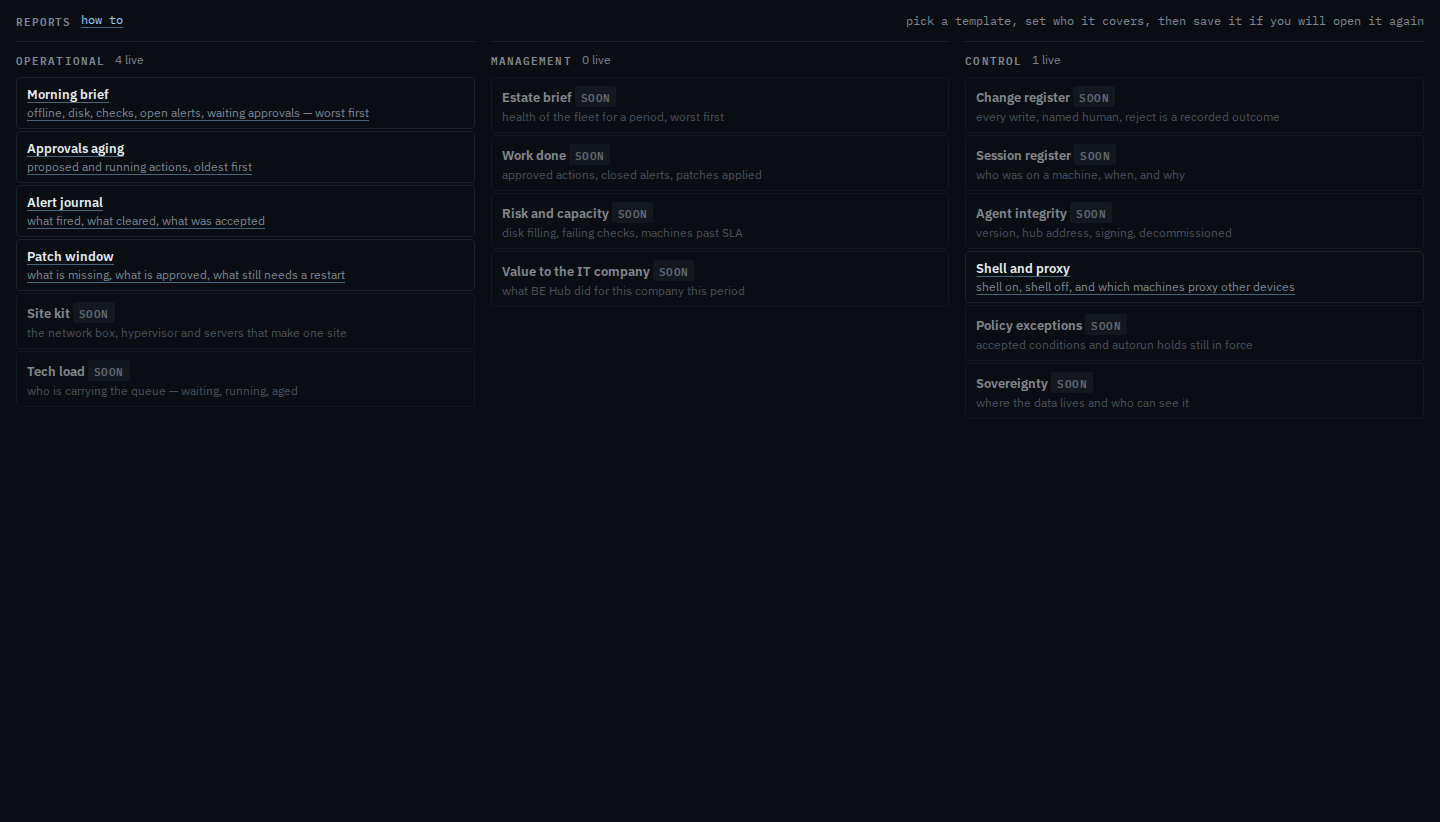
Open Reports and pick Shell and proxy
It sits under Control. Under Operational: morning brief, approvals aging, the alert journal and the patch window. Shell and proxy answers who can run a command.
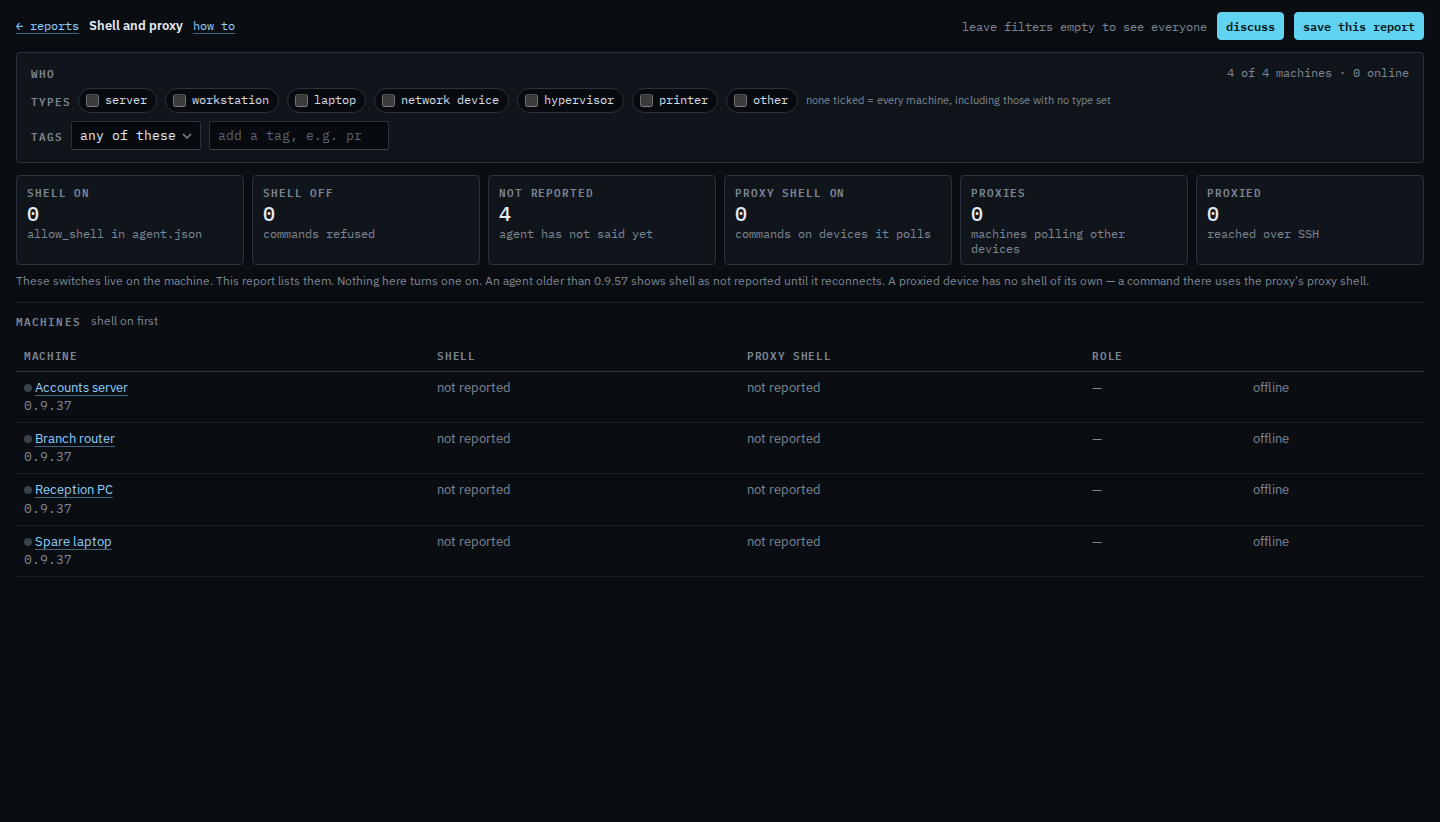
Read on, off, and not reported
Shell on means allow_shell is true on that machine, so an approved command or a saved script can run there. Shell off means those are refused. Not reported means this agent has not said yet — older than 0.9.57, or it has not reconnected since. Proxy shell on means an approved command can run on a device that machine polls. Shell on is listed first. Save the report if you will open this set again.
To change shell or proxy shell, open Install agent, tick the option, and run the line again with Apply. Turn on a remote shell at install and Turn on a shell for proxied devices are those ticks. Letting a customer's login ask for a command is Let a customer open a shell. The hub, BE AI and an API key cannot switch any of these on.