Keep a note to yourself.
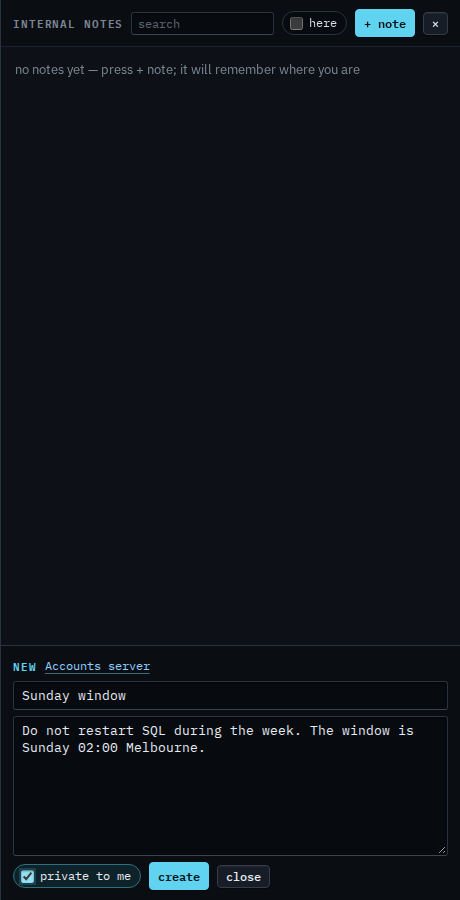
Notes drawer. The checkbox is on the editor before you create.
Tick private to me before you create
Press notes, then + note. Private to me is on the editor. Tick it, then press create. Other people in the company do not see a private note. You still do, on every screen, and it still remembers the machine that was open. This shot is before create.
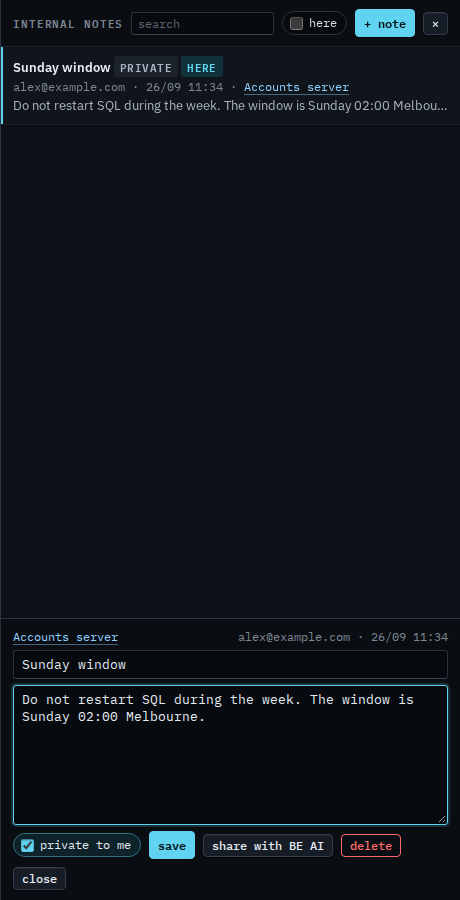
The list marks it private
After create, the list shows a private chip, and here because Accounts server is the machine on screen. Share with BE AI is still on the saved note. Pressing that, and confirming, appends the text to the machine's notes for BE AI even though the notepad copy stays private. This shot does not press it, so the model has not been given this note.
Writing one the company can see is Write an internal note. Handing one to the model is Share a note with BE AI. The field that lands in is Tell BE AI about this machine.