how-to · start
Open this in the console
Change how often a machine reports.
Install agent. Heartbeat every is blank, which means 300 seconds. Type a number and the command rewrites itself.
Minimum 30 seconds, maximum a day. Leave it blank for the default. An already-installed machine picks this up when you run the line again with Apply ticked.
01
Open Install agent
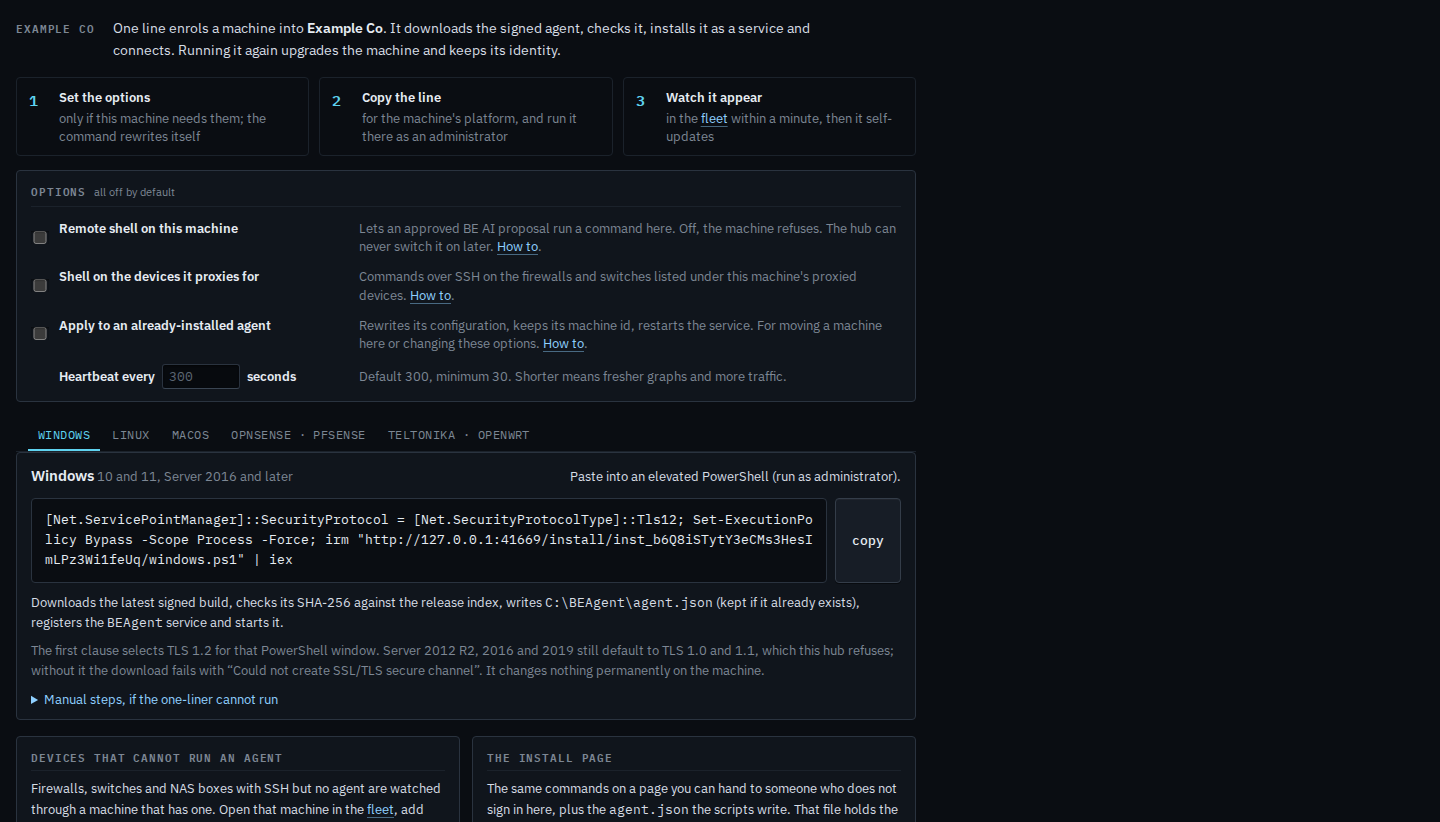
The options are off. Heartbeat every is empty, so the command does not mention an interval and the agent reports every 300 seconds. Shorter means fresher graphs and more traffic.
02
Type the seconds
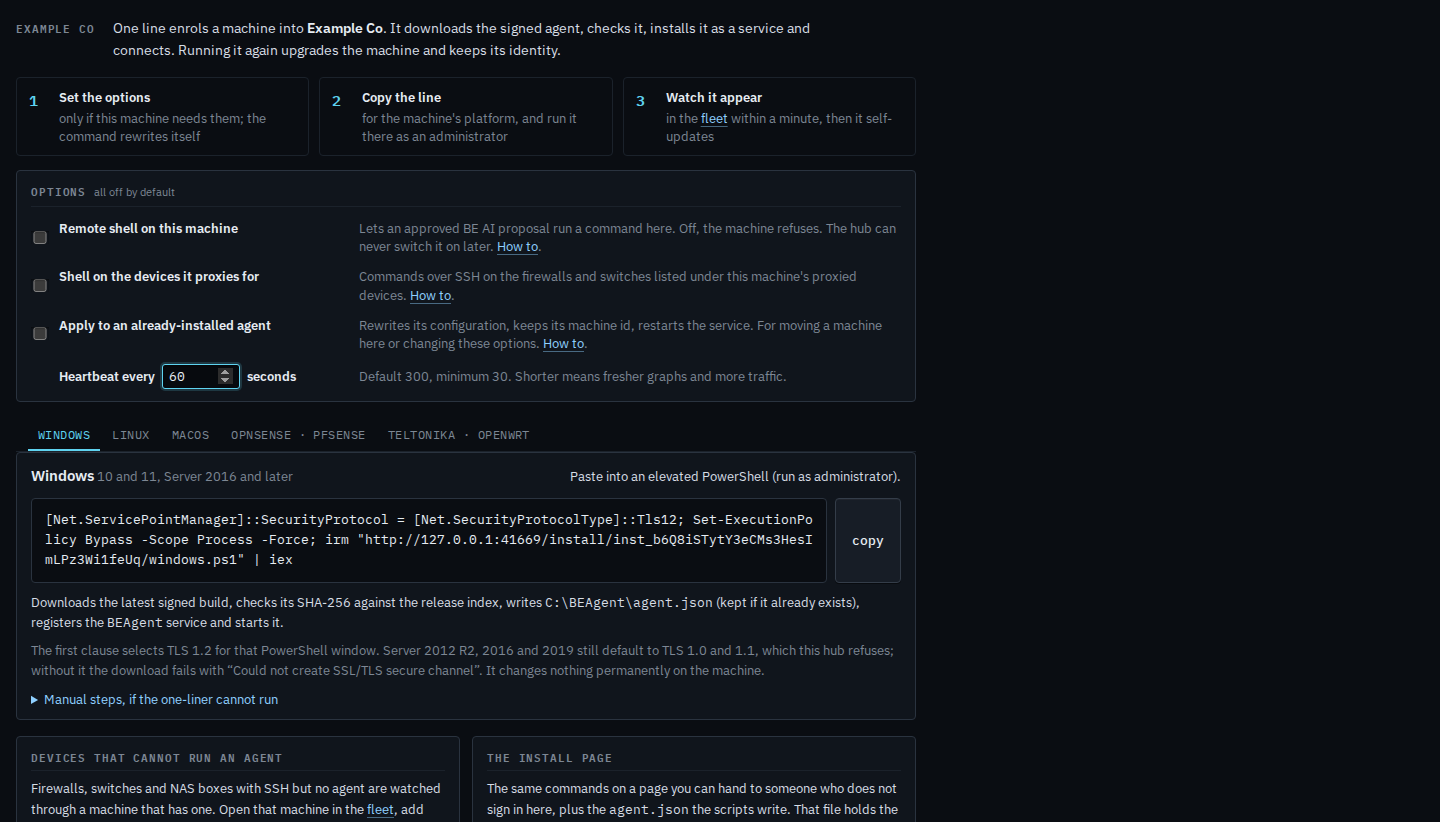
Type 60. The command rewrites itself: the install URL gains sample=60. Run that line on the machine. It reports every minute instead of every five. The same number is added on Linux, macOS, FreeBSD and OpenWrt. Clear the box to go back to 300.
The one-liner itself is Install the agent on a machine. Apply, which keeps the machine id, is Re-point a machine that is already installed. A shell is a separate tick — Turn on a remote shell at install.