Give a machine a display name.
Work › actions, identity. The display name is the first box. Save at the bottom of the page writes it.
Open identity
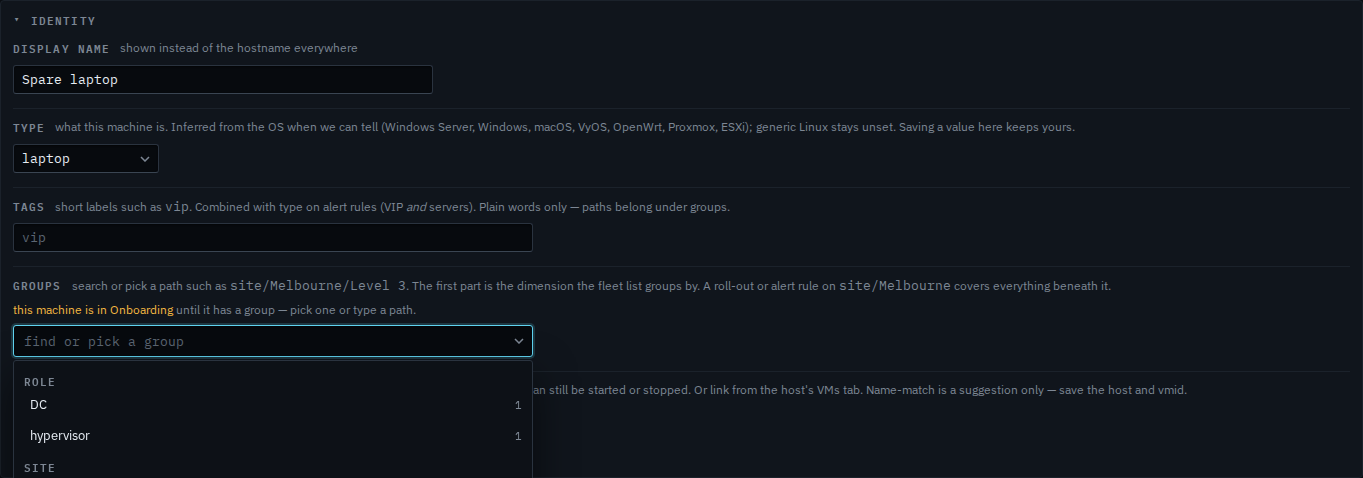
Open Spare laptop, then work › actions, and open identity. Display name is the first box. It says Spare laptop. The hostname the machine reported is demo-new, and that stays. The fleet, alerts and reports use the display name. A machine with no group yet opens identity on its own, which is why this panel is already open.
Type the name people should see
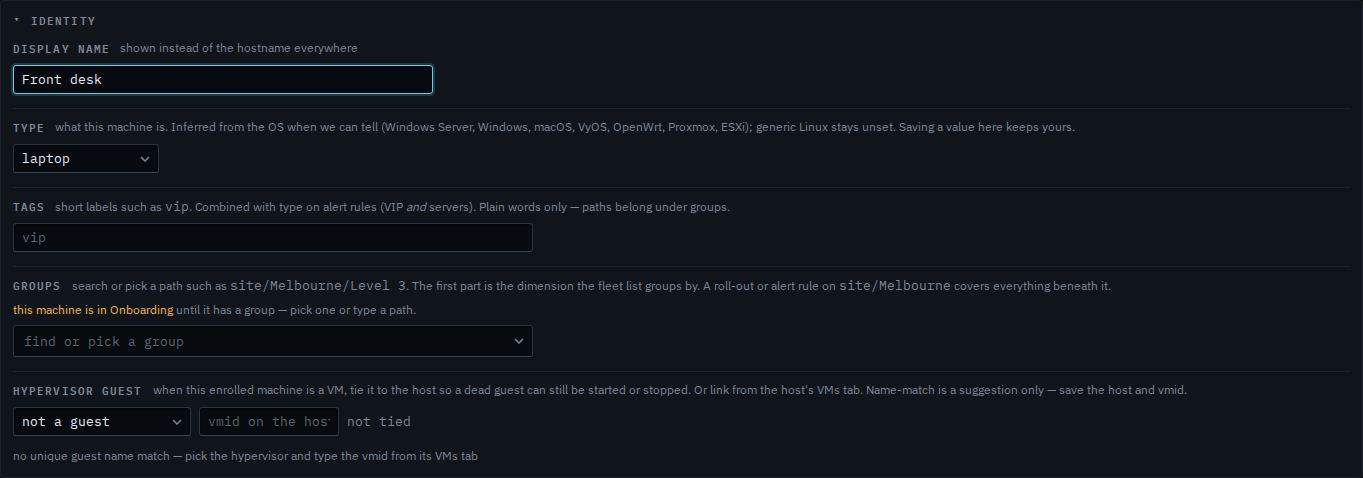
Type Front desk. The header still says Spare laptop, because save at the bottom of actions has not been pressed. After you save, the fleet, the alerts and the reports use Front desk, and demo-new remains the hostname under it. This shot stops before save, and the last step puts Spare laptop back in the box.
What kind of machine it is sits under this box — Change what kind of machine this is. A plain word such as vip is Mark a machine VIP. A site is Put a machine in a site.