Show BE AI runs for one machine.
BE AI runs. All machines is the default. Pick a name and the list is only that box.
Start on all machines
Open BE AI runs. All machines is the default. Example Co has one investigation: the disk alert on Accounts server, finished, classified known_growth. Reception PC is in the menu and has no run. The other menus — trigger, status, result, period — narrow the same list. Changing any of them does not start an investigation.
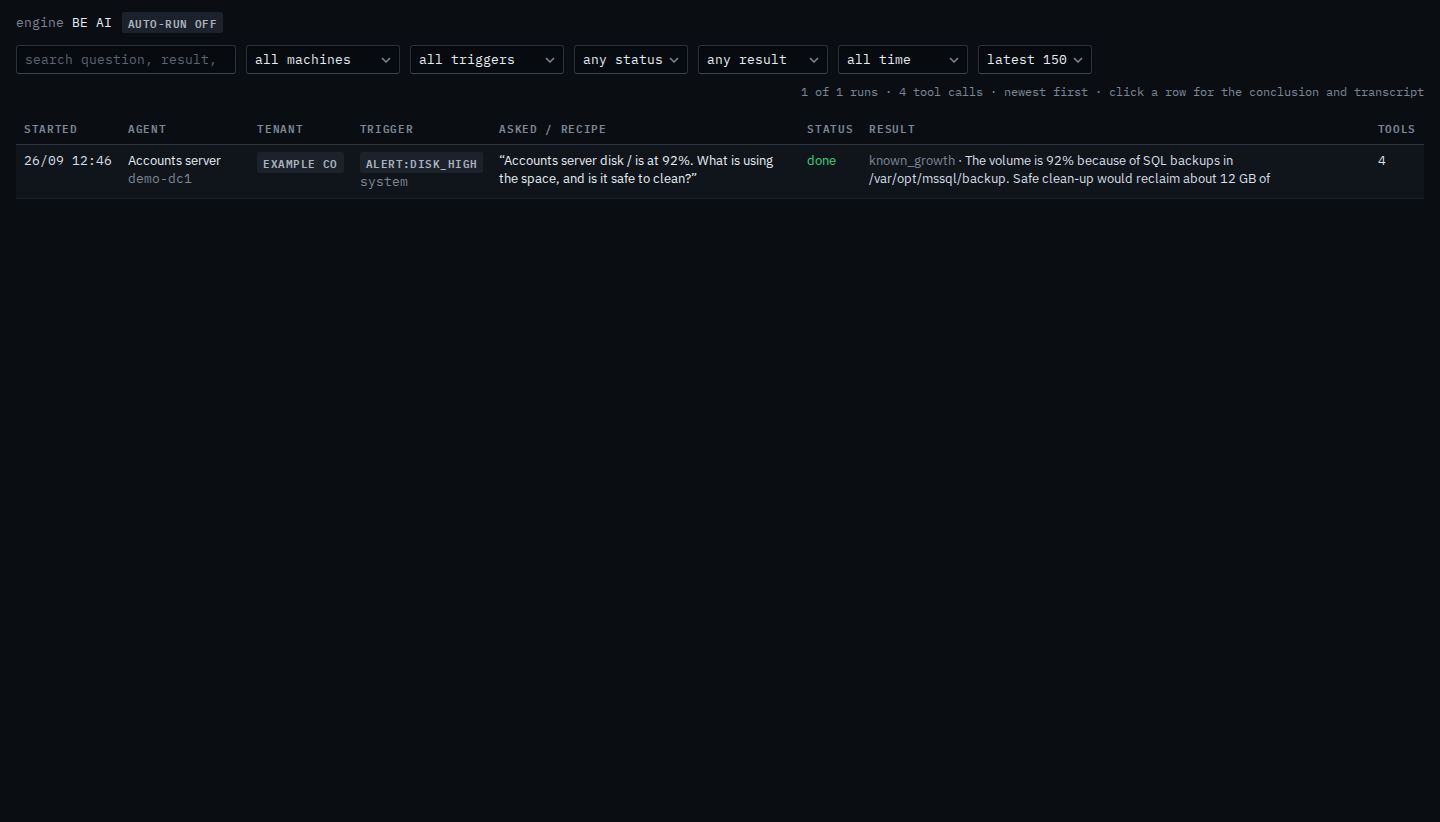
Pick the machine
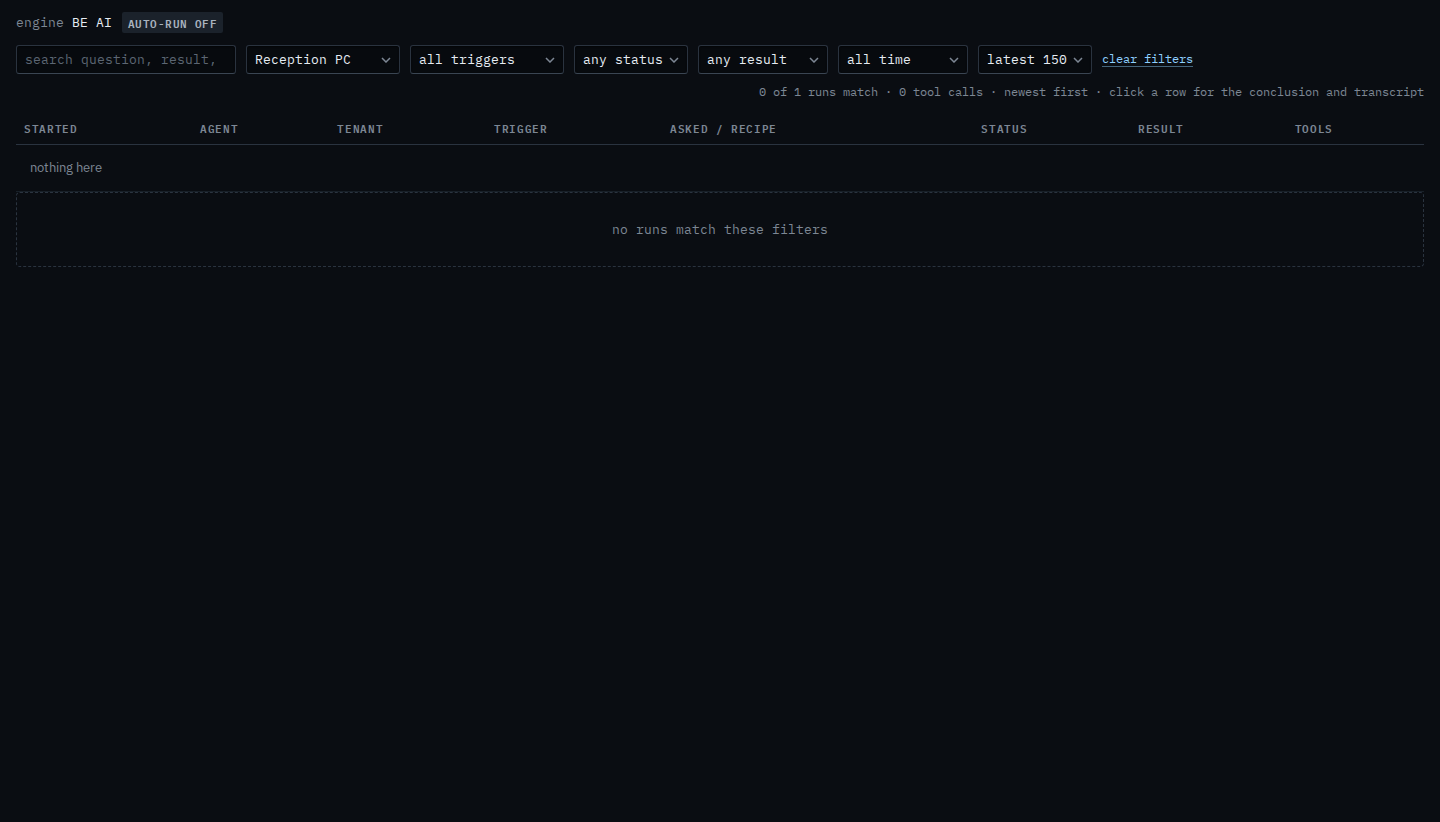
Set the machine menu to Reception PC. The disk investigation drops out, because it ran on Accounts server. The list says 0 of 1 runs match, and the table says nothing here. That is an empty filter, not a deleted run. Set the menu back to all machines and the disk investigation returns. Clear filters does the same for every menu at once.
A word in the question or the result is Search BE AI runs. A recent window is Show BE AI runs from a recent window. The whole list, including trigger and result, is See what BE AI already did. Asking on one machine is Ask BE AI about a machine. The month's totals are Read seats and this month's BE AI. The same menu for a sub-company user is Show BE AI runs for one of your machines.