Choose how often a check runs, and how serious it is.
Health › checks. The two boxes beside the fields are the severity and the interval. Nothing is live until you push.
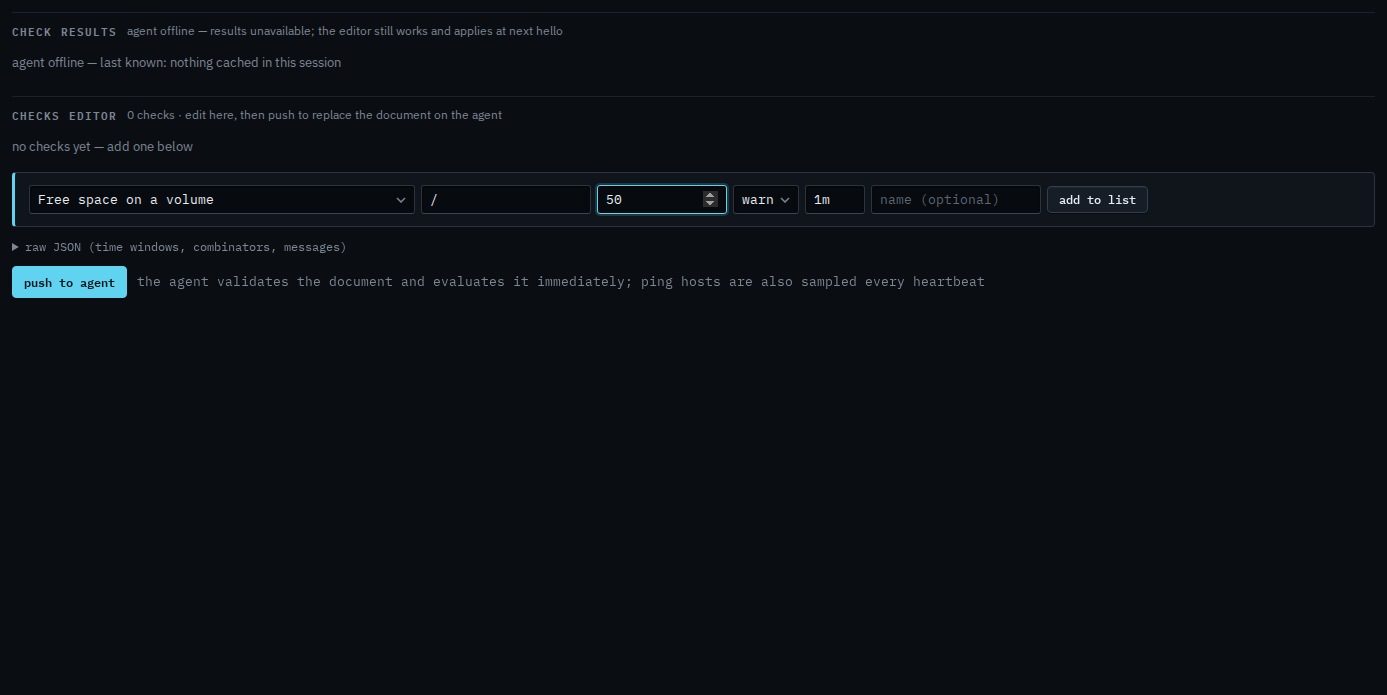
The form starts at warn, every minute
Open Accounts server, then health › checks. Pick Free space on a volume and fill the path and the minimum free GB. Severity is warn. Interval is 1m. A failure at warn matches a rule whose floor is warning and above. Info reaches a rule whose floor is info and above. Crit matches a rule whose floor is critical. Add a disk or ping check is this same editor.
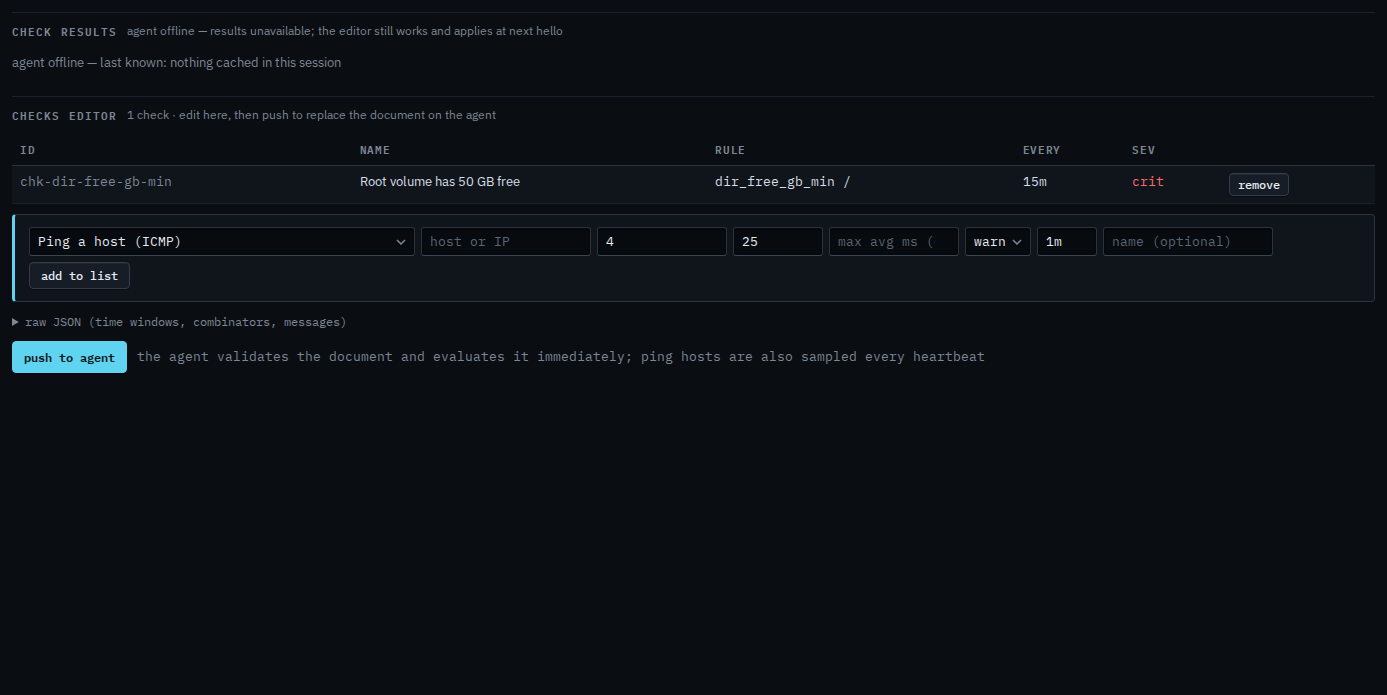
Set 15m and crit, then add to the list
Set the interval to 15m and the severity to crit. Name it. Press add to list. The row shows 15m and crit. The agent accepts an interval from 1m through 24h, and a blank interval is stored as 5m. Push to agent is the next click, and it asks you to confirm. This shot stops before that, so the document on the agent is unchanged.
Adding the check itself is Add a disk or ping check. Sending the document is Push checks to the agent. A rule that starts at info is Hear about quiet notices too. Warning and above is the usual floor — Tell someone when a machine needs attention.