Show only warnings on one of your machines.
History › events on the machine you have open. Any severity is the default. Warn keeps the lines a person usually acts on.
Open History › events
Open Accounts server, then history › events. Any severity is the default. The count is 3. The disk warning and the address change are warn. The hello is info. The range is still the last 7 days. History's other tab is trends. Audit is not a tab.
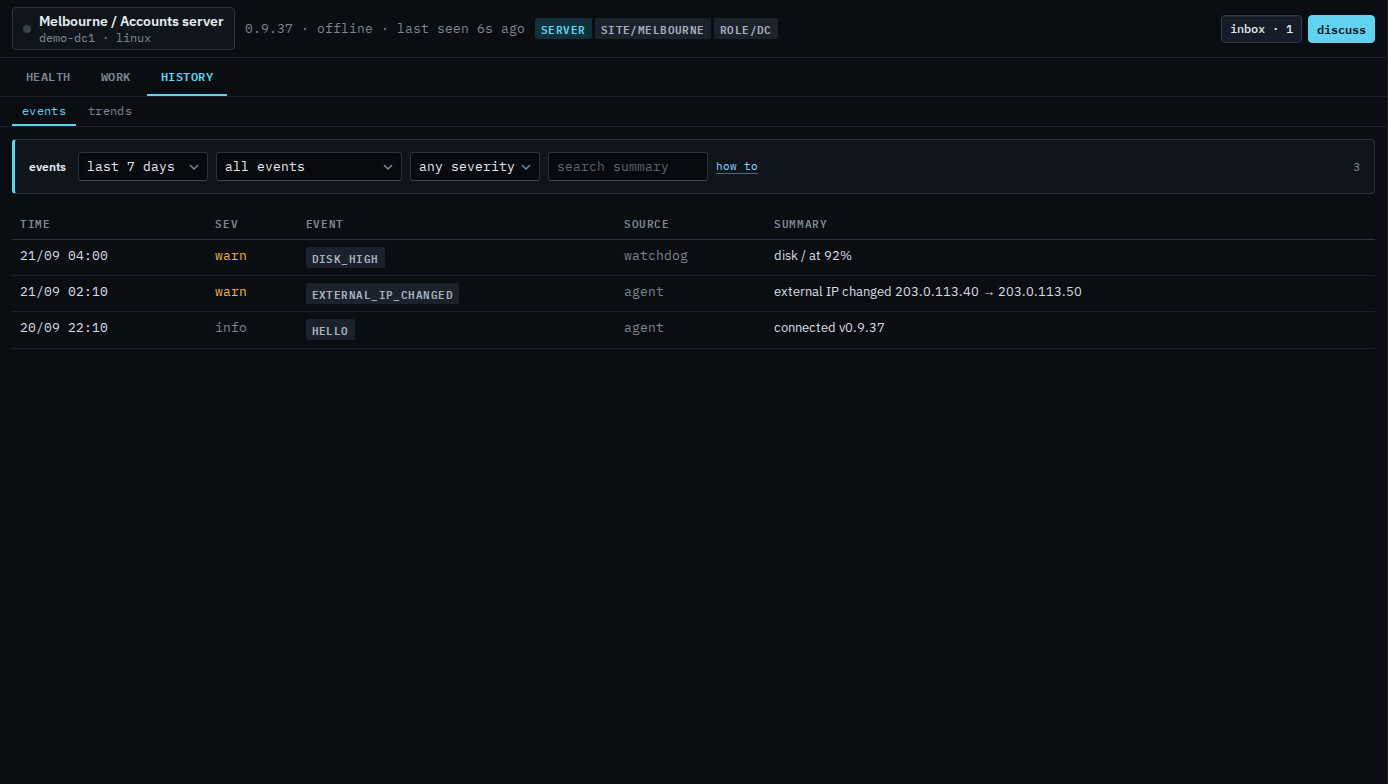
Keep warnings
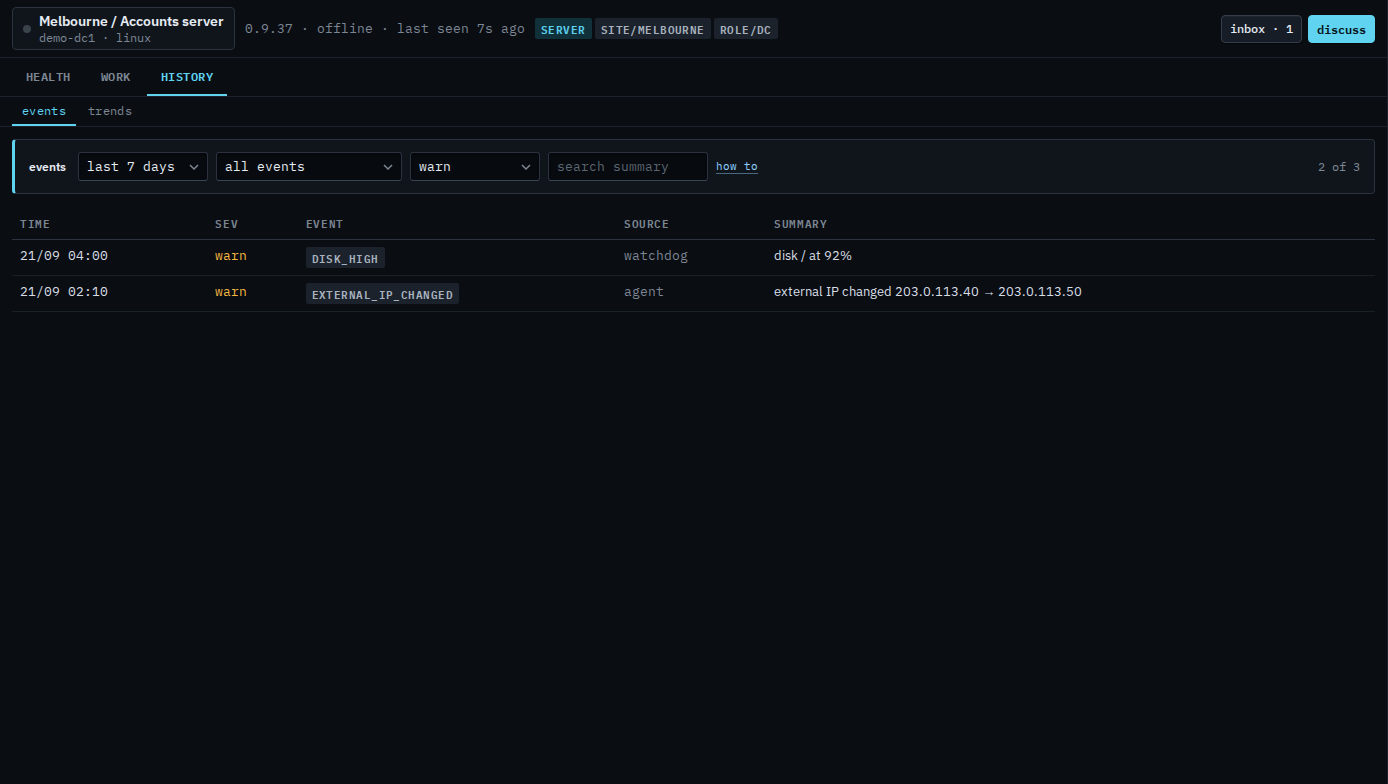
Set severity to warn. The hello drops out. The disk line and the address change stay, because both are warnings. The count is 2 of 3. Crit would hide both of these. Accounts server has no critical event in this range, so the list would say nothing matches. Set the menu back to any severity to see the hello again.
The unfiltered tab is Read events on one of your machines. A word in the summary is Search events on one of your machines. The last day is Show one of your machines' events from the last day. The company-wide name menu is Show only one kind of event on your machines. What your provider sees is Show only warnings on one machine.