Find an audit line by a word.
Audit. The box is empty by default, so every loaded line is listed.
Start with the box empty
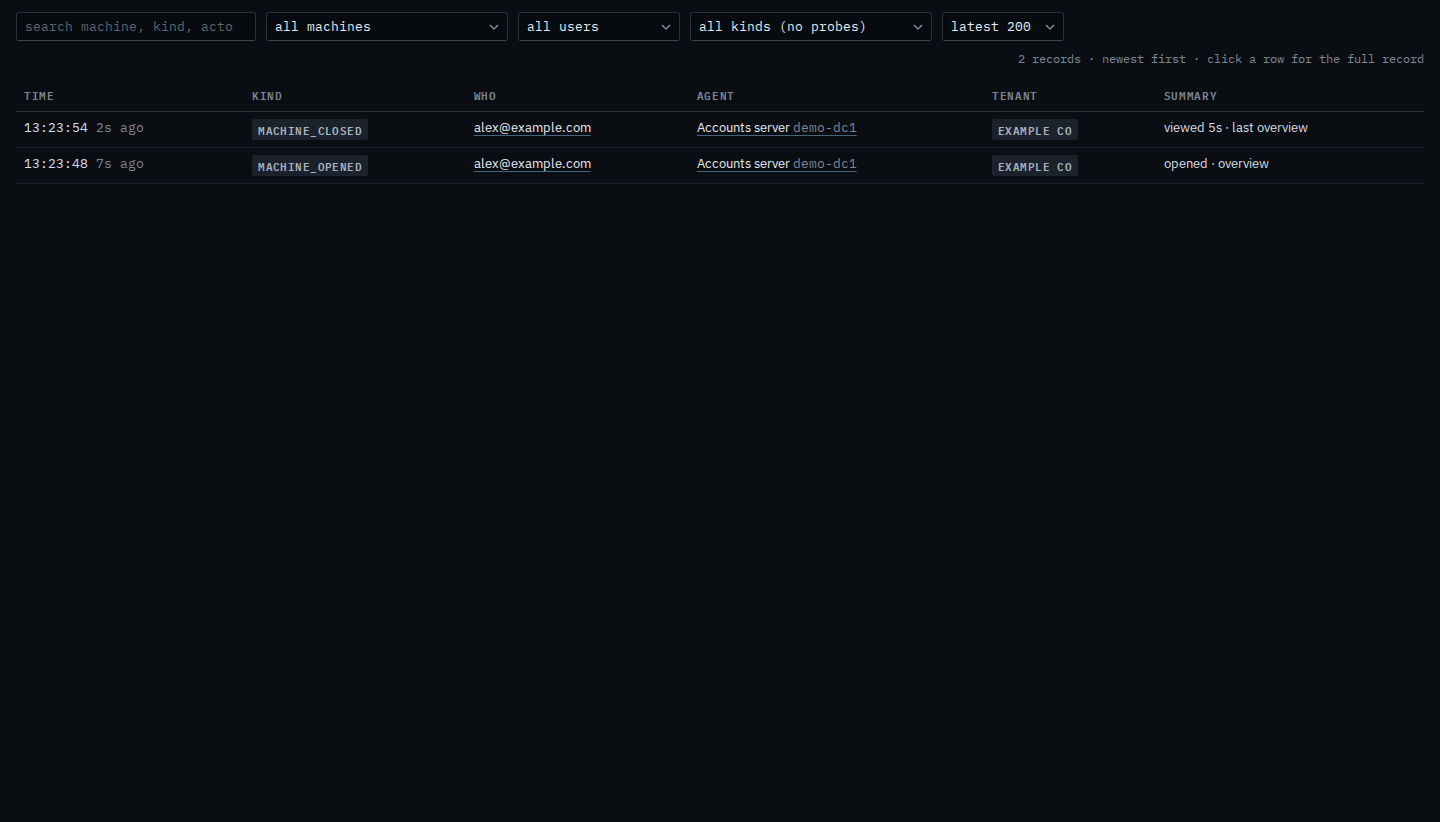
Open Accounts server, then leave it, then open Audit. The search box is empty. Two lines are from that visit: opened · overview, and viewed, with how long. Search looks through the kind, the machine name, who did it, and the summary.
Type a word from the opening
Type opened. The opening stays, because that word is in the kind and in the summary opened · overview. The leaving line drops out: it says viewed, not opened. The count says 1 of 2 records match. Clear the box and the leaving line returns. A word that matches nothing says no records match this search, and the stored lines stay.

One machine is Limit the audit trail to one machine. One kind of line is Show when someone opened a machine. The whole page is Search the audit trail.