Ask BE AI about a machine.
The question is the channel that carries authority. Machine output in the thread is untrusted data. Notes you typed on the machine are trusted.
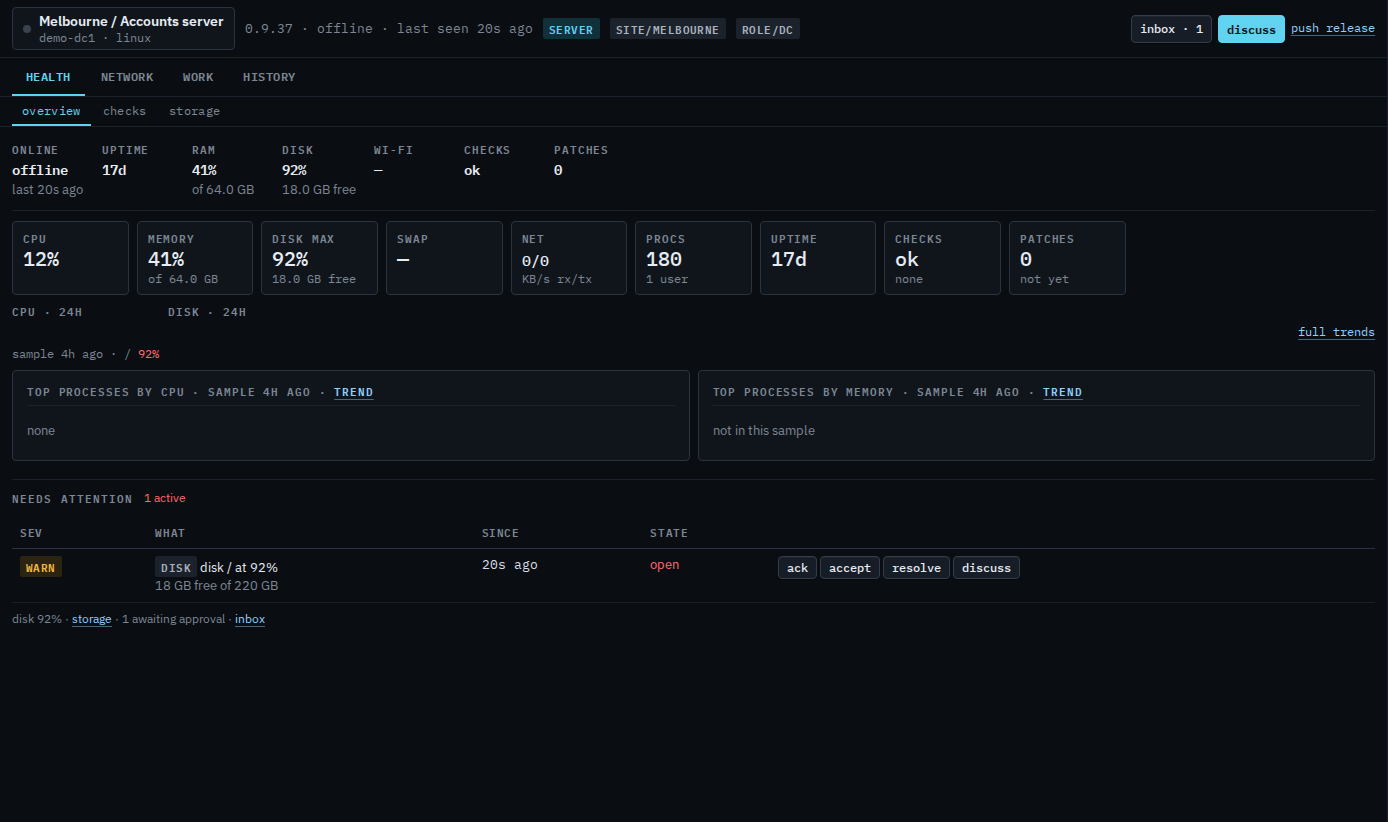
Press discuss
On the machine header. Inbox is approvals; discuss is the conversation. A site, a tag, or everyone in the company is ask BE AI about a group.
Ask, then send
Write what you want done, or what you want explained. The shortcuts under the box — verify the effect, what changed since, add a check for this, health check — fill the composer and wait. Start from a prepared question is that path. BE AI will use read-only tools, then either answer or file a proposal in this thread for you to approve. It will not run run_shell or install patches by itself. While a turn is running, stop this investigation appears under send.
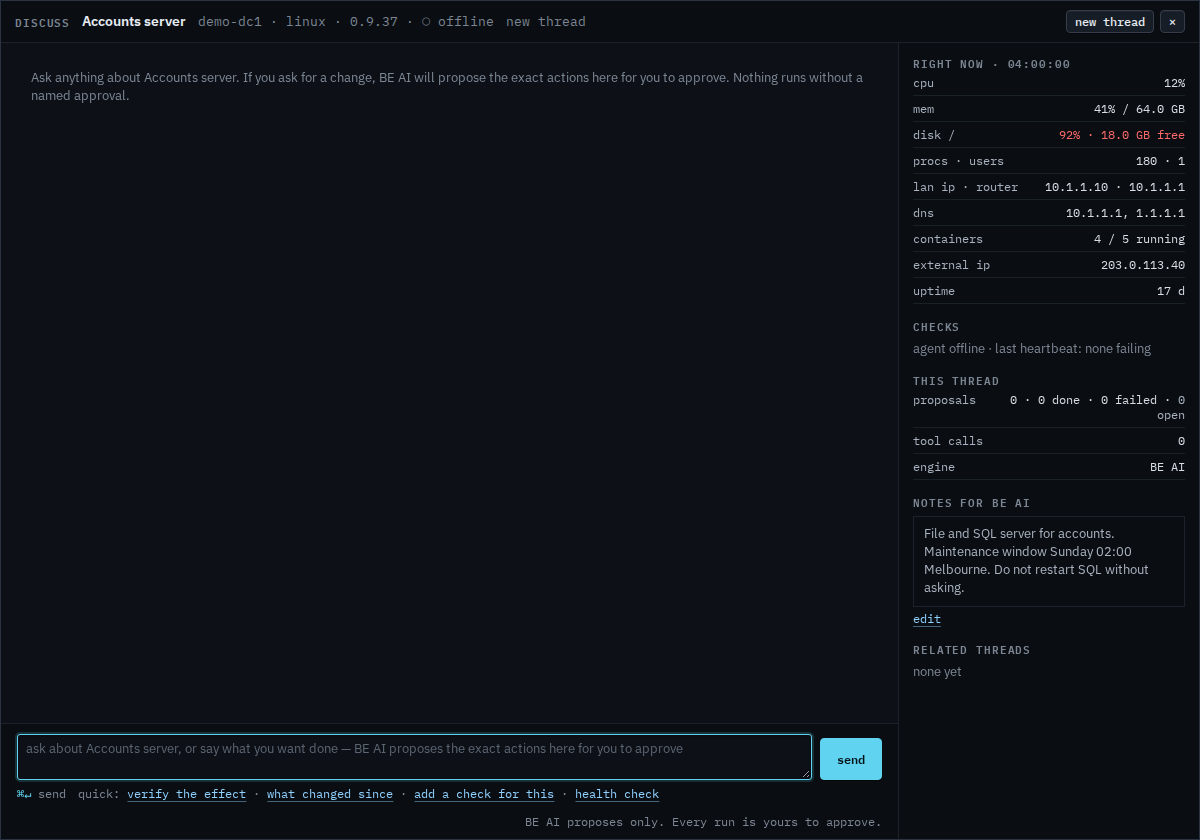
While an investigation is running, stop this investigation sits under send. The current step finishes, then the run stops. Closing the browser does not stop it. A sub-company user with BE AI sees the same button. That login's own page is Ask BE AI about your machine. A command their login cannot run has reject and no approve.