Show BE AI runs from a recent window.
BE AI runs. All time is the default, so every loaded investigation is listed, however old it is.
Start on all time
Open BE AI runs. The period menu says all time. Example Co has one investigation: the disk alert on Accounts server, finished, classified known_growth. It ran on 21 September. Last 24 hours, last 7 days and last 30 days are the other choices. They look at when the run started.
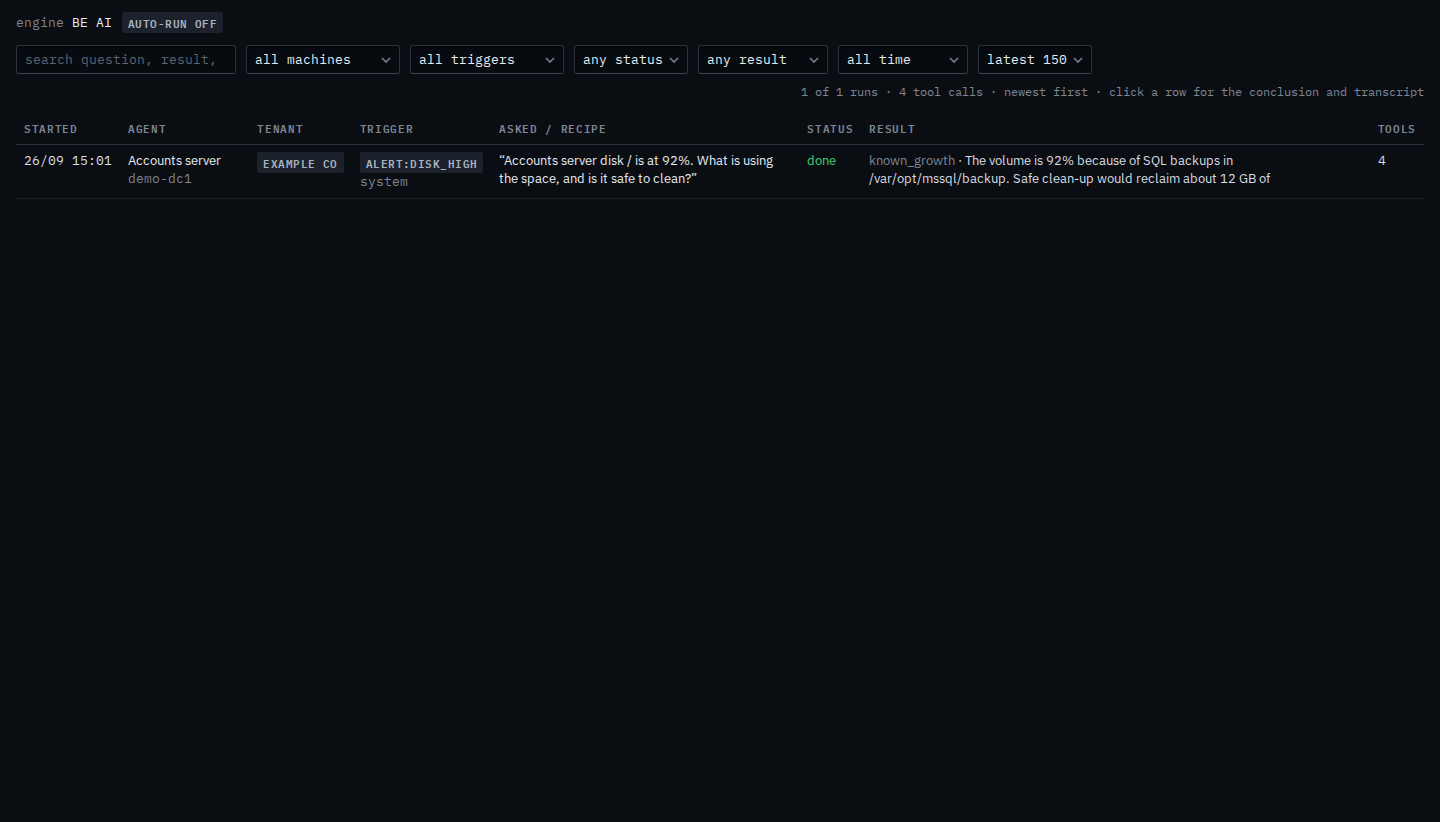
Set the window to the last 24 hours
Set the menu to last 24 h. The disk investigation drops out, because 21 September is older than a day. The count says 0 of 1 runs match, and the table says no runs match these filters. The investigation is still stored. Last 7 days and last 30 days keep a run whose start is inside that window. Set the menu back to all time and this one returns. Clear filters clears the other menus as well.
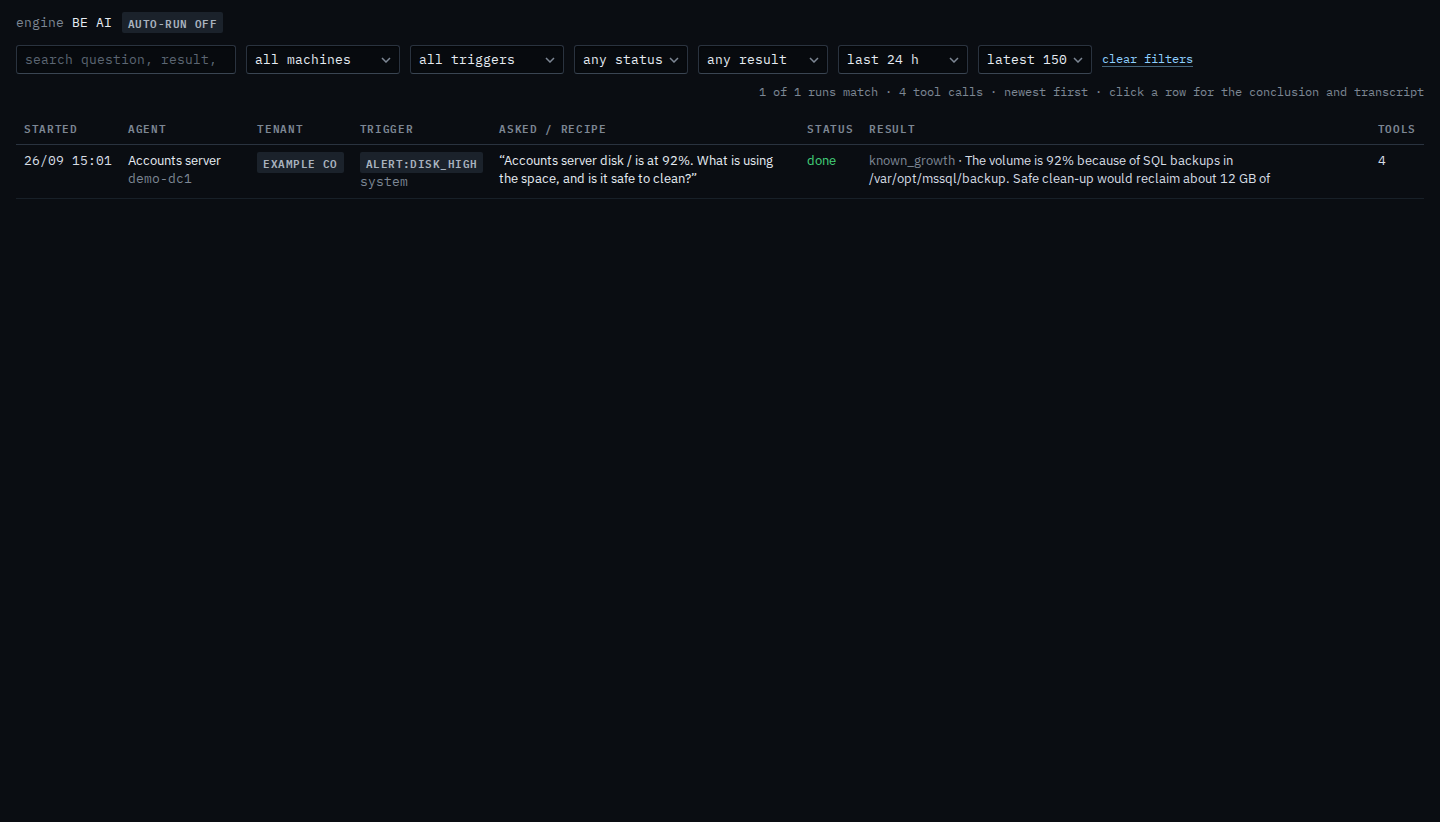
A word in the question or the result is Search BE AI runs. One machine is Show BE AI runs for one machine. The whole list is See what BE AI already did. Opening a row is Read one BE AI investigation. The same menu for a sub-company user is Show BE AI runs from a recent window.