Check that a Docker app is running.
Health › checks, on the Docker host. Pick Container running. An unhealthy app stays quiet until you select it. Alert on this on the containers tab writes the same check.
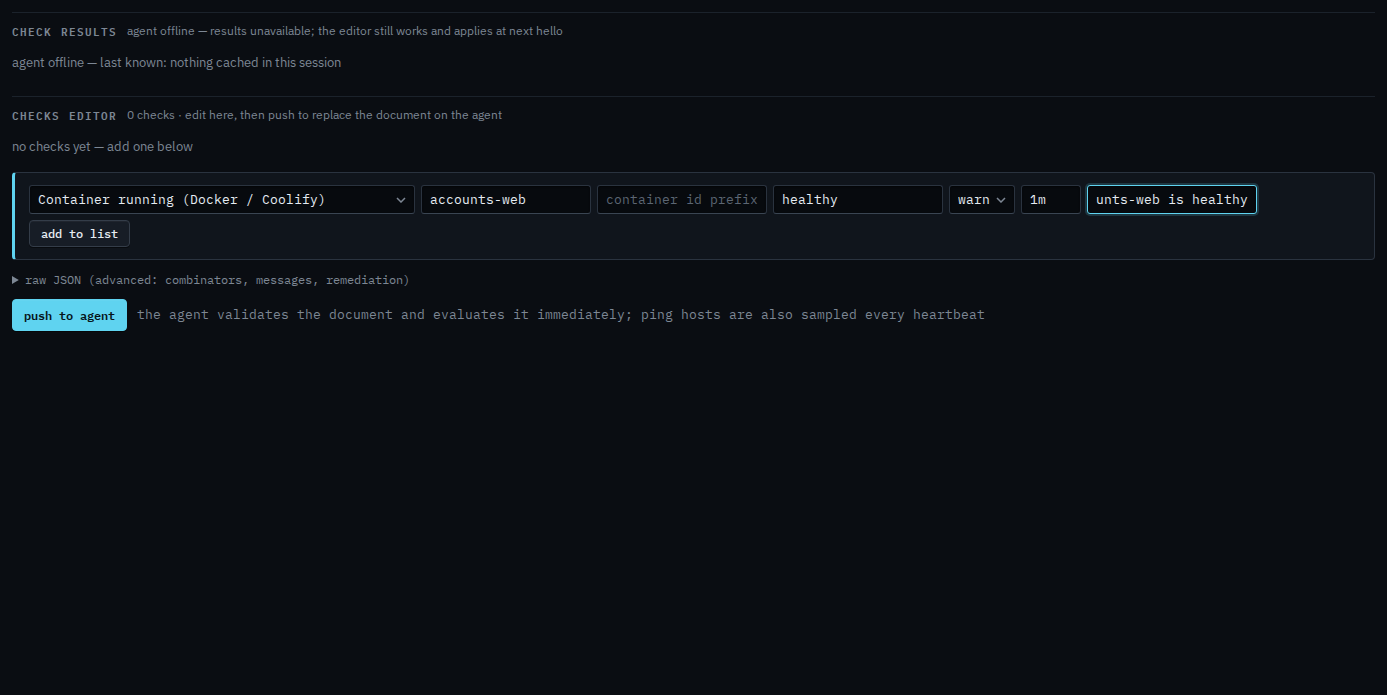
Pick Container running and name the app
Open the Docker host, then health › checks. The primitive is Container running (Docker / Coolify). Name is the app, the Compose service, the site, or the image — here, accounts-web. Health is optional: healthy fails when the health check is failing; running only cares that it is up. Alert on this on the containers tab selects the app for unhealthy and restarting. This form is how you name the check and the interval yourself.
Add to list, then push
Press add to list. The check sits in the document with the name you gave it. Push to agent is the next click, and it asks you to confirm. Push replaces the whole document. This shot stops before that, so nothing has been sent. When the app is not in the state you asked for, the alert is a check failure. An app you did not select does not email anyone.
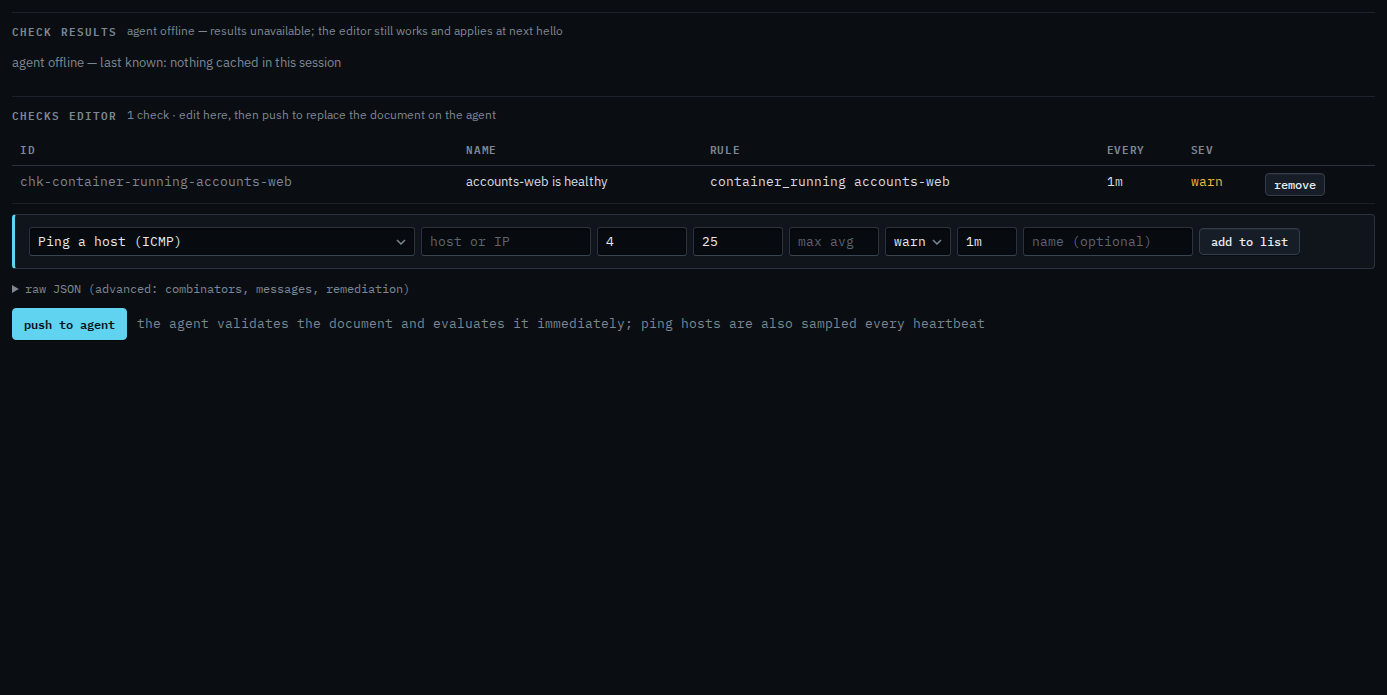
Push is a two-step button. The machine must be online to evaluate. You can still add the check while it is offline, and it applies at the next hello. The inventory and Alert on this are See Docker apps on a machine. Exited is a deploy, and it is not this check.