Install updates on one site.
Patches › jobs. Machines lists every group on the machines in view, then each machine. A site leaves the other sites out.
Leave machines on every machine in view
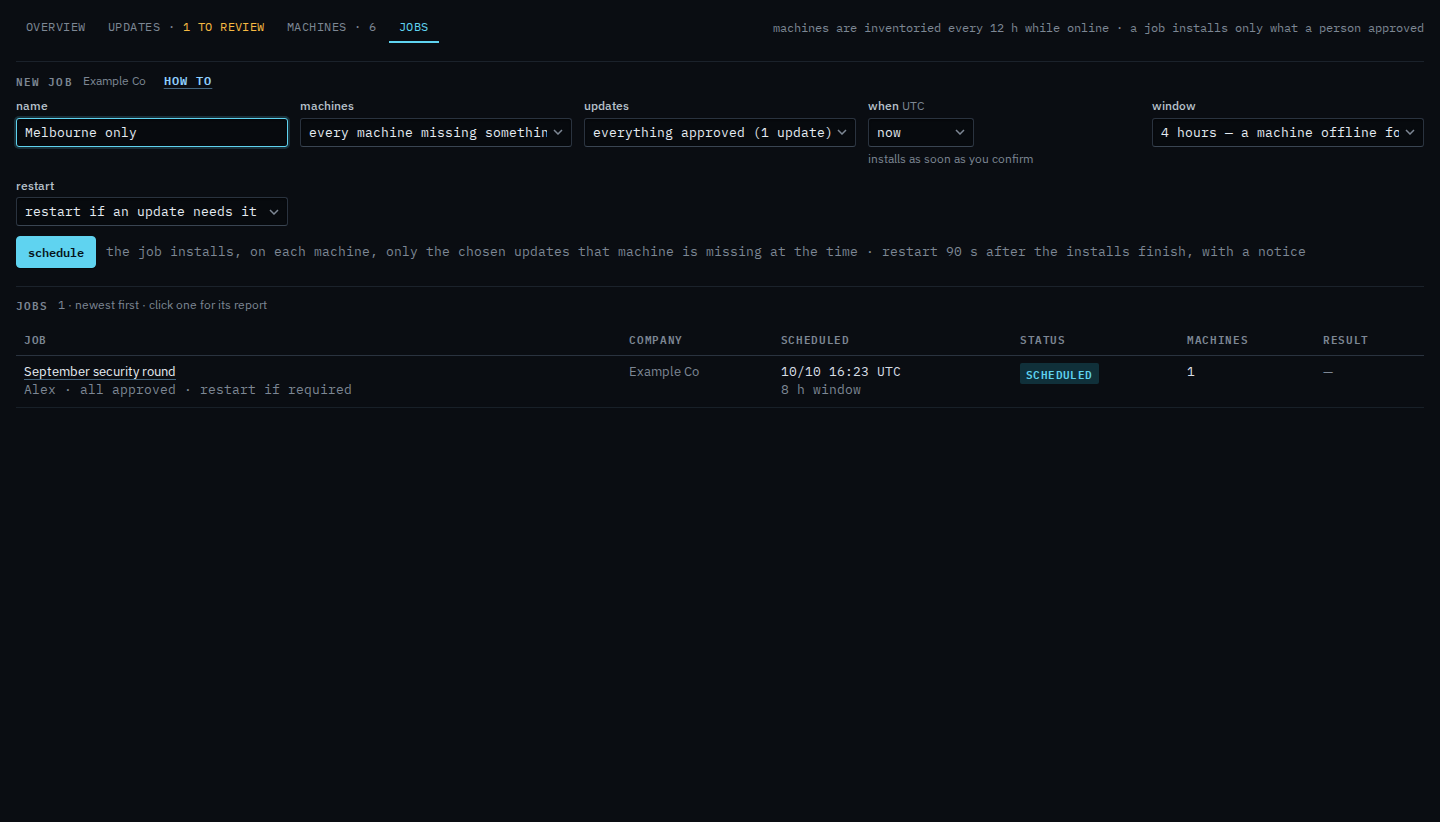
Open Patches and pick jobs. Name the round. Machines is every machine missing something chosen (6 in view). The menu under that line is each group, then each machine. Updates stays on everything already approved. September security round is already in the jobs list. Schedule is the next click. This shot stops before that.
Set machines to the Melbourne site
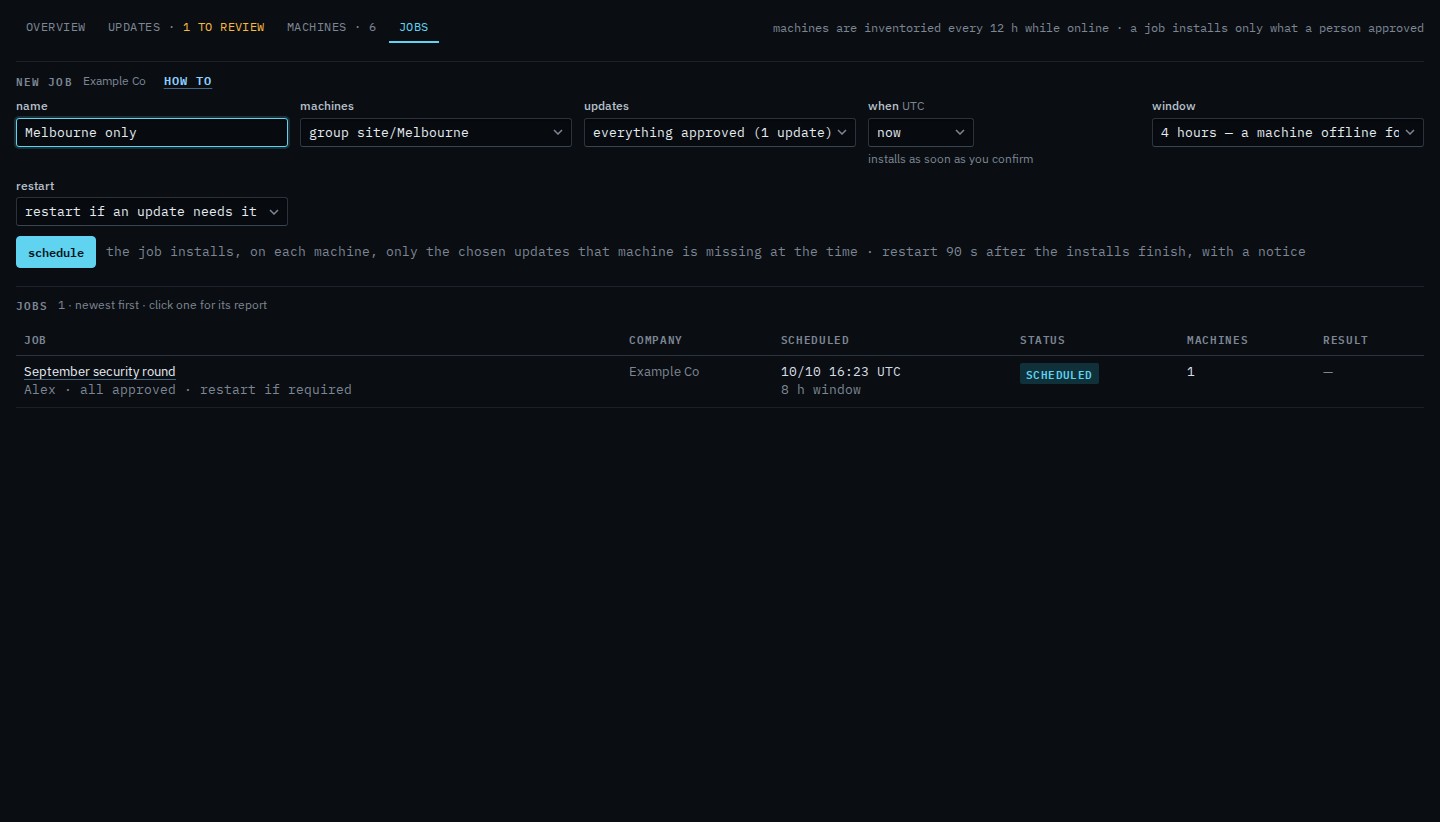
Set machines to group site/Melbourne. That path is Accounts server, Reception PC, Lab host and files01. Branch router is site/Branch, and Spare laptop has no site, so both stay out. A path also covers anything nested under it. The approved update still installs only where that machine is missing it, inside the window. Schedule is still the next click. This shot stops before it, so nothing new is queued.
One machine, instead of a site, is Install updates on one machine. The rest of the form is Schedule a patch install. A report limited to the same site is Limit a report to one site.