Rename a customer login.
My company › sub-companies › manage. The name field is the first row. Company admin.
Open manage and find the name
Open My company › sub-companies and create the login the same way as Let a customer manage their computers. Manage on a customer that already exists opens this same dialog. The green created line is only there because it was just created. The name field still says Acme, and the header does too. Save name · groups · access has not been pressed.
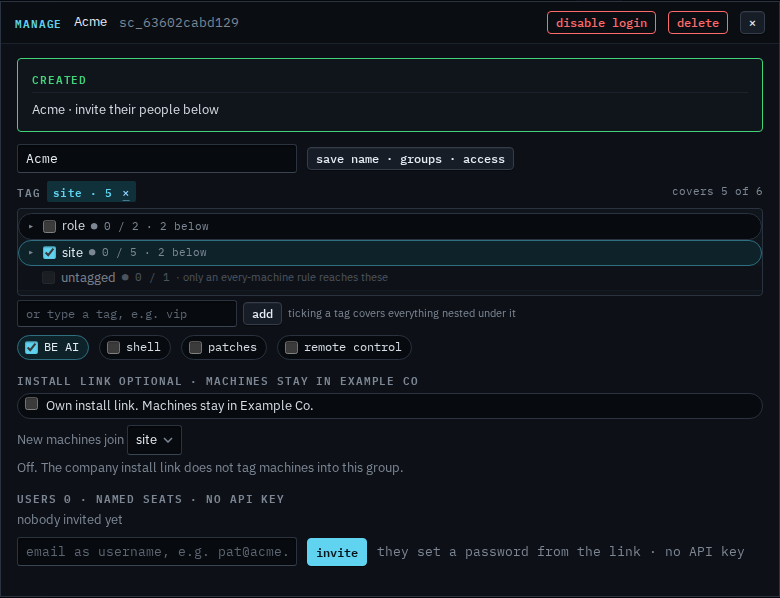
Type the new name, then save
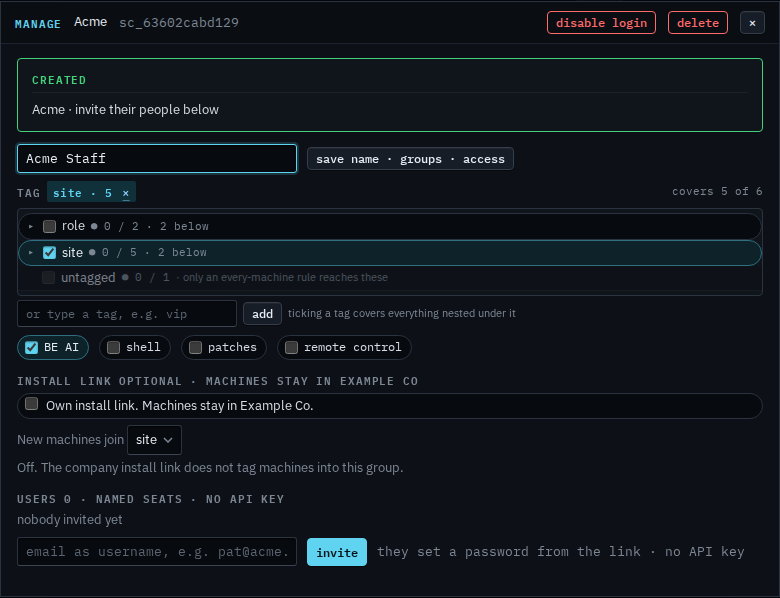
Replace the name with Acme Staff. The header still says Acme, because that is the saved name. Press save name · groups · access and the header, the sub-companies list, and the name they see after sign-in all become Acme Staff. Their people stay signed in. This shot stops before that press, and the last step puts Acme back, so the login is still called Acme.
Creating the login is Let a customer manage their computers. Which machines they open is Narrow the machines a customer can see. The whole login, off, is Disable a customer's login.