Check that an app answers.
Health › checks. Pick App / API check. The agent requests the URL on a schedule. You are still pushing a document, not a script.
Pick App / API check and fill the URL
Open the machine, then health › checks. The primitive is App / API check. URL is required. Method is GET, HEAD or POST. Expected status is a code such as 200, or a class such as 2xx. Optional: a maximum time in milliseconds, text the body must contain, a JSON field and the value it must equal, a POST body, and how many days of certificate life to require. A header can name a secret that already lives in the agent's own config, written as a reference, so the token is not pasted into this form. Add a disk or ping check is the same editor for free space and a ping.
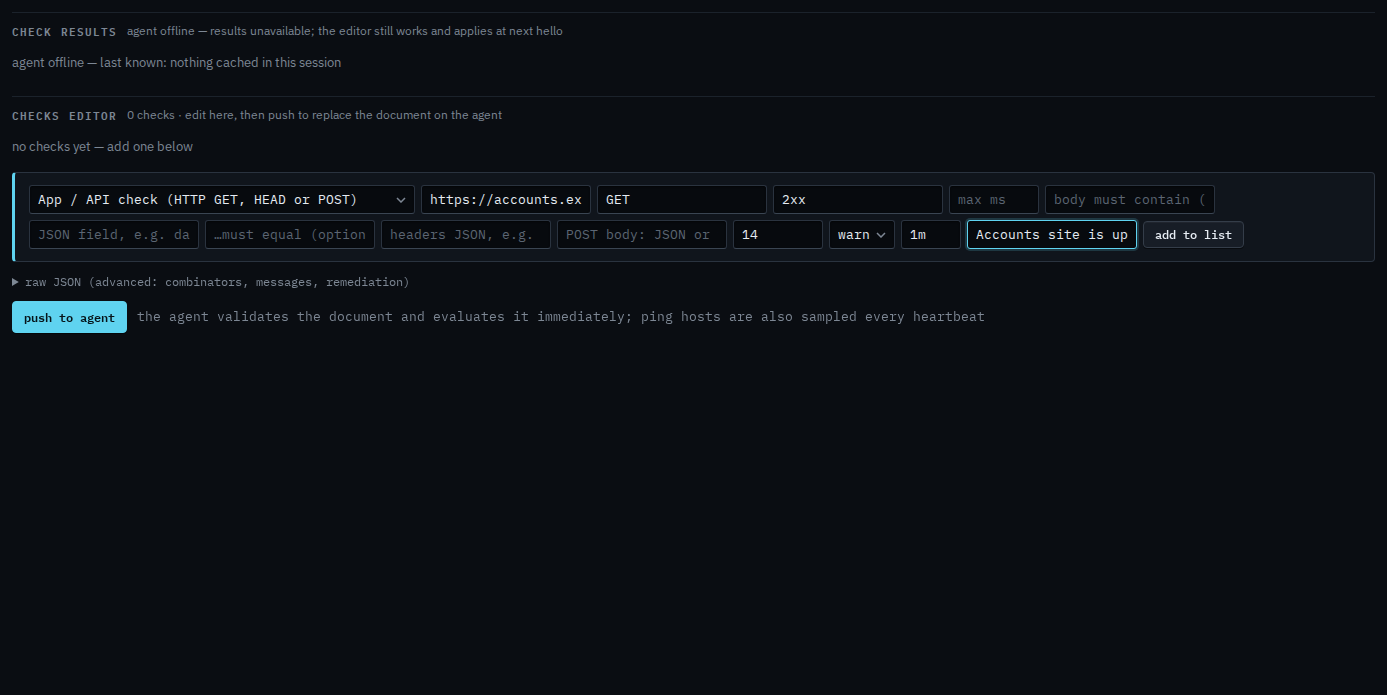
Add to list, then push
Press add to list. The check sits in the document with the name you gave it. Push to agent is the next click, and it asks you to confirm. Push replaces the whole document. This shot stops before that, so nothing has been sent. When it fails, the alert is a check failure, the same as a disk or a ping. The response time shows on the trends tab once the agent has run it.
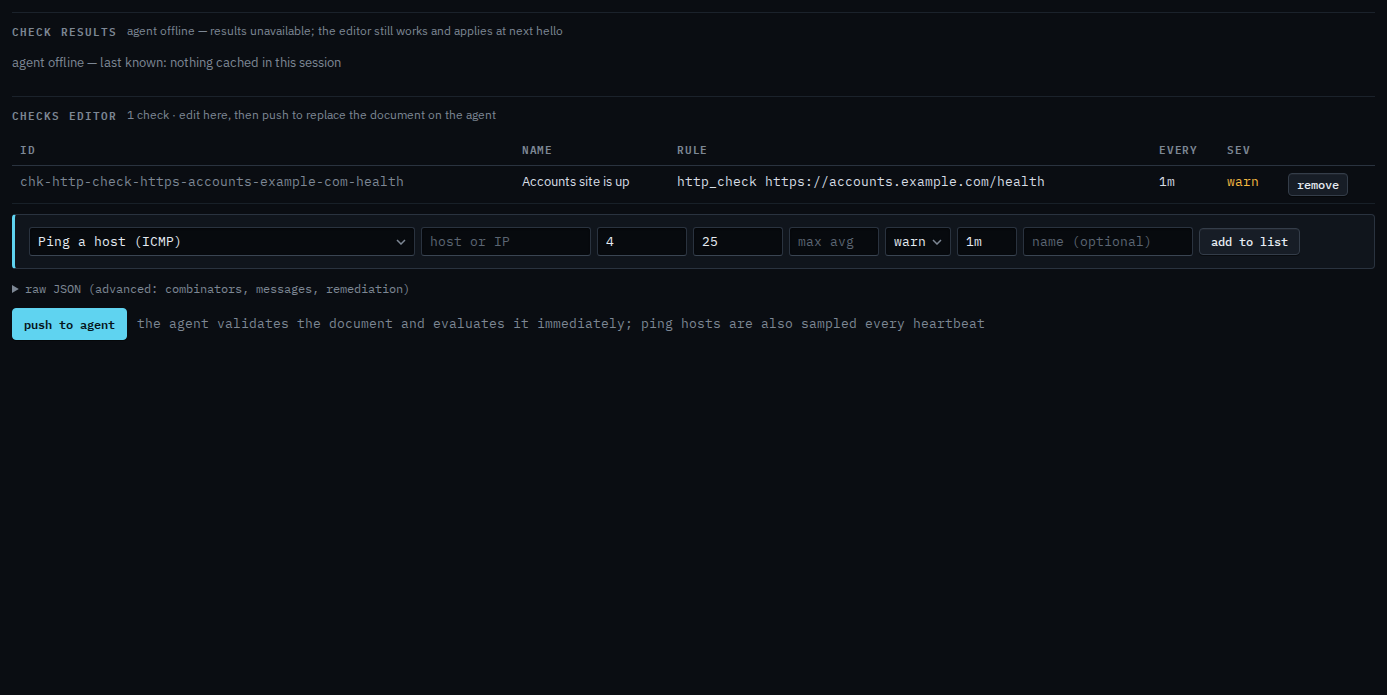
Push is a two-step button. The agent must be online to evaluate. You can still add the check while it is offline, and it applies at the next hello. A URL, a max time, and one status code, without a body or a certificate lifetime, is Check that a URL answers. A disk or a ping is the same editor.