Show only one kind of event on your machines.
Events is the record for the computers you were given. All events is the default. Apply reloads the list.
Start on all events
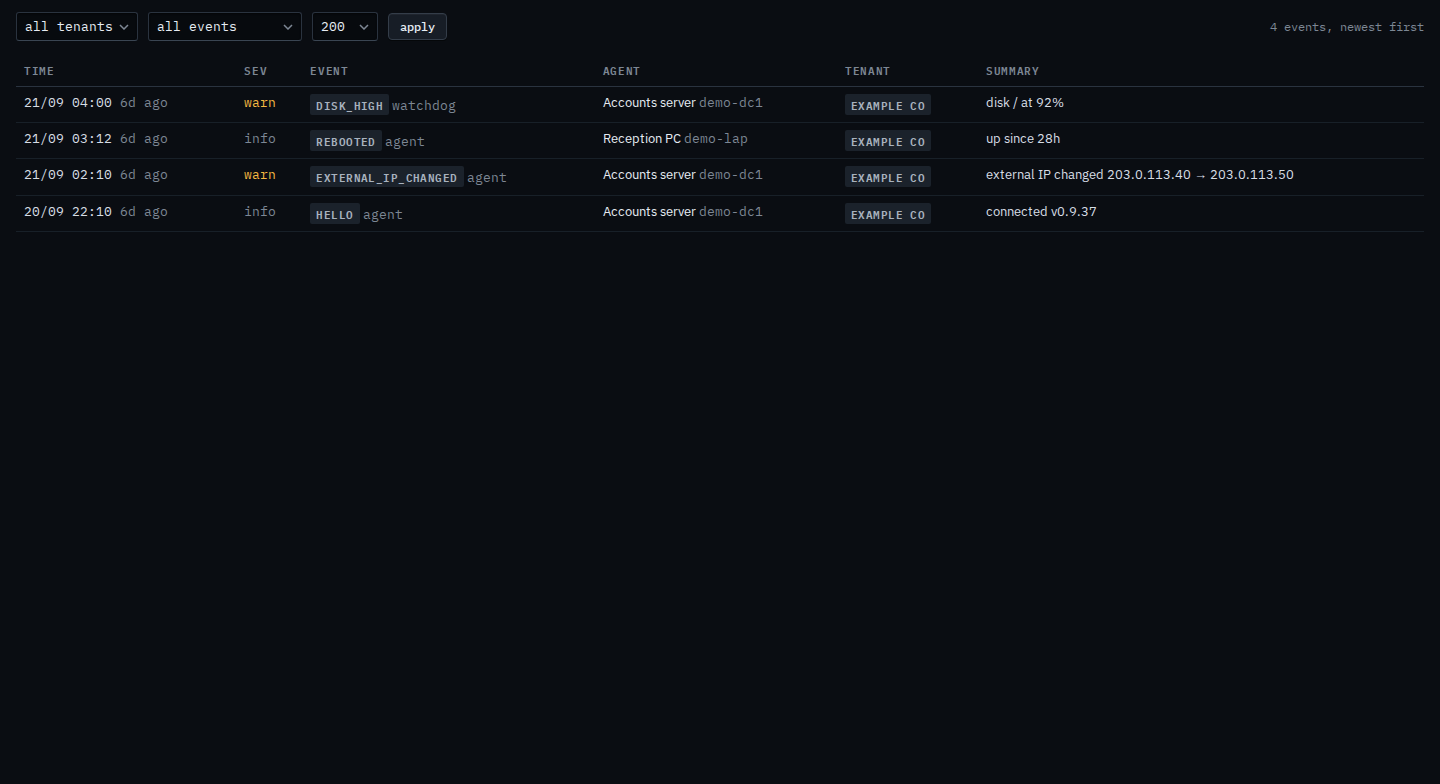
Open Events. The company menu starts on all tenants. Example Co is the company on each row. The name menu says all events and the button is apply. The count says 4 events, newest first. Four rows: disk_high on Accounts server, disk / at 92%; rebooted on Reception PC, up since 28h; external_ip_changed on Accounts server, from 203.0.113.40 to 203.0.113.50; hello on Accounts server, connected v0.9.37. Branch router, Lab host, and Spare laptop are not in this list. Changing the menu does not hide a row. Apply reloads it. This shot has not pressed apply.
Pick disk_high, then apply
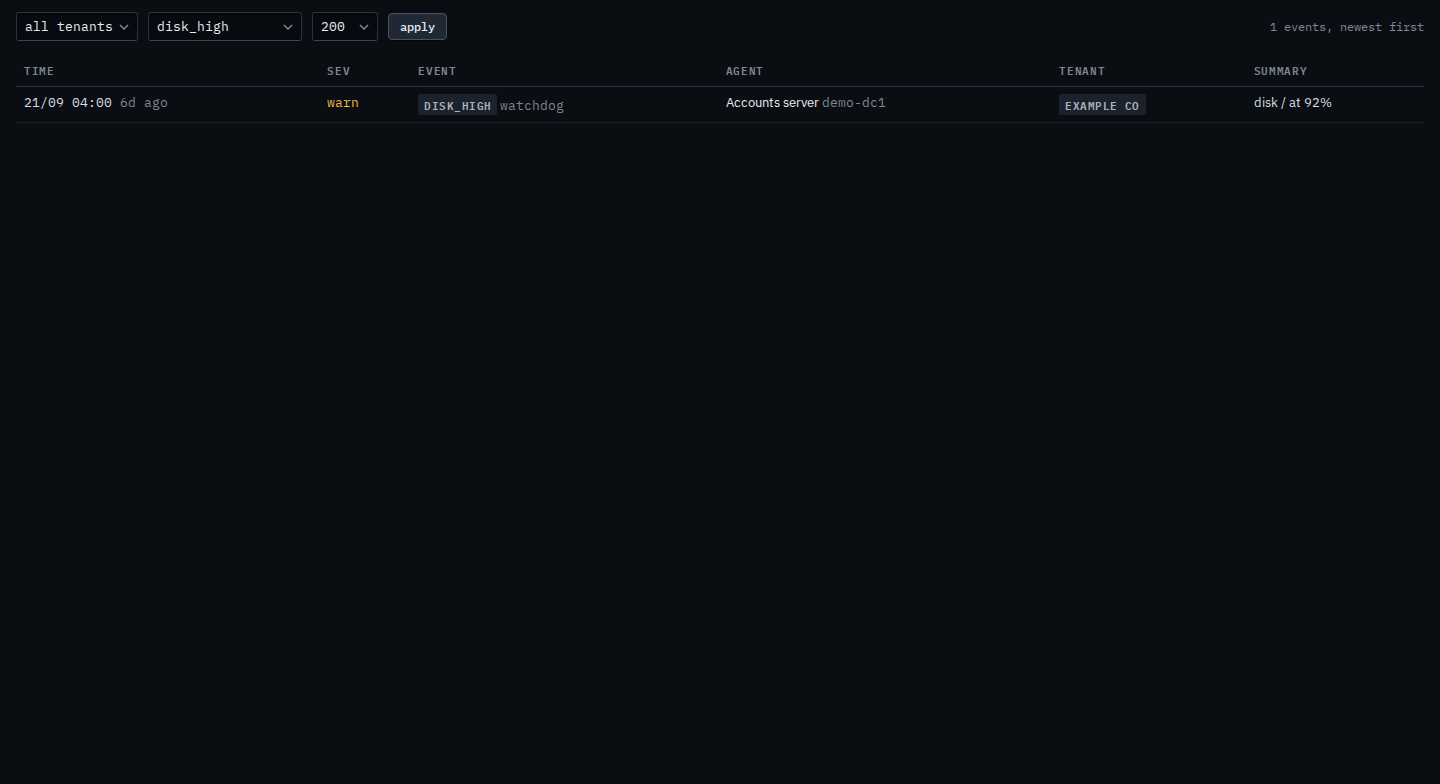
Set the menu to disk_high and press apply. The reboot, the address change, and the hello drop out. Accounts server's disk line stays, disk / at 92%. The count says 1 events, newest first. Set the menu back to all events and press apply to see the other three again. Nothing is deleted. Audit is not in this nav.
The unfiltered list is Read events on your machines. One machine's own tab is Read events on one of your machines. What your provider sees for the whole company is Show only one kind of event. Audit is not in this nav.