Remove a custom metric.
Health › custom metrics, on a metric you already created. The machine heartbeat above the list has no remove. That URL stays.
Open the metric you already created
Select the machine, then health › custom metrics. Download speed is a named metric, so the card has rotate URL, edit, and remove. The machine heartbeat above the list has rotate only. Remove is only on a metric you added.
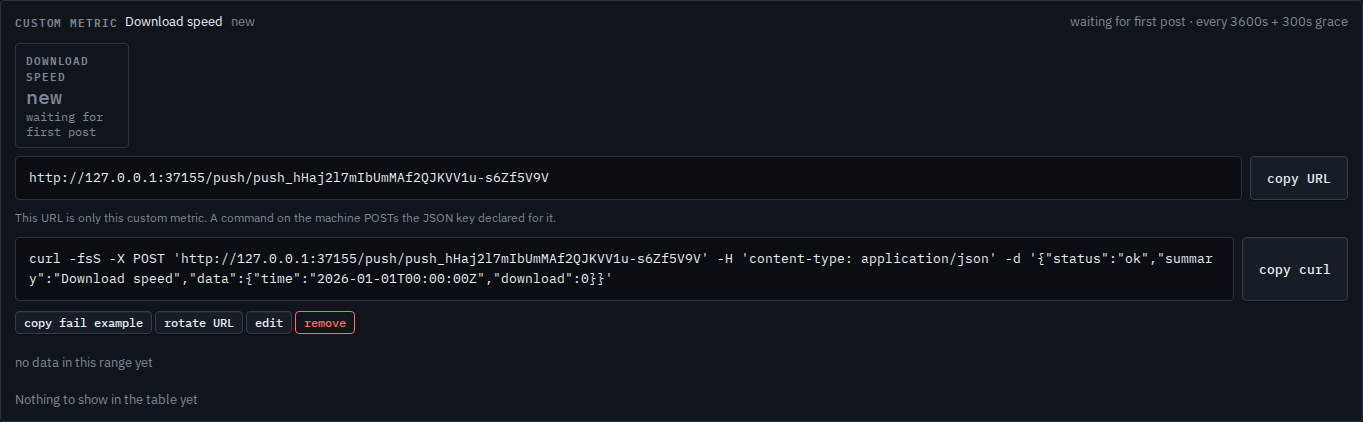
Press remove, then confirm
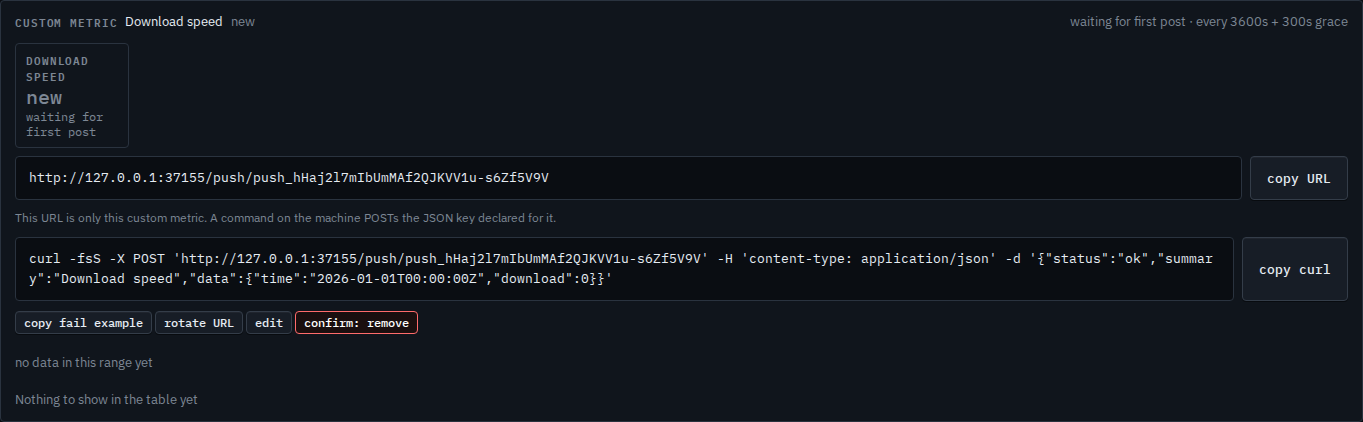
Press remove once. The label turns red and says confirm: remove. A second press within a few seconds deletes the metric and the history the hub stored for it. Posts to that URL stop landing. This shot stops on the first press, so Download speed is still there. Rotate URL is the other two-step, and it keeps the metric — Change or remove a custom metric.
Changing the name or the thresholds, or minting a new URL, is Change or remove a custom metric. Creating the URL is Add a custom metric. A customer login can copy a URL and cannot remove one.