Approve or reject a proposal.
Proposals also sit in the fleet inbox on the right. The Proposals page is the same queue across the company.
Open Proposals
Each card is one proposed action: title, the exact tool and arguments, and why. Approve runs it. Reject drops it. Retry is for a failed run. Save as script keeps a run_shell in the library — Save a proposal as a script.
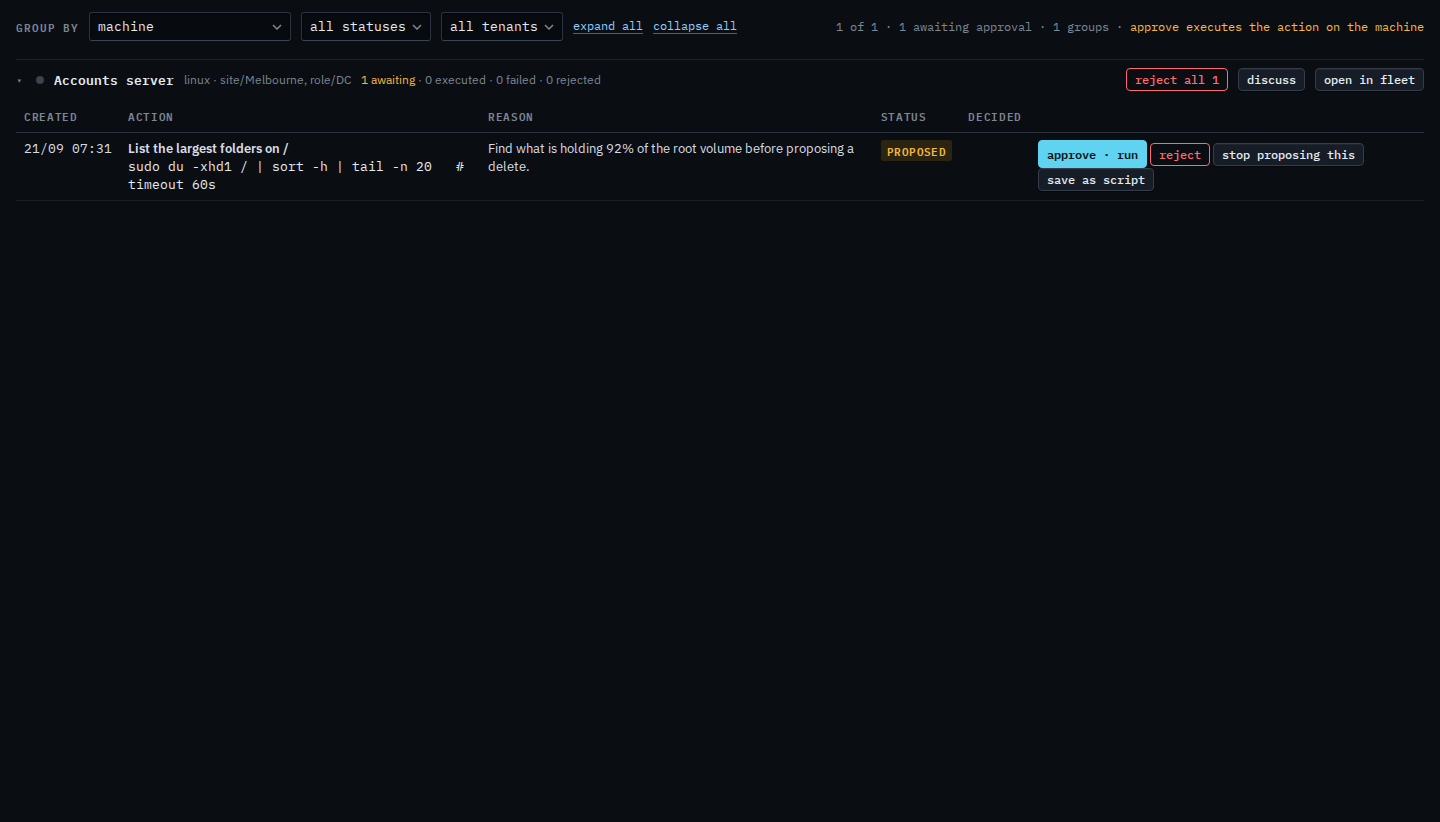
Approve is two-step. A second click or another tab cannot run the same proposal twice. Closing the browser does not stop a long command — the hub keeps it. A row that never started is Retry a proposal that failed. A command that ran and exited with an error is Diagnose a command that failed. The status menu is Show only failed proposals. Clearing every waiting proposal on one machine is Reject every waiting proposal. That confirm does not run anything. The rail beside one machine is Read approvals beside the machine.