Run a script on a schedule.
A schedule is a time, a timezone, and the days. At that minute the hub starts the script on every machine it covers that is online.
Write the script, then open the schedule
Company admins edit scripts. Open Scripts and press + script, or edit one already in the library. Run it on a schedule sits under the command. Leave it off and the script only runs when someone presses run. Run a saved script is that path.
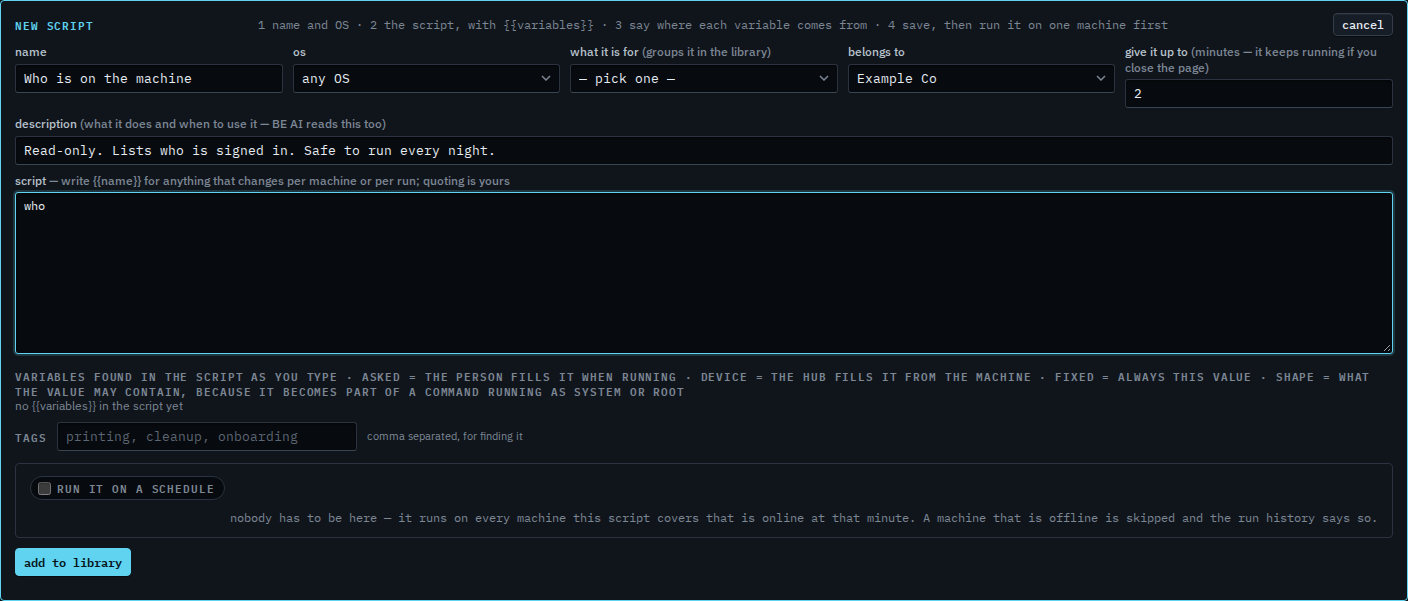
Pick the time and the days
Tick run it on a schedule. Set the time, leave the days you want, and keep the timezone as the console's unless this company lives somewhere else. Every day is the default. A machine that is offline at that minute is skipped.

Save. The library shows when it runs
Press add to library (or save changes). The row gains a chip with the time. It runs itself from then on, on every machine this script covers that is online at that minute. Operators still see the chip. They do not edit the schedule.
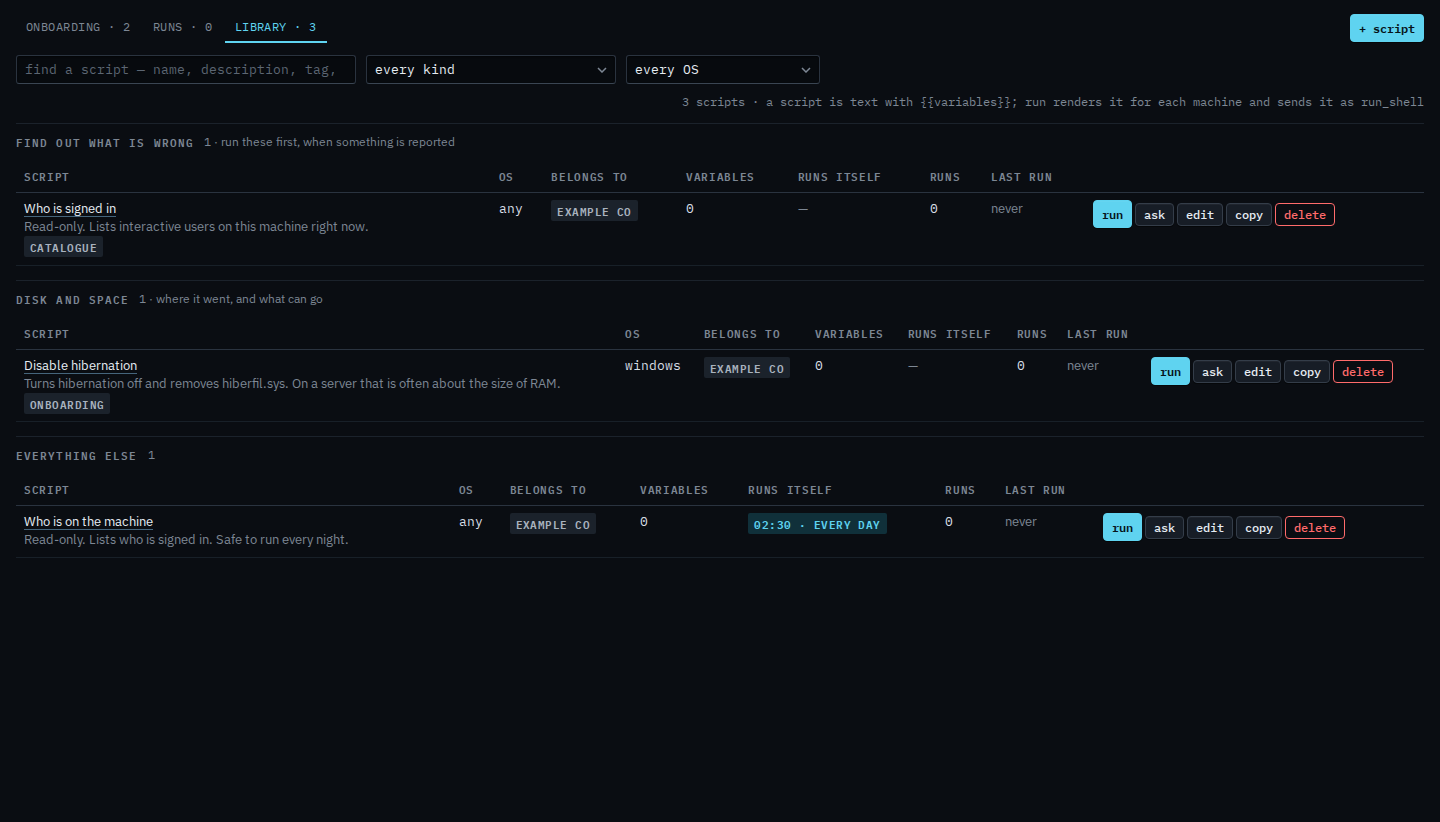
An offline machine is skipped, and the run history says so. It is not queued for later. Leaving the weekend off is Run a script on weekdays. Another clock is Run a script in another timezone. A run that is already going can be stopped from Scripts › runs — Stop a script that is still running.