Check a Windows registry value.
Health › checks, on a Windows machine. Pick Registry value. The agent reads HKLM or HKU. You are still pushing a document, not a script.
Pick Registry value and name the key
Open the Windows machine, then health › checks. The primitive is Registry value (Windows). Path is the key, starting with HKLM or HKU. Value name is EnableLUA. Must equal is 1, so a machine with UAC turned off fails. Leave must equal empty when any value in that name is enough, and leave the name empty when you only care that the key exists. Check that a drive is mapped is another Windows check in this editor.
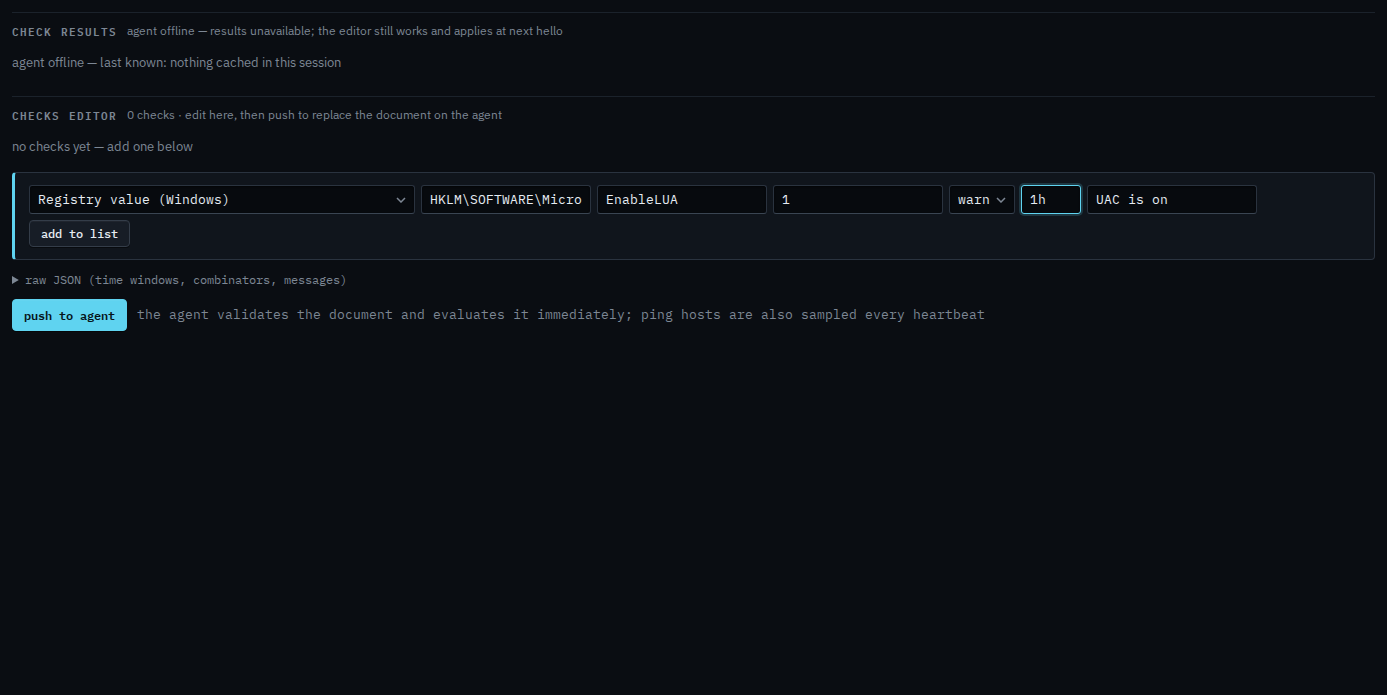
Add to list, then push
Press add to list. The check sits in the document. Push to agent is the next click, and it asks you to confirm. Push replaces the whole document. This shot stops before that, so nothing has been sent. When the key is missing, the value is missing, or it does not equal what you typed, the alert is a check failure.
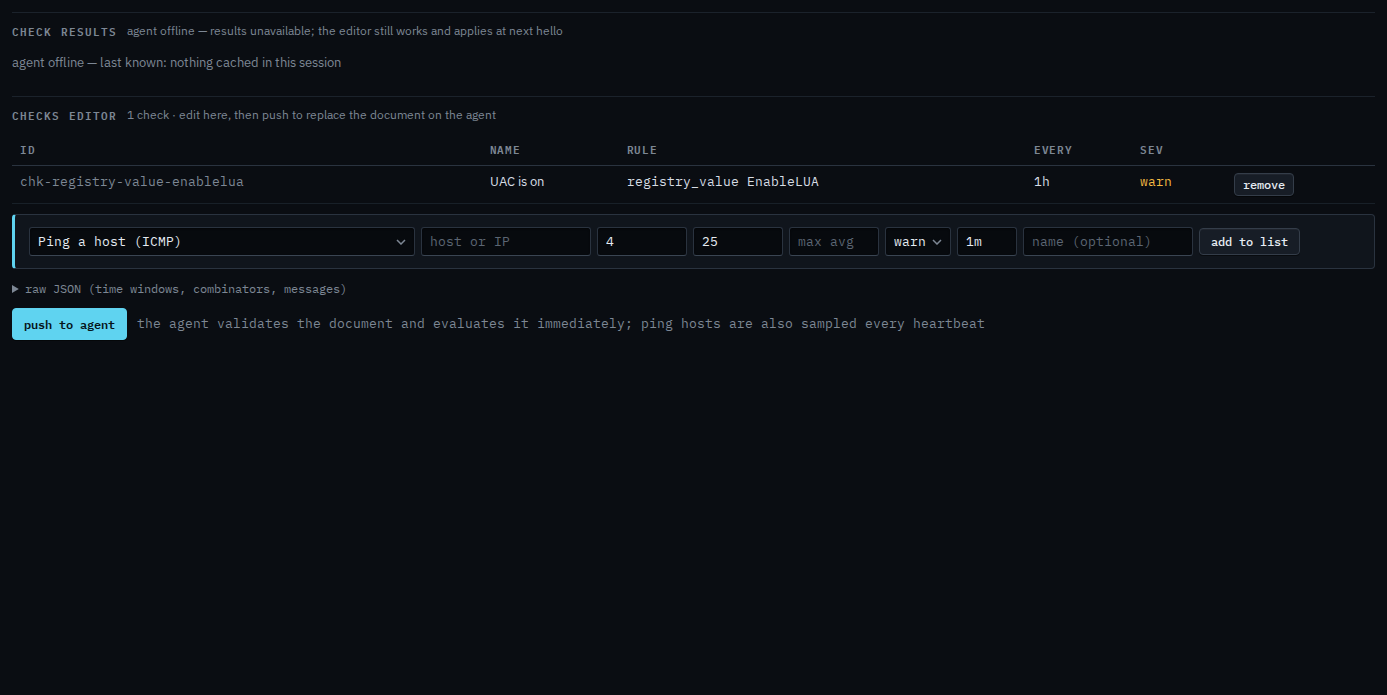
Push is a two-step button. The agent must be online to evaluate. You can still add the check while it is offline, and it applies at the next hello. HKCU is not accepted — the agent runs as a service and reads the machine hive, or HKU for a loaded user. A mapped drive is Check that a drive is mapped.