Start from a prepared question.
Discuss offers a few questions so you do not start from a blank line. Sending is still the press of send.
Open discuss
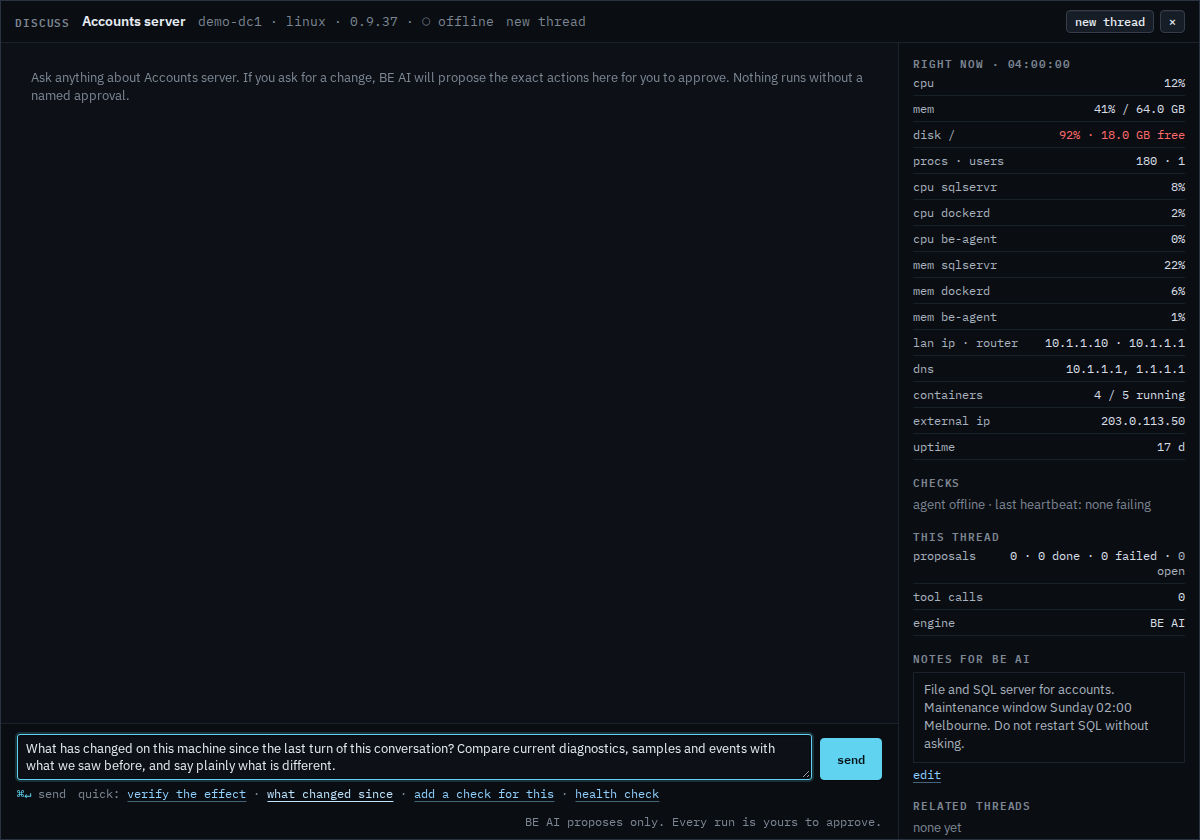
The line under the box is verify the effect, what changed since, add a check for this, and health check. Each one writes a question into the composer. None of them sends it. On a group the shortcuts are different: how the set is, backup mobile, and virtual machines.
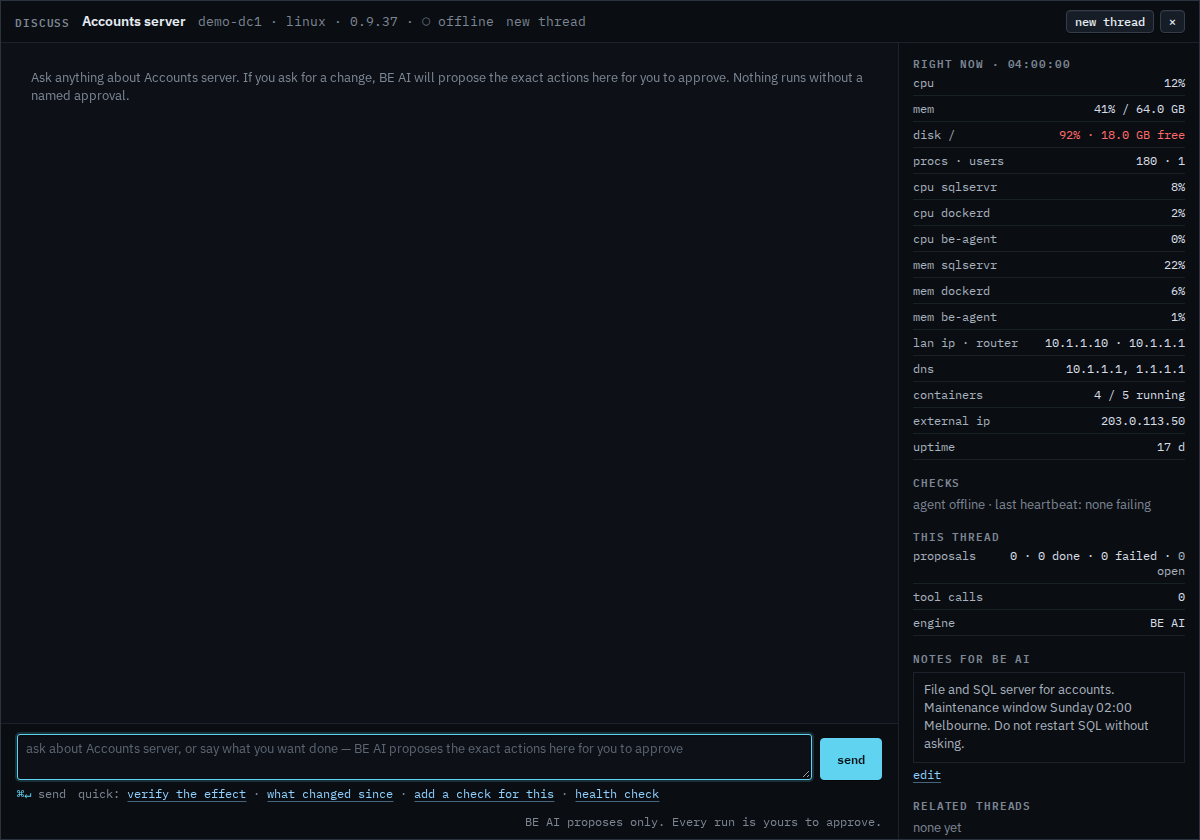
Press what changed since
The composer now holds that question: what is different since the last turn, from diagnostics, samples, and events. Edit it if you want a narrower answer. Send is the next press. This shot stops before that, so no investigation starts. New thread at the top starts a fresh conversation and drops this draft.
While an investigation is running, stop this investigation sits under send. The current step finishes, then the run stops with partial findings. Closing the browser does not stop it. Asking about one machine is Ask BE AI about a machine. A site or a tag is Ask BE AI about a group.