how-to · history
Open this in the console
Download a machine's history.
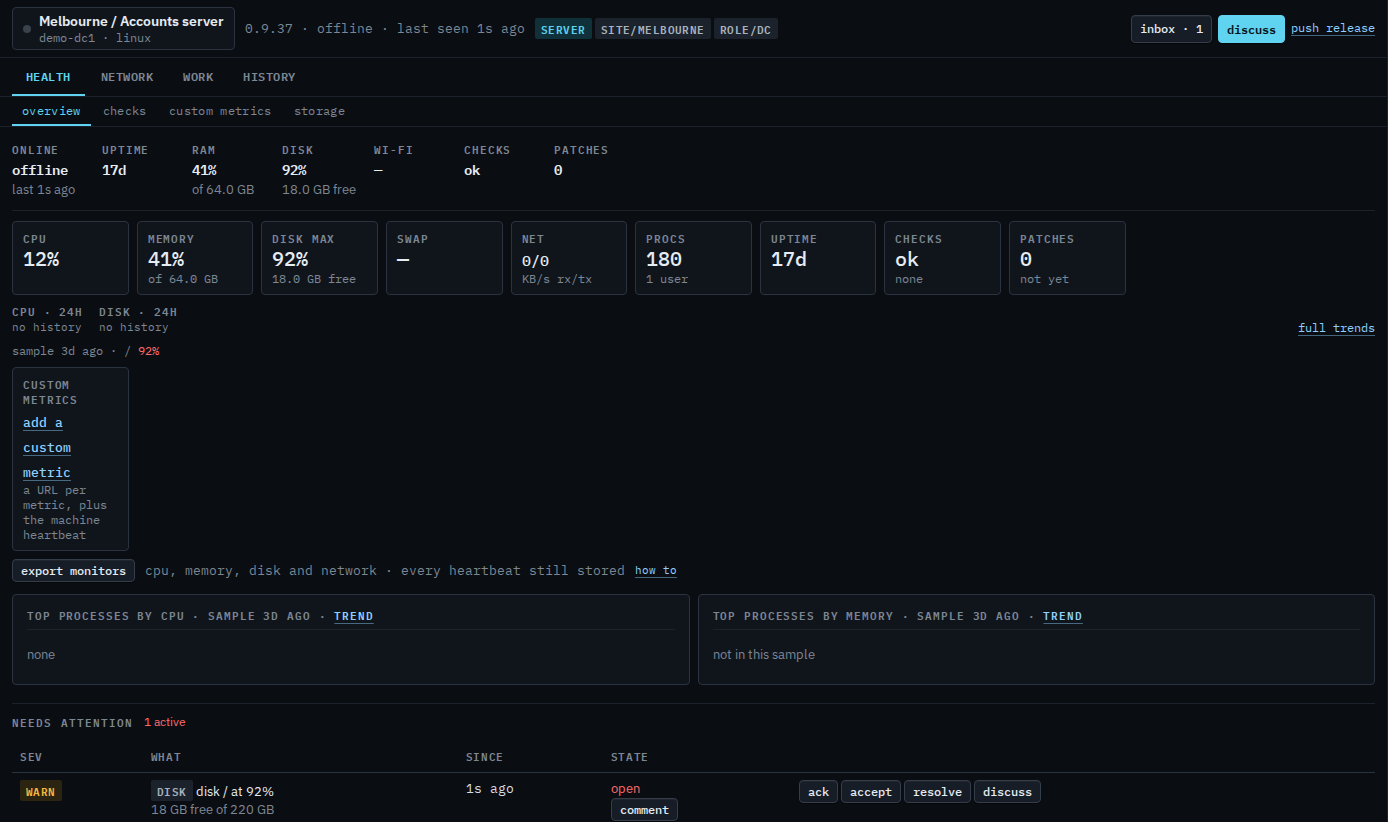
Charts past a day are rolled up. The export is the raw samples the hub still stores: CPU, memory, disk and network, one row per heartbeat.
01
Export monitors from the overview
Open the machine. Export monitors downloads the heartbeats. The file name comes from the hub. A failed export is a message, not an empty spreadsheet. The last 60 rows, on screen, are Read the last heartbeats.
On Health › checks, each check has its own export. Ping and app checks export every sample of that check. Other checks export each time the verdict changed. Trends has the same heartbeat file, labelled export raw CSV.