Fill a script answer from the alert.
Alerts › scripts. Restart a Windows service asks for {{service}}. There is nobody at the keyboard when the alert fires.
The question starts empty
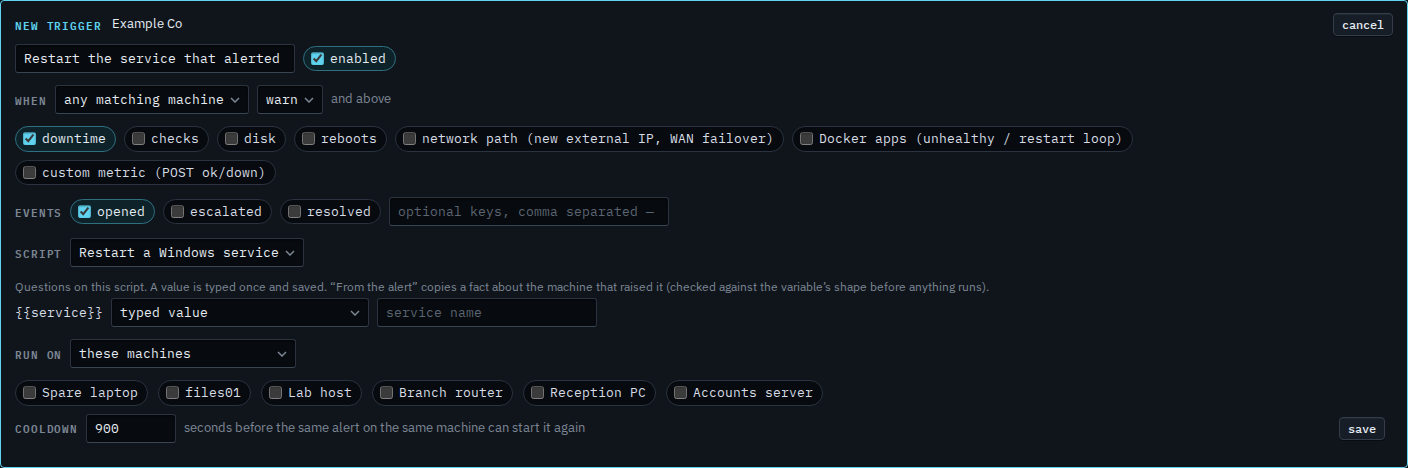
Open Alerts › scripts and press new trigger. Name it and choose Restart a Windows service. {{service}} appears under the script. The menu says typed value and the box is empty. The blank is required, so save refuses until it has a value or a fact. The shape is a name: letters, digits, dot, dash and underscore.
Type the service once
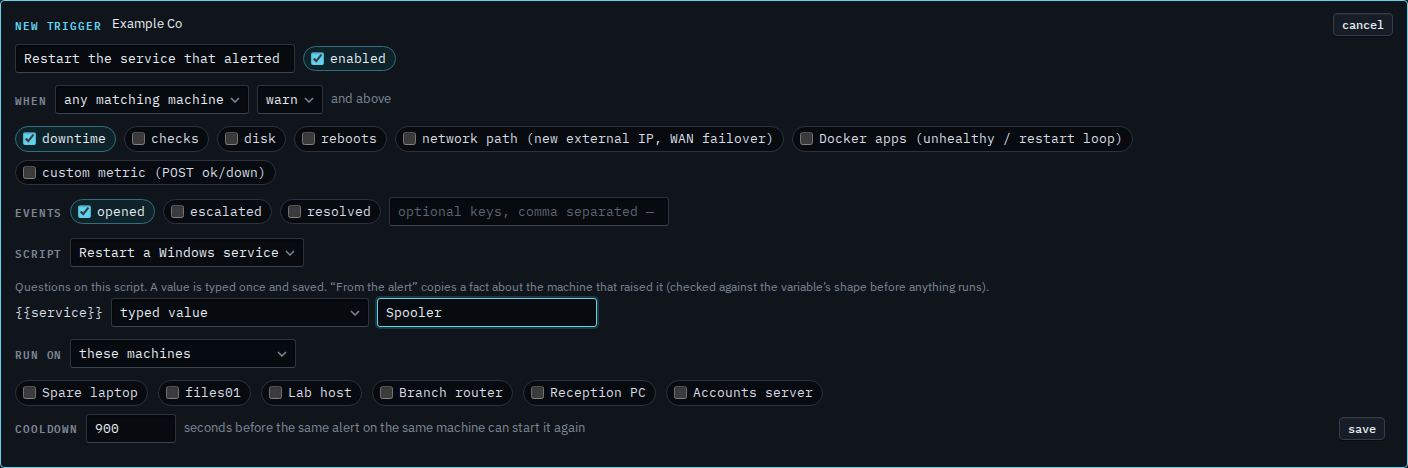
Type Spooler. That value is saved on the trigger and used on every firing. The same service restarts whichever machine matches. A space, a quote or a second command is refused, because the shape is a name.
Or copy the hostname from the alert
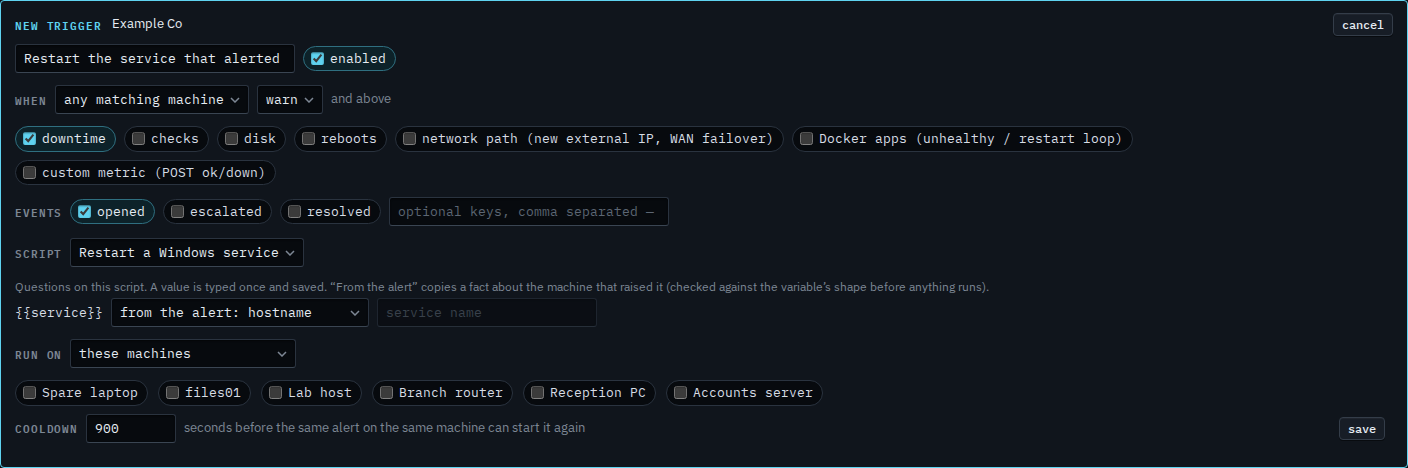
Set the menu to from the alert: hostname. The box goes grey. Each firing copies that machine's hostname, and the shape is checked again before the script runs. hostname is one word, so this blank accepts it. A display name with a space is refused and the run does not start. Press save when this is the one you want. This shot stops before that. Cancel drops the draft. Run on is still these machines, and none is ticked, so a save would also need a target.
The shape of that blank is Say what a blank in a script may contain. Answering it by hand, at run time, is Answer what a script asks. A secret stays off a trigger — Keep a script answer off the record.