Turn an alert rule off.
Alerts › rules. Off is on the row. It is one press, not a confirm. Show disabled brings the row back.
Open Alerts › rules
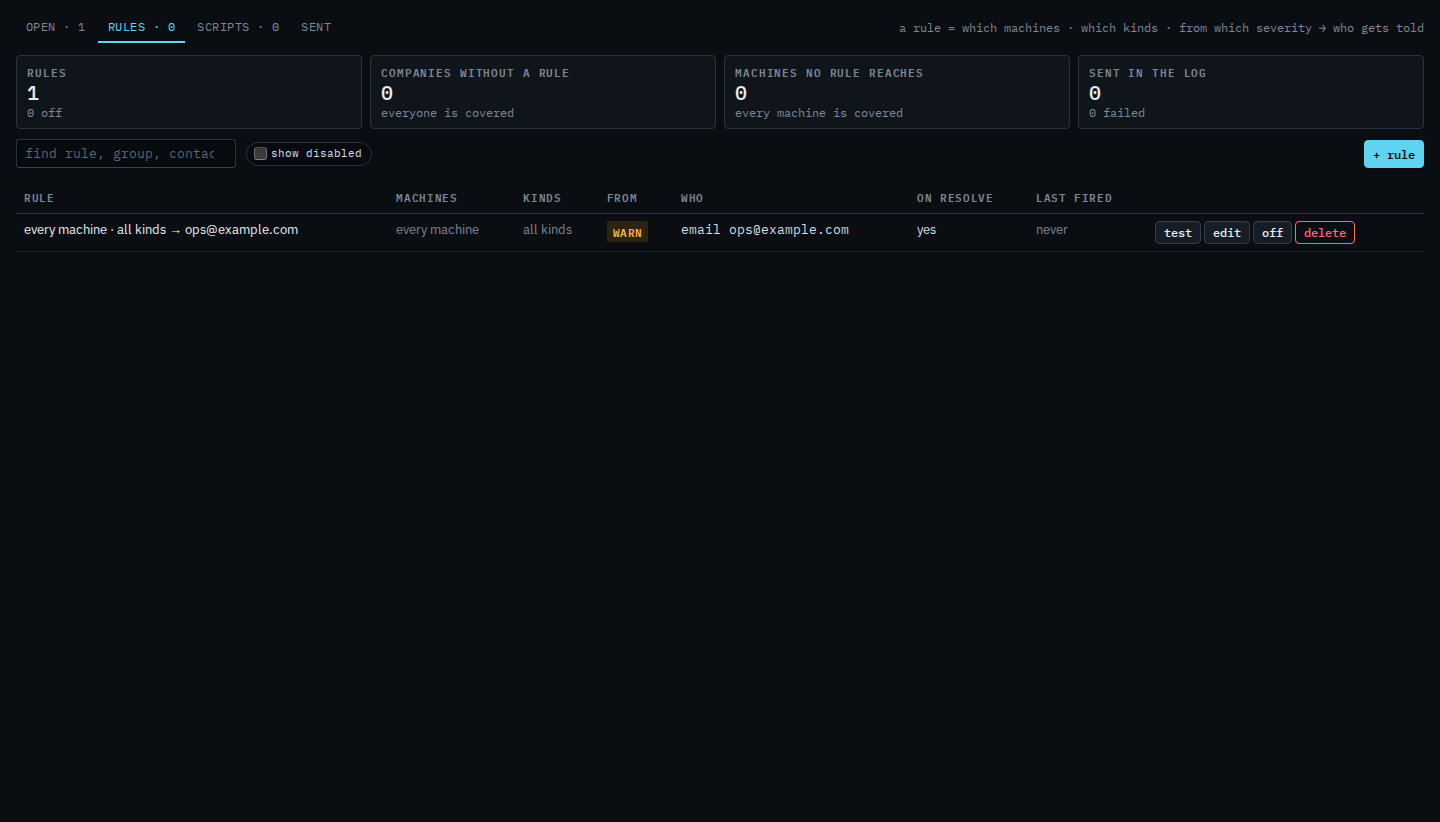
A rule that is on has off on the row, next to test and edit. Example Co's rule covers every machine and tells ops@example.com. The on resolve column is yes, so they also hear when it clears. Pressing off does not ask you to confirm.
Press off, then show disabled
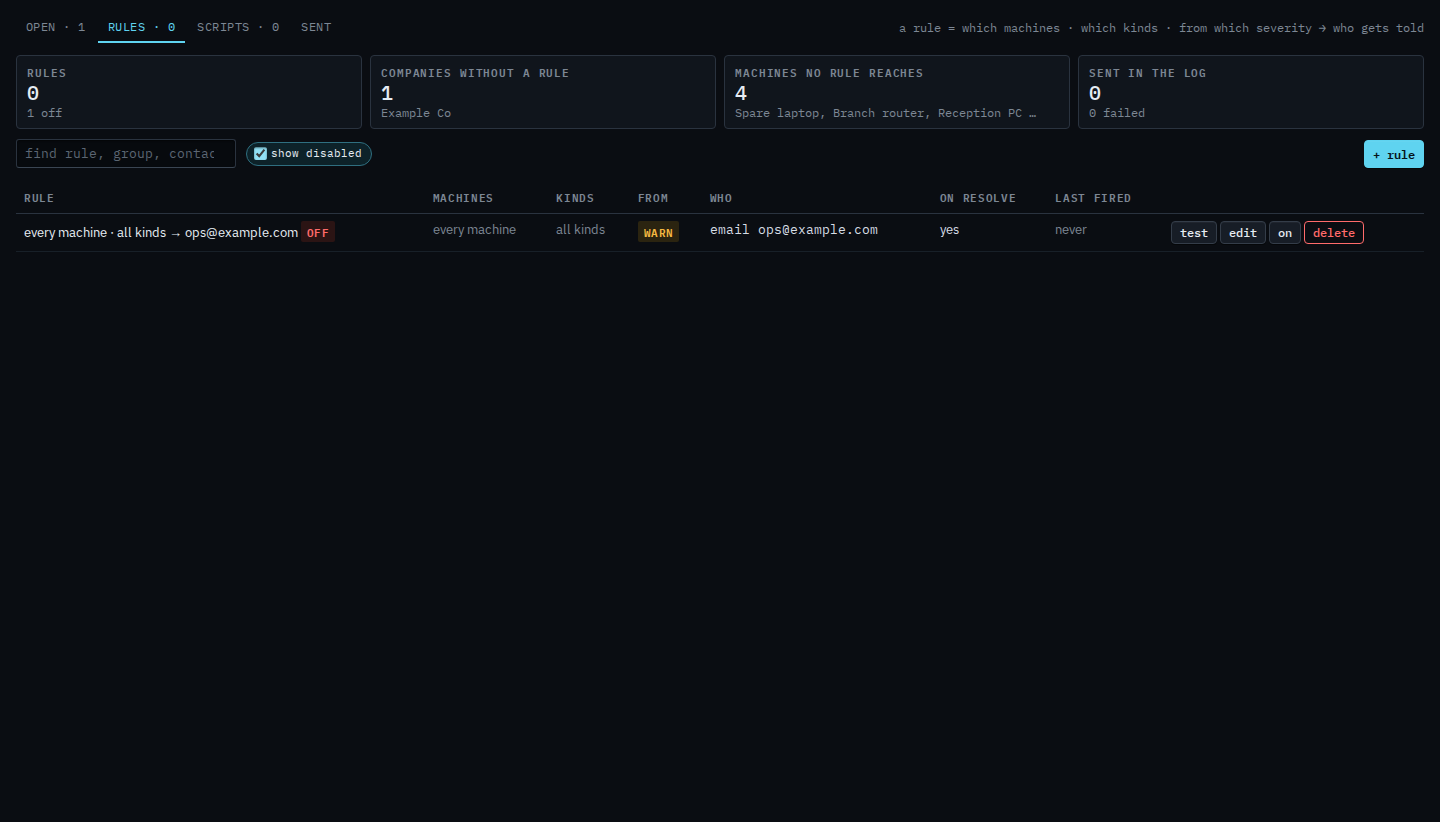
Press off. The rule leaves the list, because disabled rules are hidden until you tick show disabled. The row comes back with an off chip, and the button now says on. Alerts still open on the machines. This rule does not send. Press on to send again. Test on a disabled rule still sends one synthetic message, so leave it until you mean to.
Creating the rule is Tell someone when a machine needs attention. The second message when it clears is Tell them when an alert clears. Removing it is Delete an alert rule, and that one does ask you to confirm. Sending one synthetic message is Send a test of an alert rule.