how-to · company
Open this in the console
Read custom metrics on your machine.
A custom metric lives on the hub. This login sees the machine heartbeat and any named metric your provider added.
Copy URL does not change the address. Rotate, which would make the old one answer 404, is not on this page.
01
Open Health › custom metrics
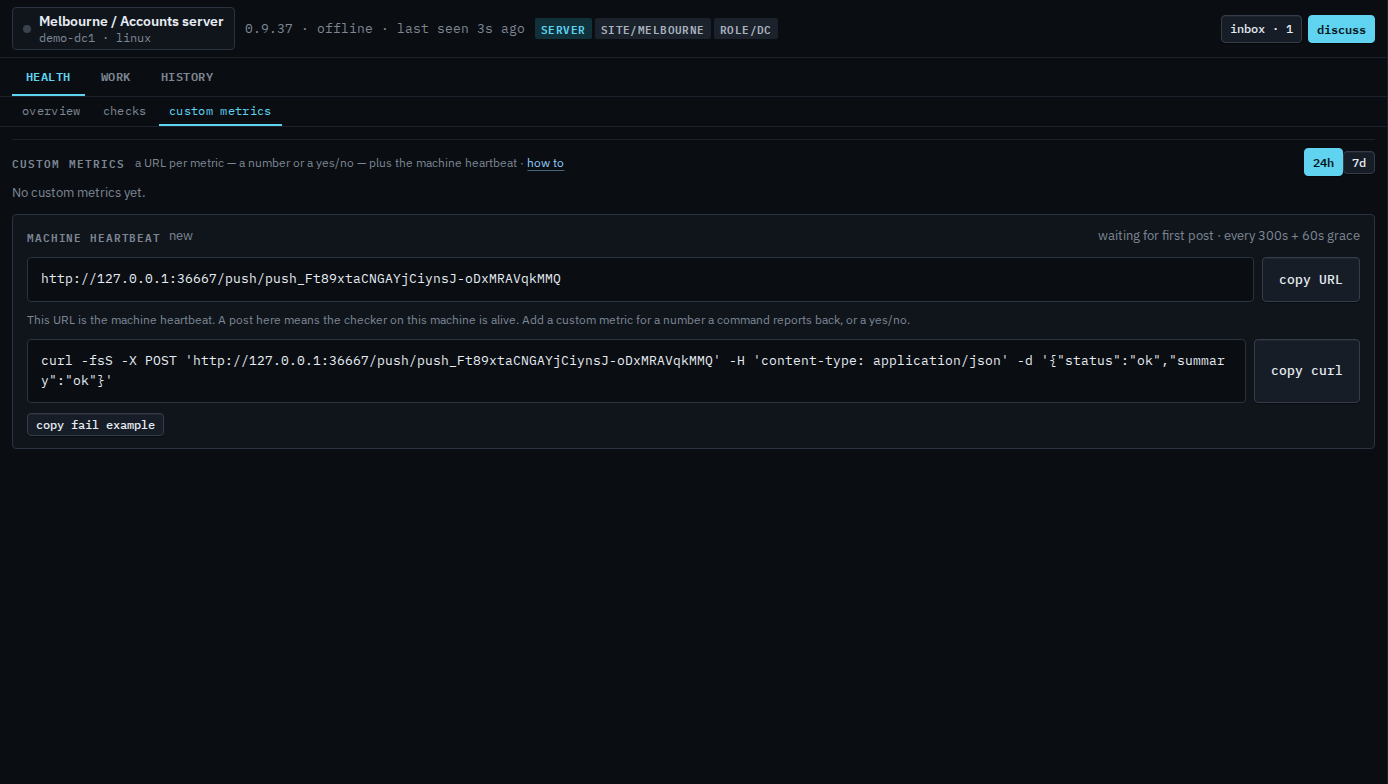
Open Accounts server, then health › custom metrics. The range buttons are 24h, which is selected, and 7d. The line says no custom metrics yet. The machine heartbeat card says new, waiting for first post, every 300s + 60s grace. The address is a URL on this hub. Copy URL, copy curl, and copy fail example are on the card. Add custom metric, rotate URL, edit, and remove are not. This shot does not copy the URL.
Opening the machine is Open one of your machines. What your provider creates is Add a custom metric. A yes or no post is Add a yes or no custom metric.