Leave the machine running after updates.
Patches › jobs. Restart is on the new job. If an update needs it is the start.
Leave restart on if an update needs it
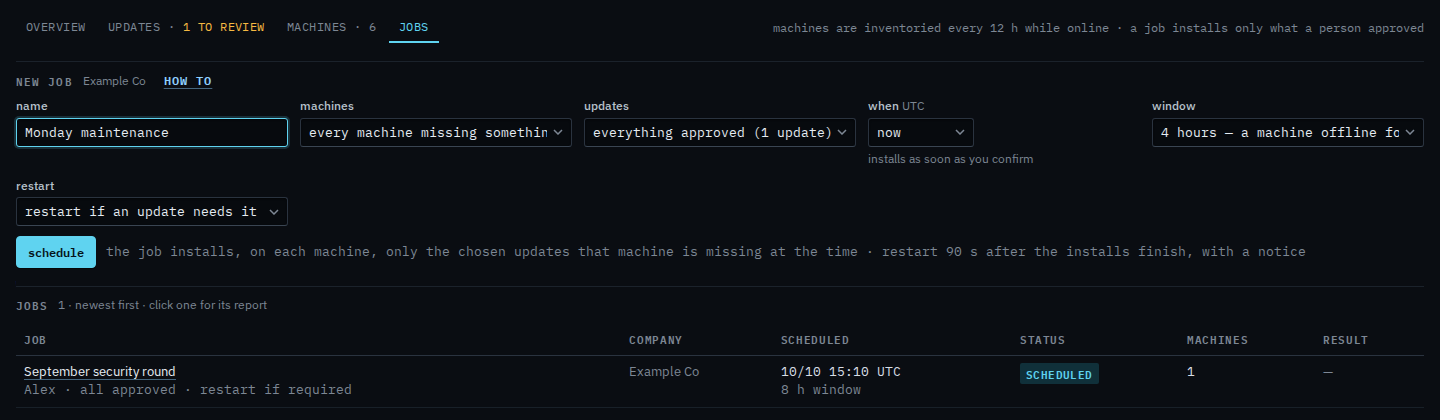
Open Patches and pick jobs. Name the round. Restart is restart if an update needs it. The September cumulative update on Reception PC is already approved and wants a restart, so this choice would restart that machine about 90 seconds after the install, with a notice. Chrome is still awaiting review, so this job will not install it. September security round is already in the jobs list. Schedule is the next click. This shot stops before that.
Set restart to never
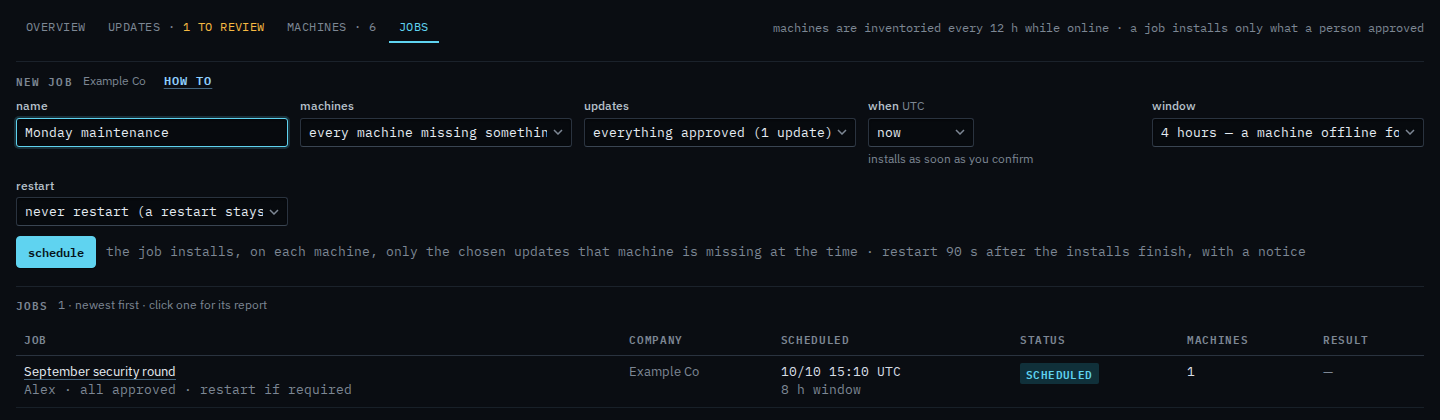
Set restart to never restart (a restart stays pending on the machine). The cumulative update can still install. The machine stays up, and the pending restart stays visible on the machine and in the patch window. Always restart when done is the other end: the machine restarts even when the updates did not ask. Schedule is still the next click. This shot stops before it, so nothing new is queued.
The rest of the form is Schedule a patch install. A clock instead of now is Install updates at a chosen time. One machine instead of the whole company is Install updates on one machine.