Show one of your machines' events from the last day.
History › events on one of your machines. The range starts at the last 7 days.
Start on the last 7 days
Open Accounts server, then history › events. The range menu says last 7 days. The count is 3: the disk warning, the external address change, and the hello from when it connected. Changing the range does not delete them. Audit is not a tab on this login.
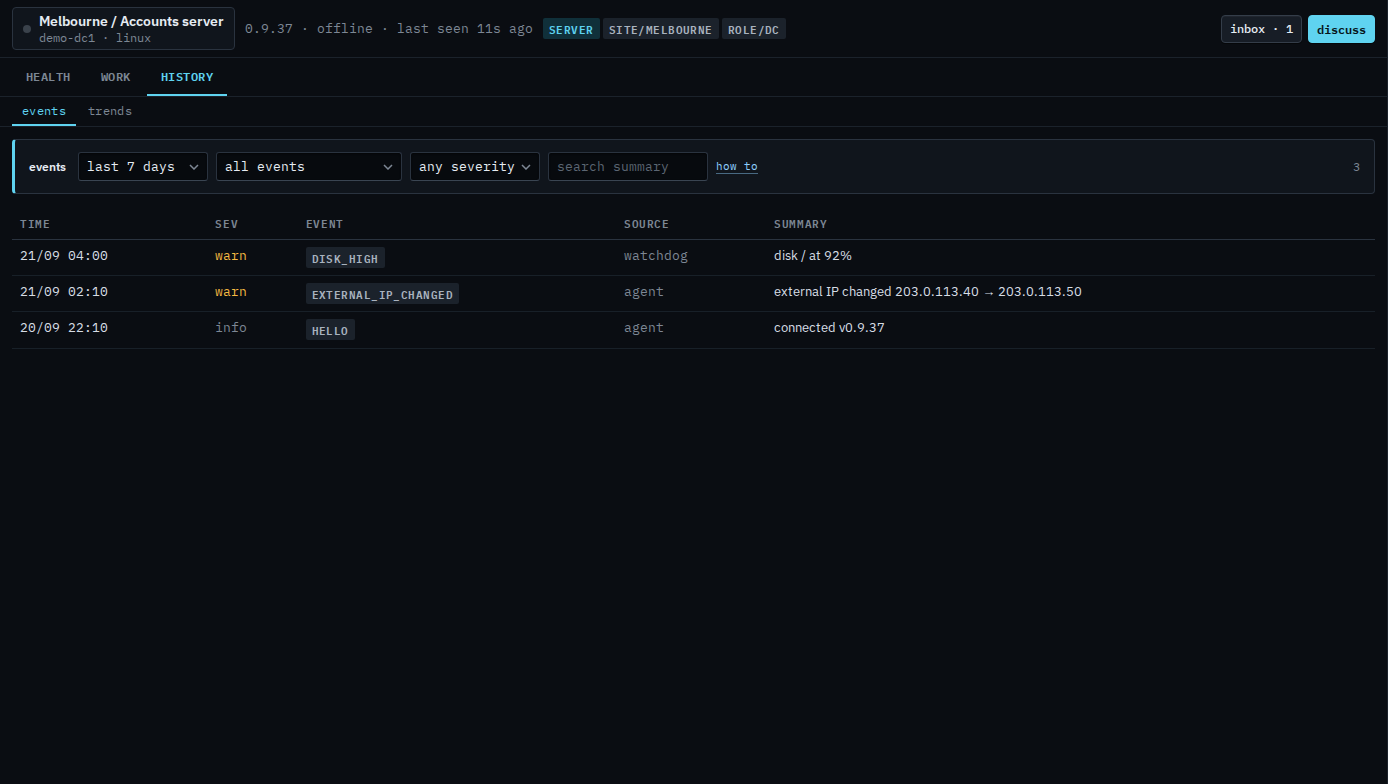
Switch to the last day
Set the range to last 24 hours. The list reloads. Those three lines are older than a day, so the count says none recorded in this range. The lines are still stored. Set the menu back to last 7 days and they return. Last 30 days and everything are the same history, wider. Everything is capped at 500 rows.
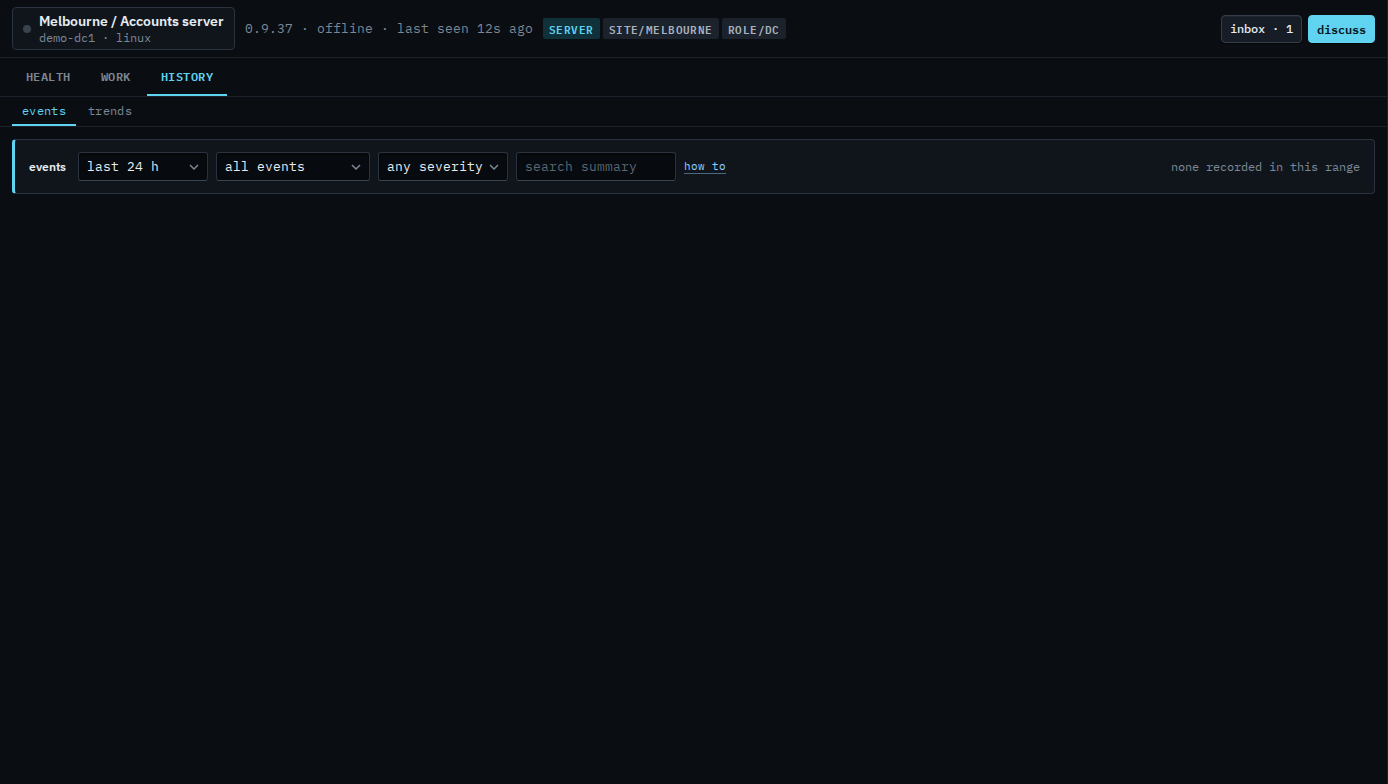
The week of lines is Read events on one of your machines. A word in the summary is Search events on one of your machines. Warnings only are Show only warnings on one of your machines. What your provider sees is Show one machine's events from the last day.