Answer what a script asks.
Press run on a script that has an asked variable. The fill-in box is the question. A value outside the shape is refused before it reaches a machine.
Open Scripts › library
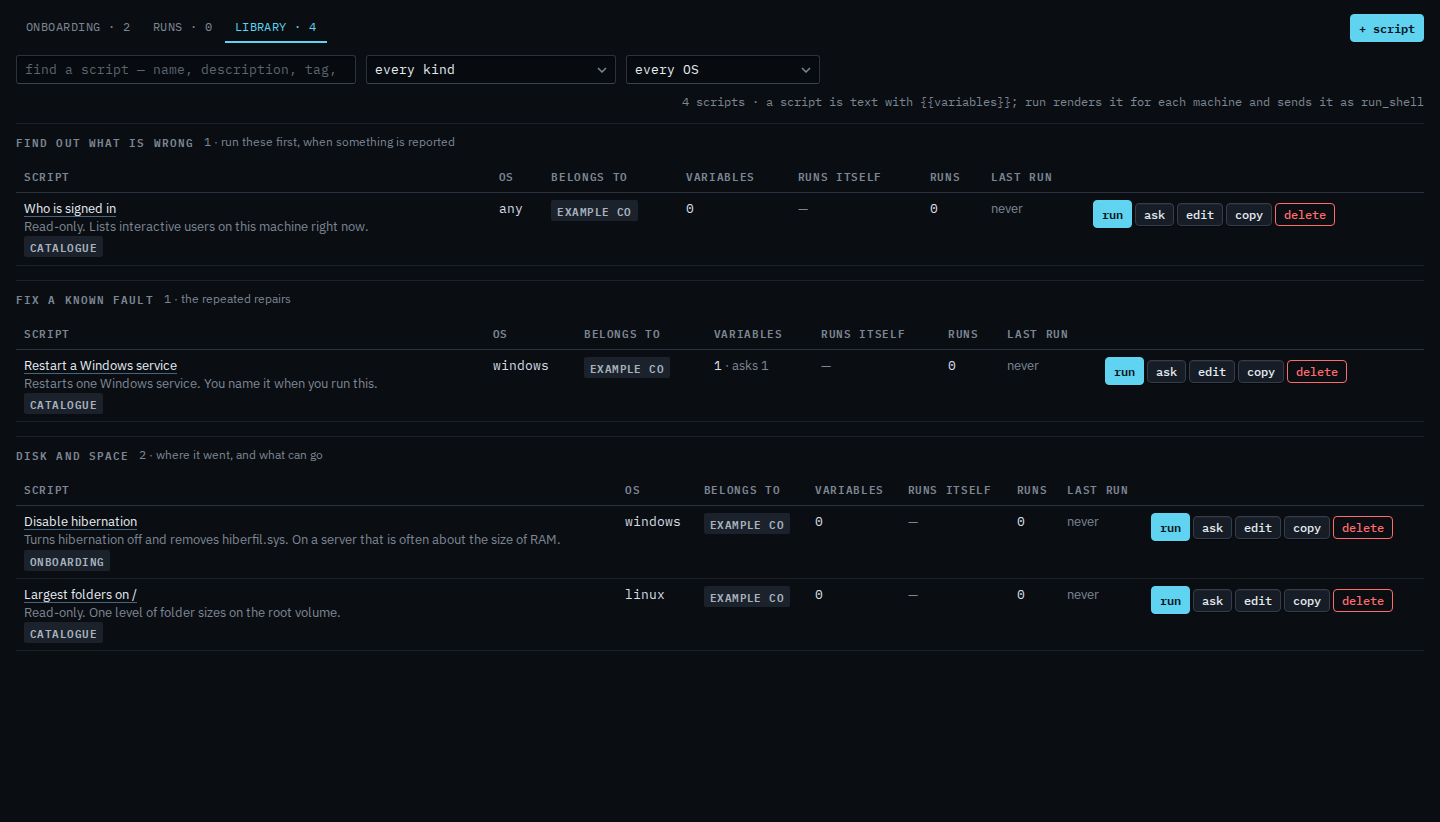
A script that asks shows asks next to its variable count. Restart a Windows service asks for the service name. Press run on that row. Run a saved script is the same panel when there is nothing to type.
Type the answer
The question is labelled with the variable, here {{service}}. Type the service name. The shape is a name: letters, digits and a few marks, so a semicolon or a quote is refused before the command is sent. Tick an online machine that matches the script's OS. The preview is the command for that machine, with Spooler in place of the placeholder. Press run, then confirm. Closing the page does not stop a run that has started.

The demo machines are offline, so the ticks stay grey and the preview stays as the template. On an online machine you tick it and the preview is the command that will be sent, with the answer in place. Run is two-step. The machine's own allow shell still has to be on. Writing the variable is Add a script to the library. The shape on that row is Say what a blank in a script may contain. A required question with no default cannot be scheduled — Run a script on a schedule. A password-style answer that the run history keeps as bullets is Keep a script answer off the record. Filling the blank from the machine is Fill a script blank from the machine. A value that never changes is Always send the same value in a script.