Reject every waiting proposal.
Approve and reject on a card are one action. Reject all is the same decision for every proposal still waiting on one machine. Rejecting never runs the command.
Open Proposals
Proposals are grouped by machine. A machine with something waiting shows reject all and the count on its header. Accounts server has one: list the largest folders on /. Approve on the card runs that one command, after a confirm. Reject on the card drops that one. Reject all is for every proposal still waiting on the machine. This shot has not pressed it.
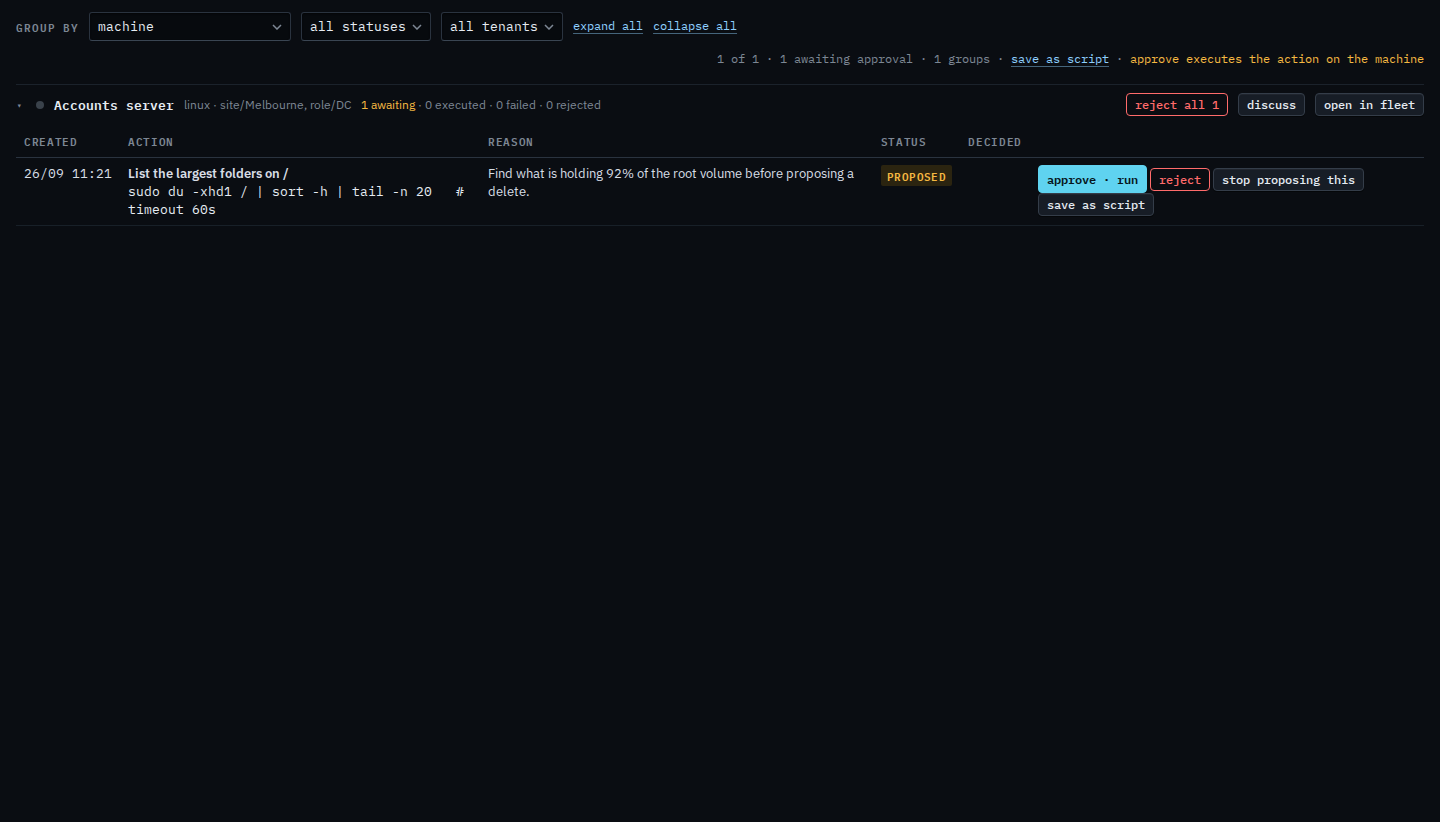
Press reject all, then confirm
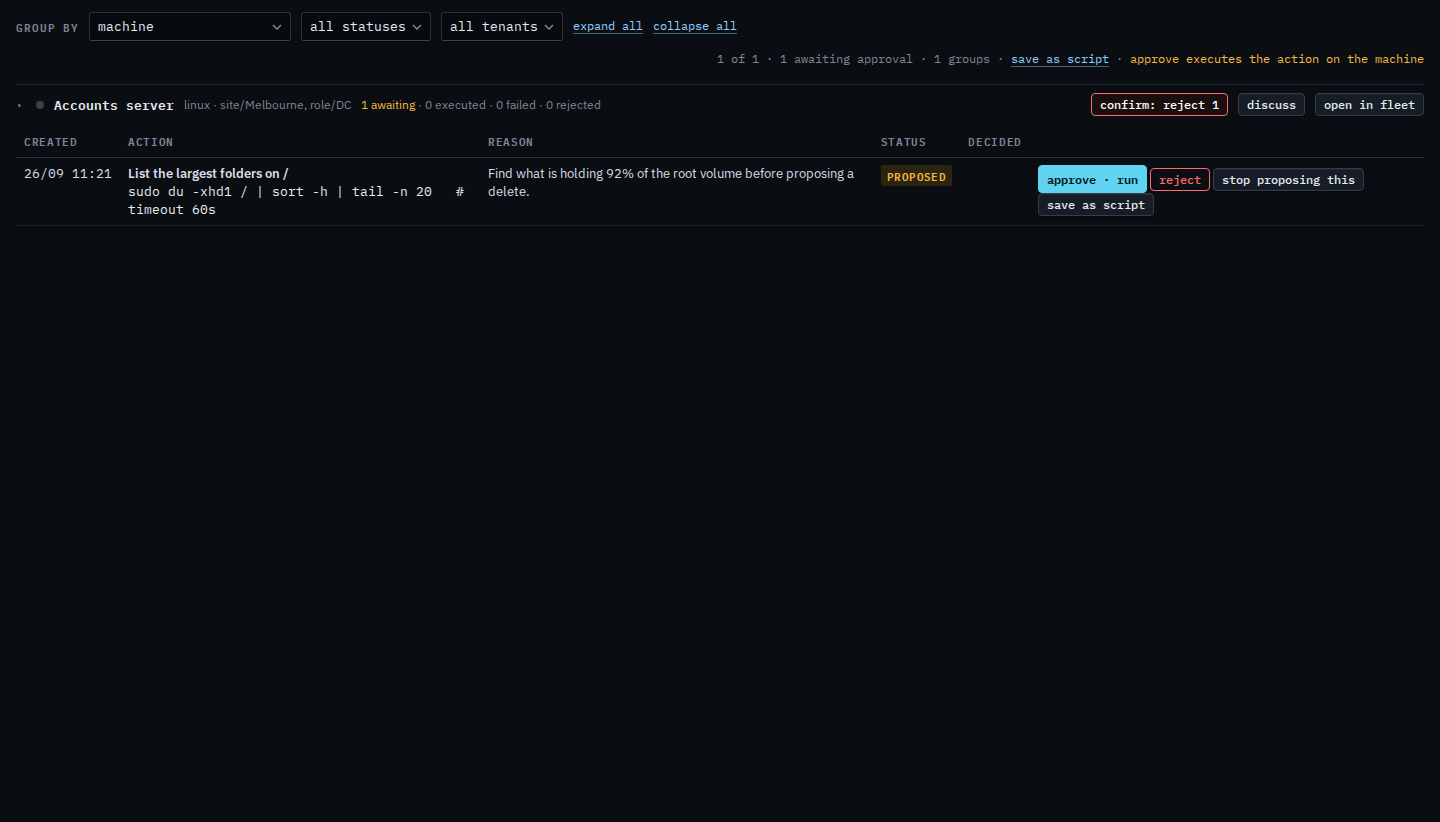
Press reject all 1. The label turns into confirm: reject 1. Press it again to reject every proposal still waiting on that machine. Nothing runs on the machine. This shot stops on the confirm, so the proposal is still waiting. The label returns to reject all after a few seconds if you leave it.
One card at a time is Approve or reject a proposal. The same queue beside a machine is Read approvals beside the machine. Keeping a shell command for later is Save a proposal as a script, and that is separate from rejecting it.