Check that a file is large enough.
Health › checks. Pick File at least this big. The agent looks at the file's size on a schedule. You are still pushing a document, not a script.
Pick File at least this big
Open the machine, then health › checks. The primitive is File at least this big. Path is the backup file. Minimum bytes is the smallest size that still counts — here, 1,048,576, which is 1 MB. A real full backup is larger; type that number in bytes, not megabytes. Name it in plain words. Check that a backup file is recent is the same path, judged by age instead of size.
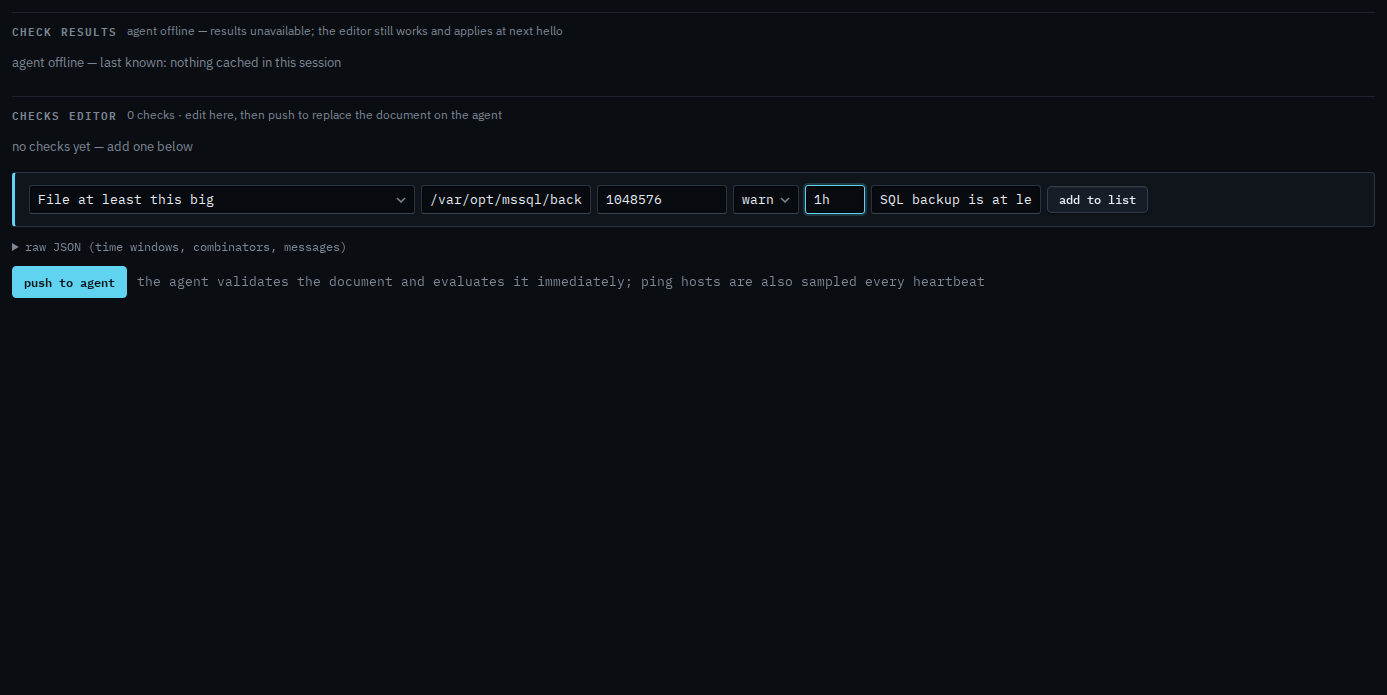
Add to list, then push
Press add to list. The check sits in the document. Push to agent is the next click, and it asks you to confirm. Push replaces the whole document. This shot stops before that, so nothing has been sent. When the file is missing or smaller than that many bytes, the alert is a check failure. It resolves when a large enough file is there.
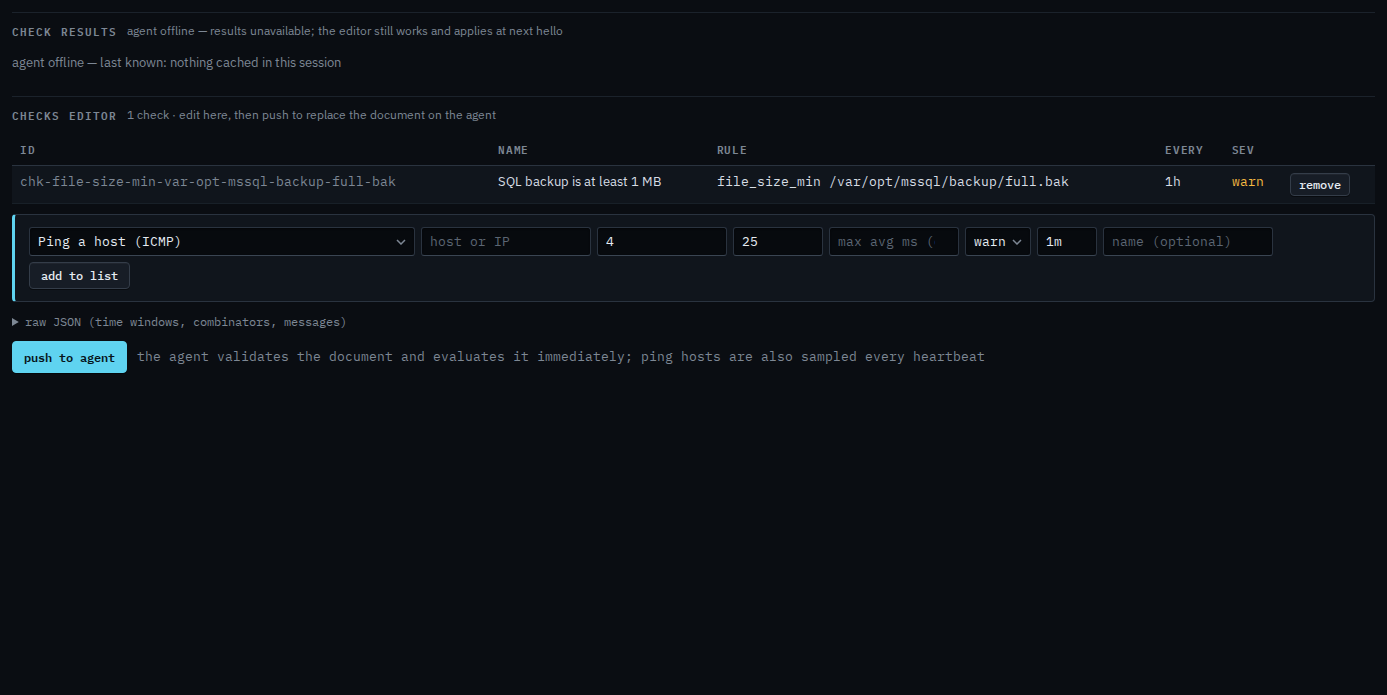
Push is a two-step button. The agent must be online to evaluate. You can still add the check while it is offline, and it applies at the next hello. A file that must have been written recently is Check that a backup file is recent. Free space is the same editor.