Tag a script so you can find it.
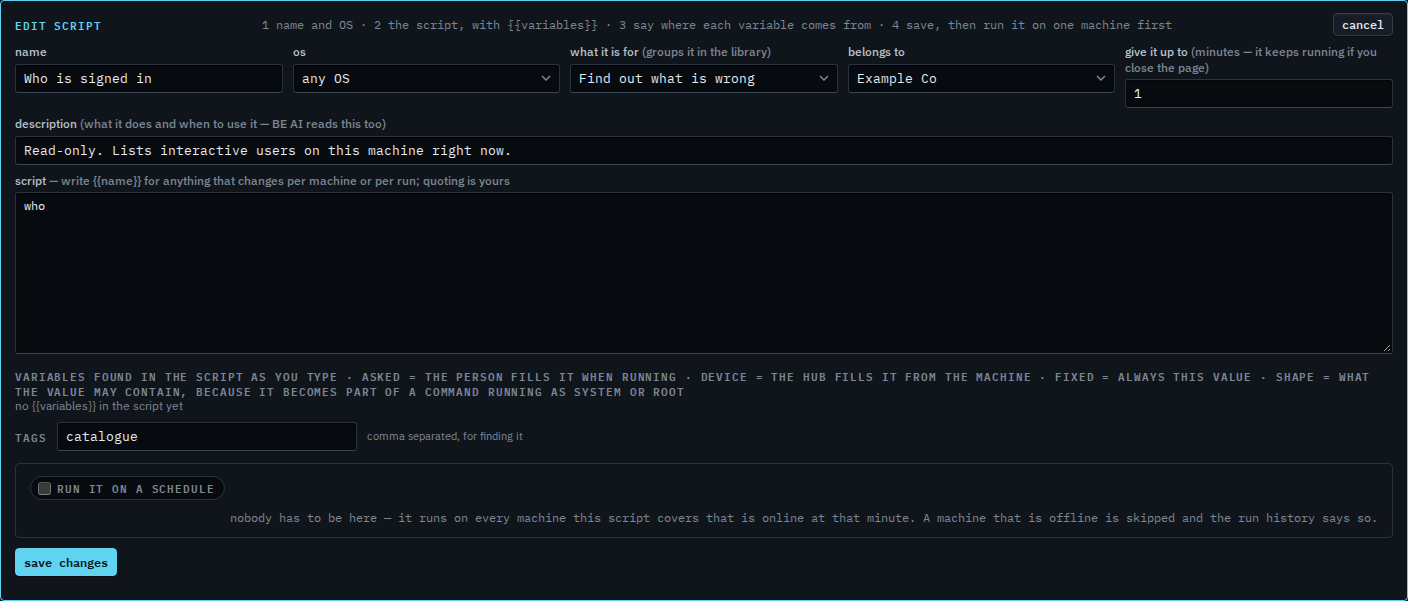
Scripts › library. Edit a script. The tags box sits under the variables. Save changes writes them. This shot does not.
Open the tags on Who is signed in
Open Scripts › library. Set the kind to Find out what is wrong and press edit on Who is signed in. Tags already says catalogue. That word is how the library search can find this script even when the name is not what you typed. Commas separate tags. Search the script library looks through the name, the description, these tags, and the command.
Add a second tag
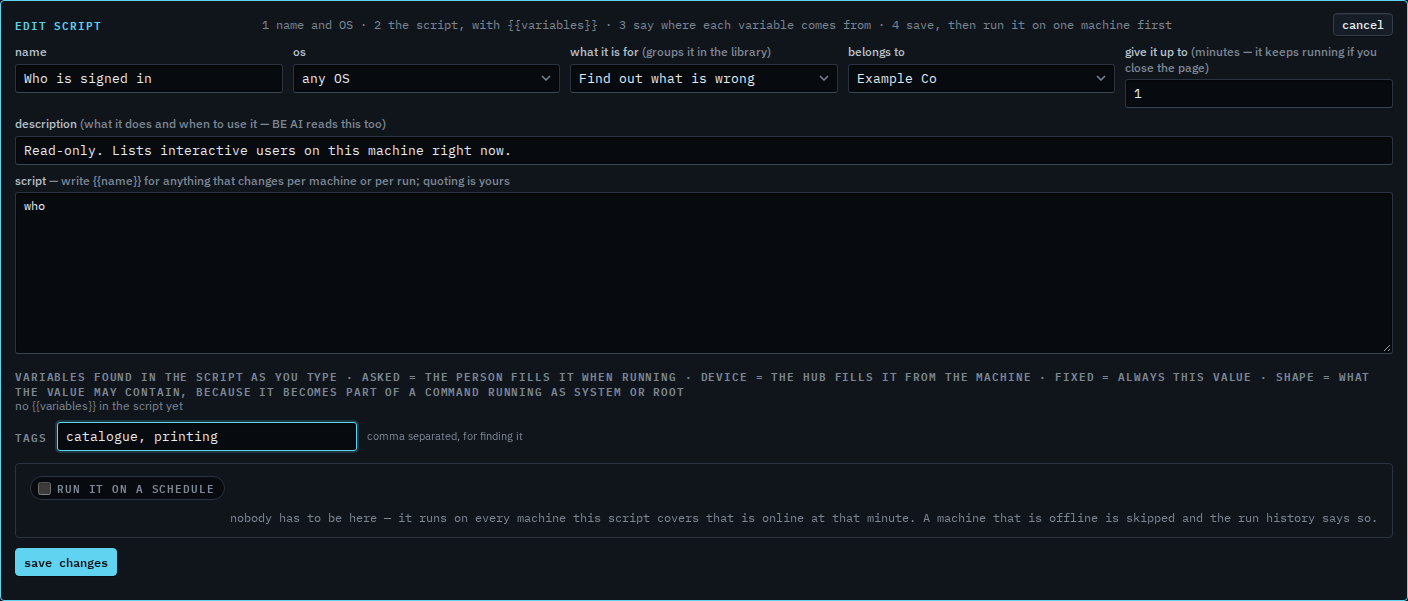
Type catalogue, printing. Both words would be tags after save changes. Searching printing would then keep this row and hide the rest. This shot stops before that button, and the last step cancels, so Who is signed in stays tagged catalogue only. A machine group such as site/Melbourne is not a script tag. Put that path on the machine.
The search box is Search the script library. The kind menu is a different grouping — Find a script by what it is for. Writing the script is Add a script to the library.