Check that someone is signed in.
Health › checks. Pick Someone logged in. Leave the user empty to mean anyone. Type a name when it has to be that person.
Pick Someone logged in
Open the machine, then health › checks. The primitive is Someone logged in. User is optional. Empty means anyone at the console is enough. Here it must be reception, so a different account still fails. Fifteen minutes is enough for a front desk. Add a disk or ping check is the same editor.
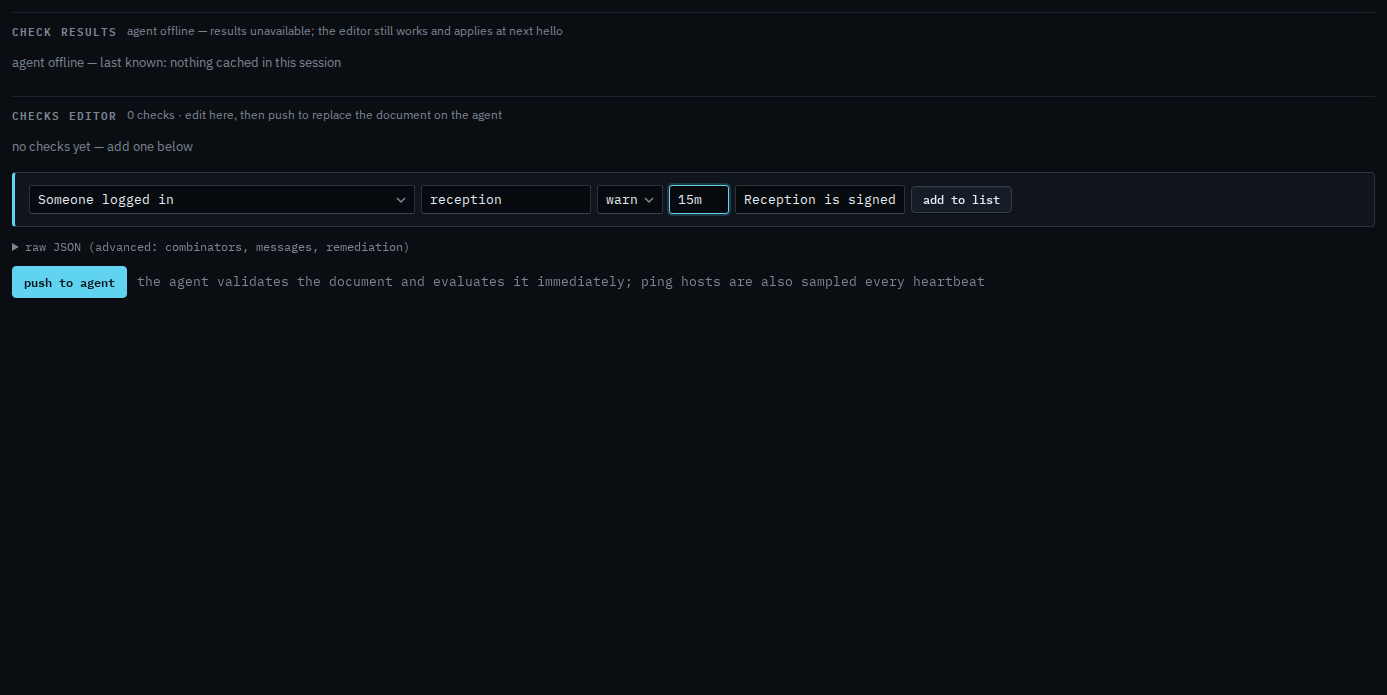
Add to list, then push
Press add to list. The check sits in the document. Push to agent is the next click, and it asks you to confirm. Push replaces the whole document. This shot stops before that, so nothing has been sent. When that person is not signed in, the alert is a check failure. It resolves when they are.
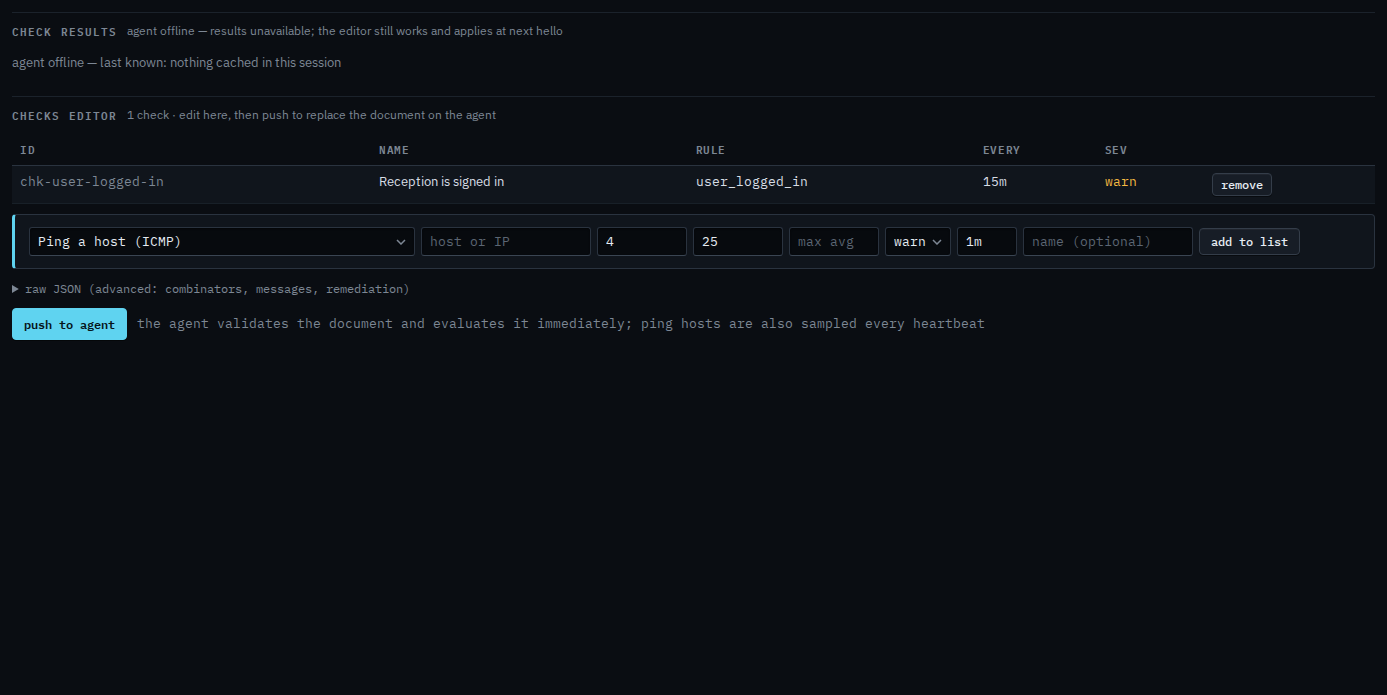
Push is a two-step button. The agent must be online to evaluate. You can still add the check while it is offline, and it applies at the next hello. A mapped drive needs a signed-in user — Check that a drive is mapped. A desktop that powers off at night is Leave a desktop out of offline alerts, which is a different switch.