Search one machine's events.
History › events on one machine. The box is empty by default. The range is still the last 7 days.
Open History › events
Open Accounts server, then history › events. The summary box is empty. The last 7 days has three lines: the disk warning, the external address change, and the hello from when it connected. Search looks through the event name, the summary, and the source.
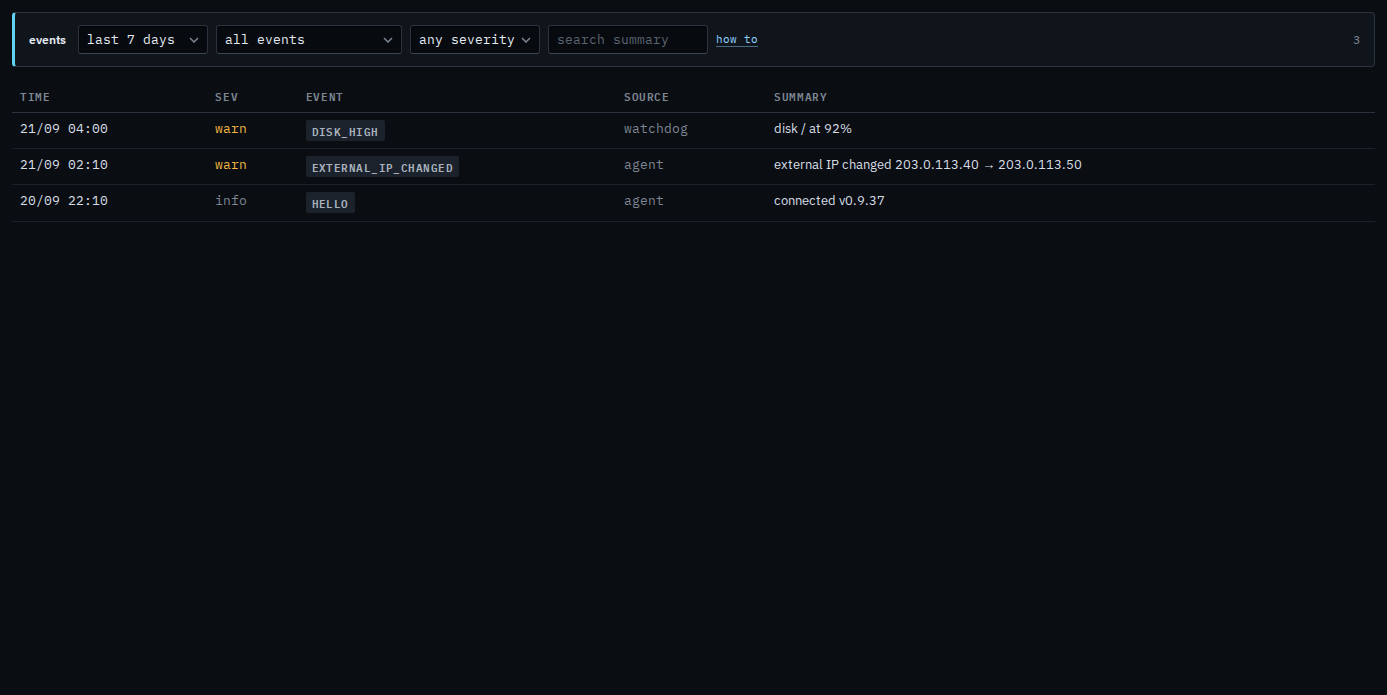
Type a word from the line
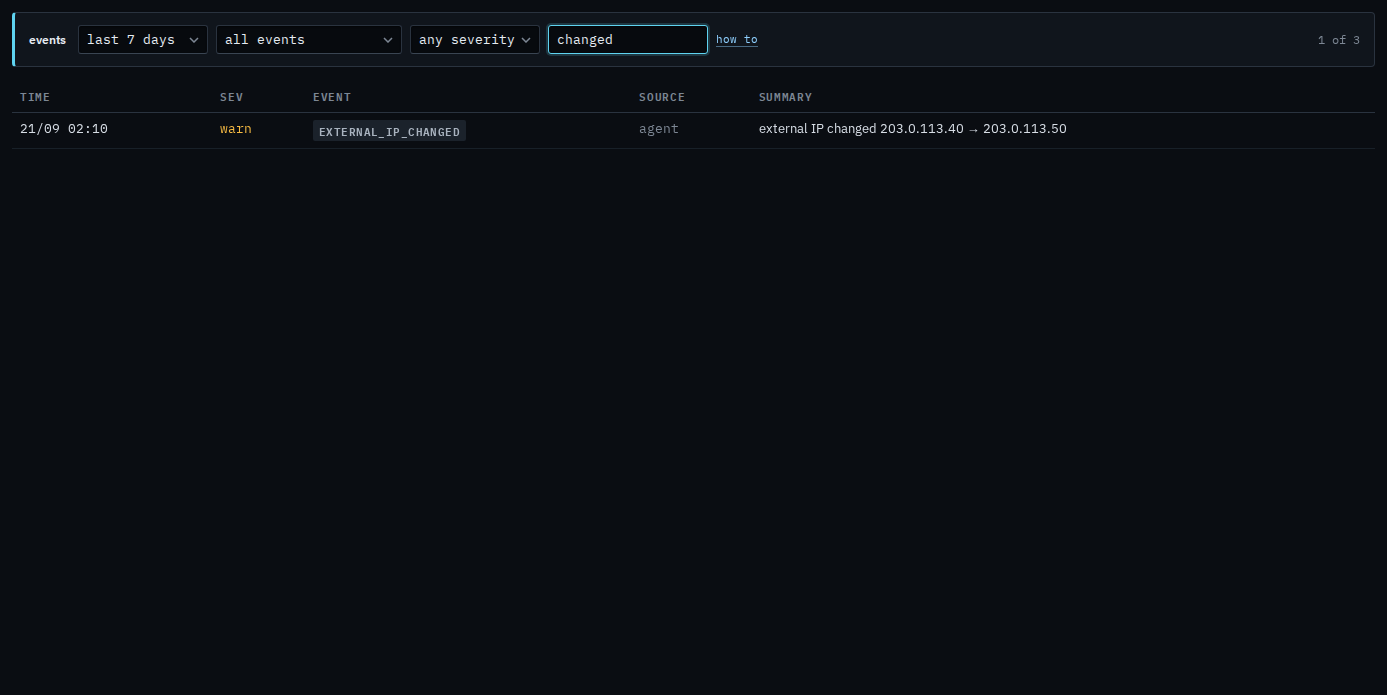
Type changed. The address line stays, because that word is in the event name external_ip_changed and in the summary. The disk warning and the hello drop out. The count says 1 of 3. Clear the box and the other two lines return. A word that matches nothing says nothing matches, and the stored lines stay.
The event menu is Read one machine's events. The range menu is Show one machine's events from the last day. Warnings only are Show only warnings on one machine. The company-wide name menu is Show only one kind of event. The same box for a sub-company user is Search events on one of your machines.