Review and approve missing updates.
Machines are scanned about every 12 hours while online. A job installs only what a person approved, at the time you choose, with a reboot policy.
Open Patches
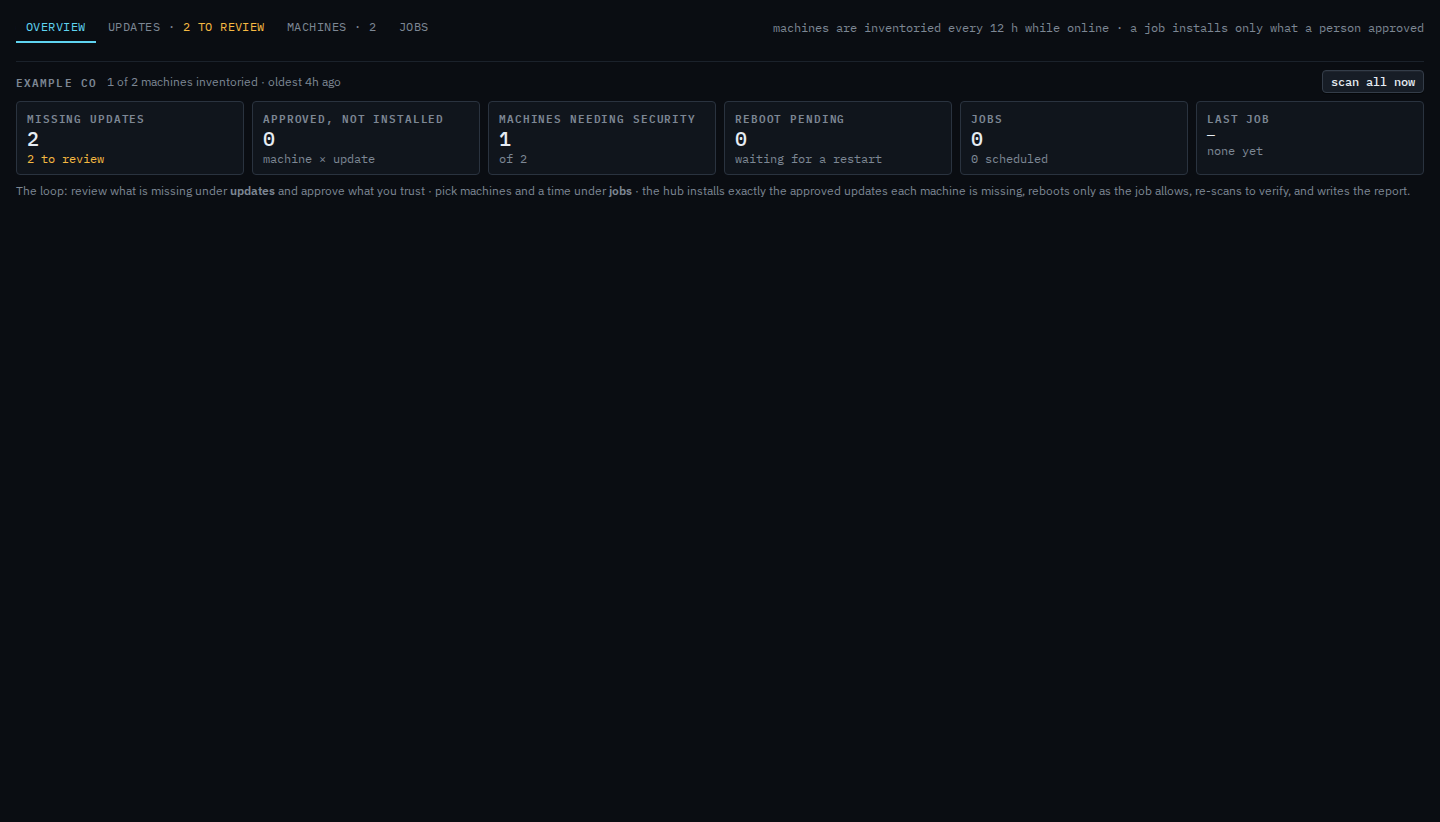
Overview is per company: how many updates are missing, how many are still awaiting review, which machines need security, reboots pending. Press scan all now only if the inventory looks stale.
Approve on the updates tab
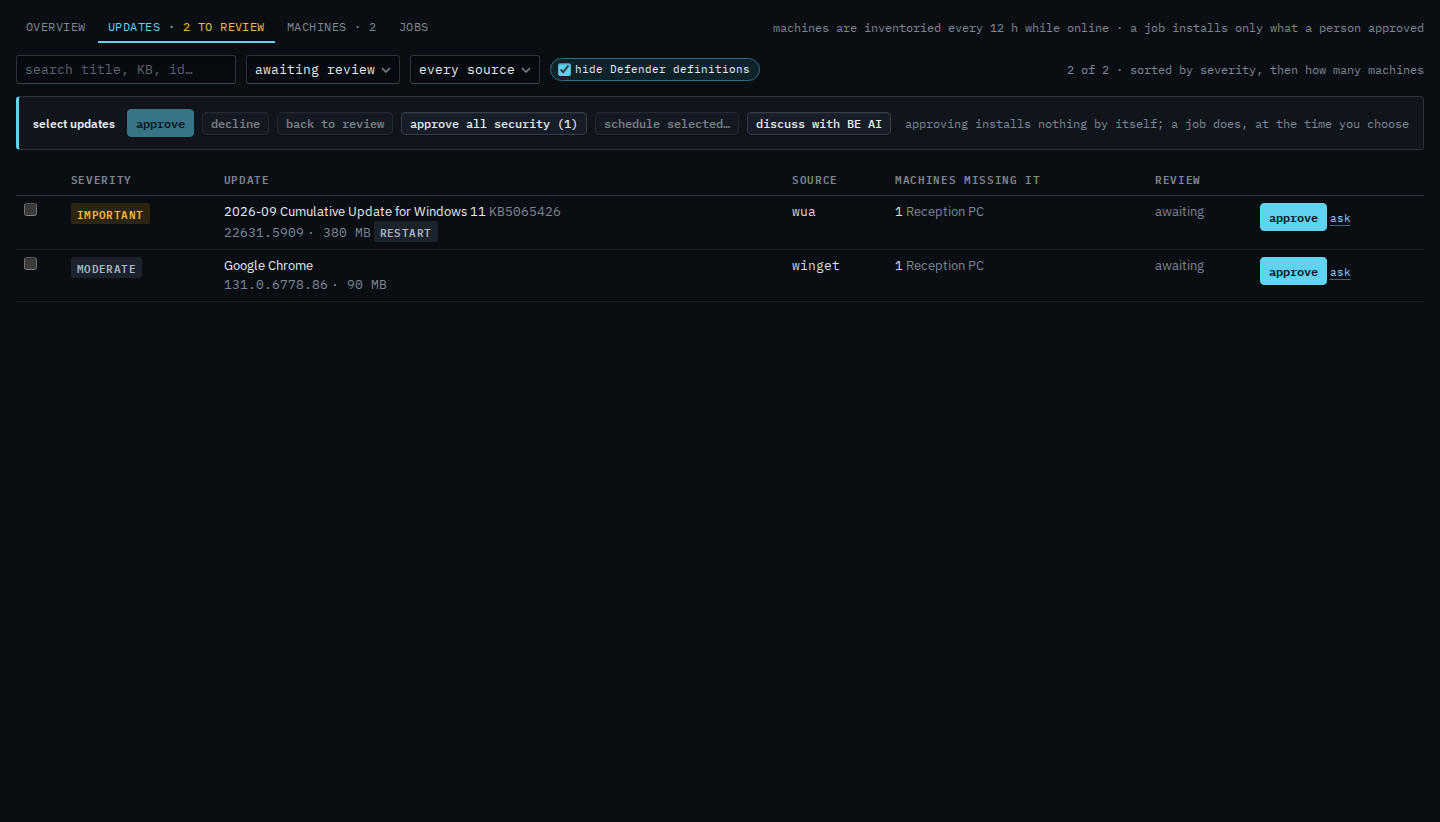
This is the review queue. Tick what you trust, or approve every security update. Approving still does not install. Decline an update you will not install is the other button on this bar. Put an update back to awaiting review clears either decision. The source menu is See updates from one source. See which machines are missing updates is the machines tab. Schedule a patch install is the jobs tab: when, how long to wait for a machine that is off, and whether to restart. Ticking rows and pressing schedule selected is Schedule only the updates you ticked. On one machine, see missing updates on one machine is the same inventory with discuss and ask. Ask on a row fills a question about that update and waits — Ask about one missing update.
FreeBSD inventories only — installing on a firewall is refused. Drivers stay out of Windows Software updates. Discuss on this tab asks about the whole company and does not send — Ask which updates to approve first.