Check that a drive is mapped.
Health › checks. Pick Drive mapped. The agent looks in the signed-in user's mappings. It is a Windows check.
Pick Drive mapped
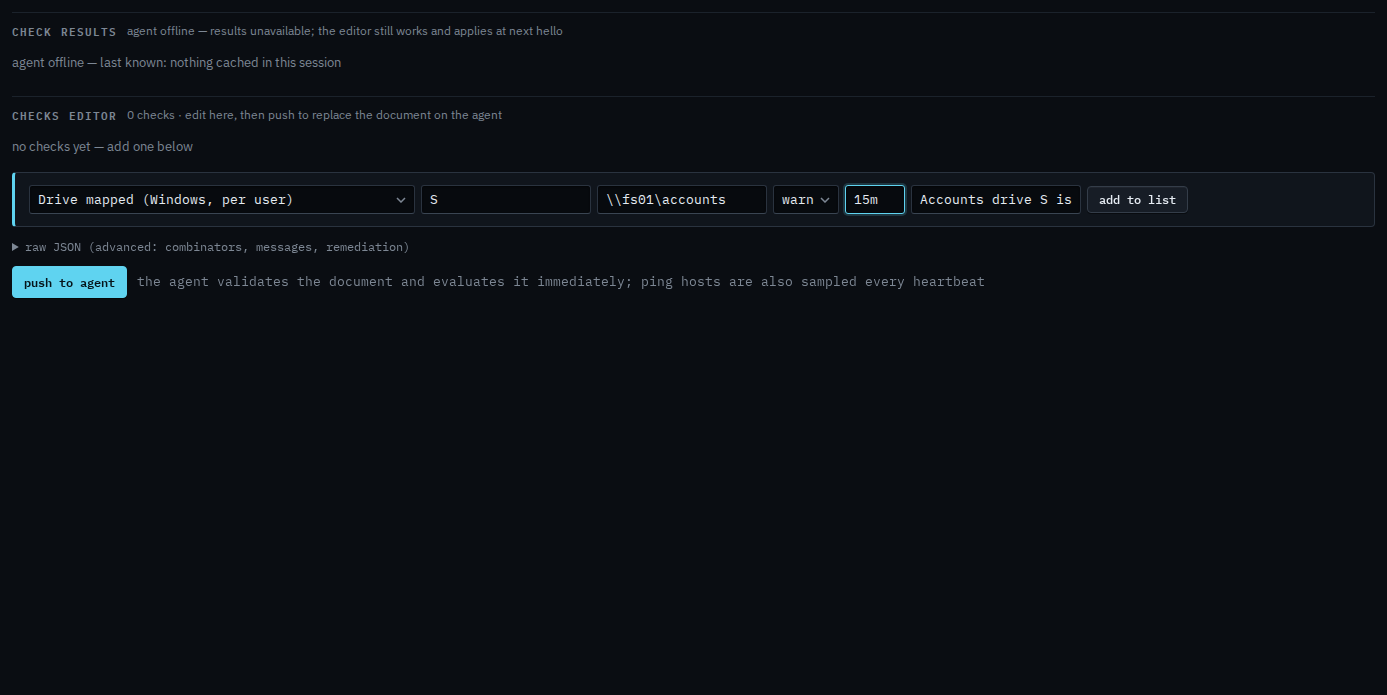
Open the Windows machine, then health › checks. The primitive is Drive mapped. Letter is S. The share is optional; here it must be the accounts share, so a letter mapped to something else still fails. The agent reads the signed-in user's mappings. Check that someone is signed in is how you know there is a user to look at.
Add to list, then push
Press add to list. The check sits in the document. Push to agent is the next click, and it asks you to confirm. Push replaces the whole document. This shot stops before that, so nothing has been sent. When the letter is missing, or it points somewhere else, the alert is a check failure.
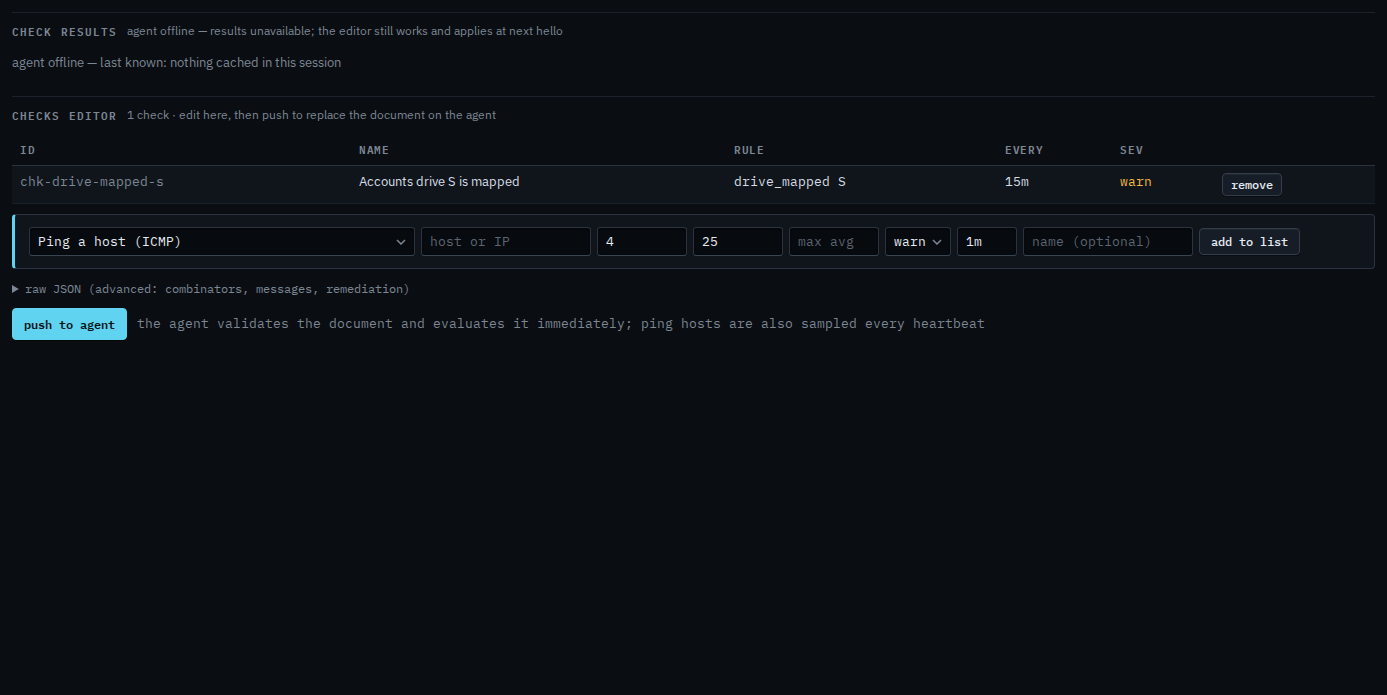
Push is a two-step button. The agent must be online to evaluate. You can still add the check while it is offline, and it applies at the next hello. The check follows the user who is signed in. Nobody signed in means it cannot see a mapping. Check that someone is signed in is that other question. A printer is Check that a printer is installed. A registry value is Check a Windows registry value.