Show times in another timezone.
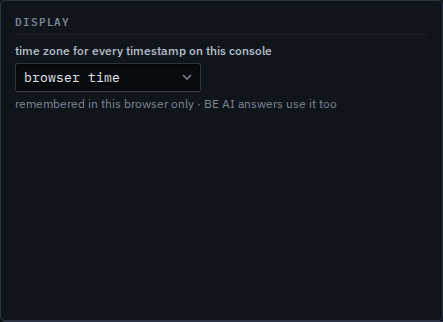
Browser time is the start. Pick a zone and the events, the audit and the alerts redraw in that zone. Nothing is stored on the hub.
Open Settings, display
Open Settings. Display is the time zone for every timestamp on this console. It starts on browser time. The account card beside it is Your account, timezone and sessions.
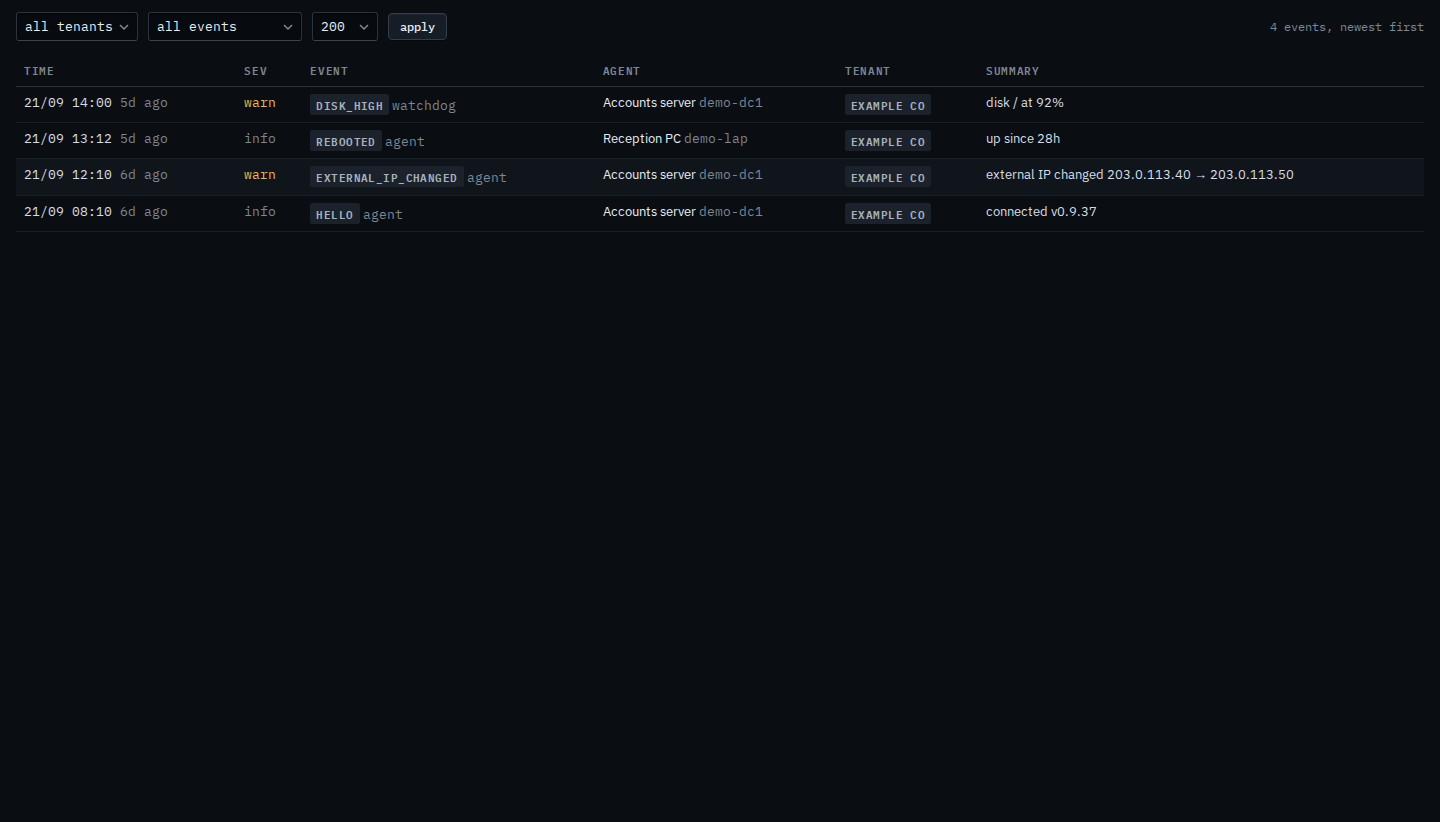
The same events, in Sydney
Set the menu to Australia/Sydney. Open Events. The address-change line is stored as 02:10 UTC and now reads 21/09 12:10. The reboot on Reception PC moves the same ten hours, from 03:12 UTC to 21/09 13:12. Set the menu back to browser time and the clocks return. BE AI uses this zone in its answers. The nightly pass does not — that clock is Change when the nightly pass runs.
The rest of this page is Your account, timezone and sessions. A clock on one machine is Read the event stream. The nightly pass has its own zone, on the company card — Change when the nightly pass runs.